About EditorialLoader
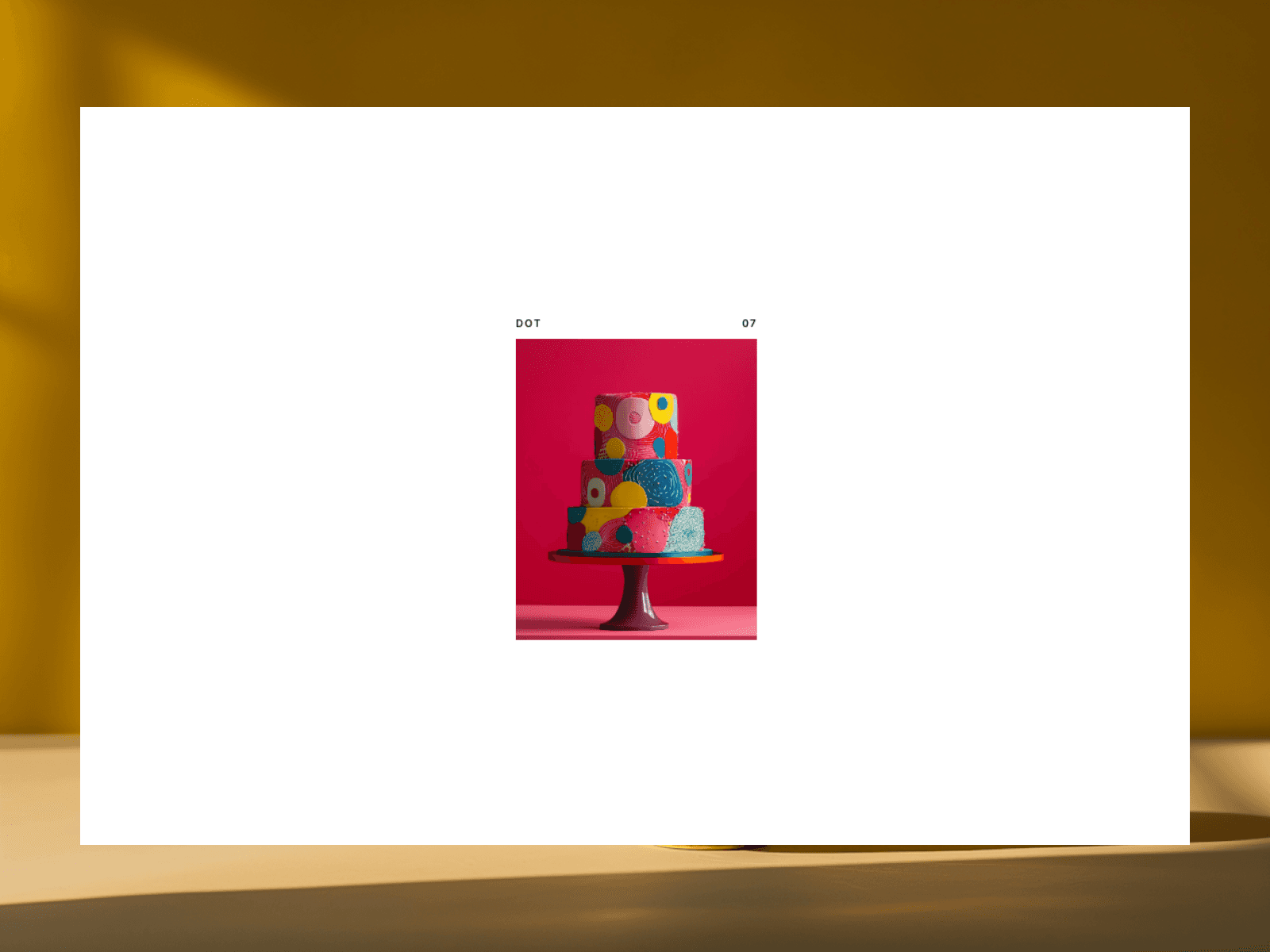
Editorial Loader is a premium opening animation for your website's main image, bringing a high-end luxury magazine feel to any Framer site. Instead of just popping into view, your hero image expands dynamically in a smooth three-step sequence: it grows from zero, anchors briefly inside a beautifully balanced mini-frame, and then unfolds seamlessly to take over the entire screen.
🛠️ The Problem It Solves: Zero Layout Shifting
On most websites, loading animations cause a frustrating glitch where the layout jumps sideways when the desktop scrollbar track disappears and reappears.
Editorial Loader fixes this completely. It freezes the webpage and reserves layout stability while your image expands. The exact millisecond the full-bleed transition ends, it releases page controls so users can scroll normally with absolutely zero screen shifting or layout jerking.
🎛️ Simple Panel Controls (No Coding Needed)
Customize the entire micro-interaction right from Framer's right-hand sidebar panel:
Hero Image: Easily upload any image asset straight from your desktop or canvas.
Initial Width & Height: Customize the precise pixel size of your intermediate pause box.
Hold Delay: Choose exactly how long the image waits before expanding to build anticipation.
Duration: Fine-tune how fast or slow the container unfolds to full-bleed dimensions.
Ease Profile: Choose between a luxury custom curve (Editorial), an organic tension curve (Balanced), or straight progression (Linear).
Corners: Soften the aesthetic by adding custom rounded edges to your loading image block.
🎨 Built for Web Designers
Smart Canvas Fallback: Inside the Framer editor workspace, the component bypasses the animation loop and stays fully loaded at 100% size. This ensures you can design text stacks, navigation bars, and buttons on top of it with zero guesswork.
100% Responsive Layouts: Automatically scales perfectly to fit mobile, tablet, and widescreen desktop breakpoints effortlessly.