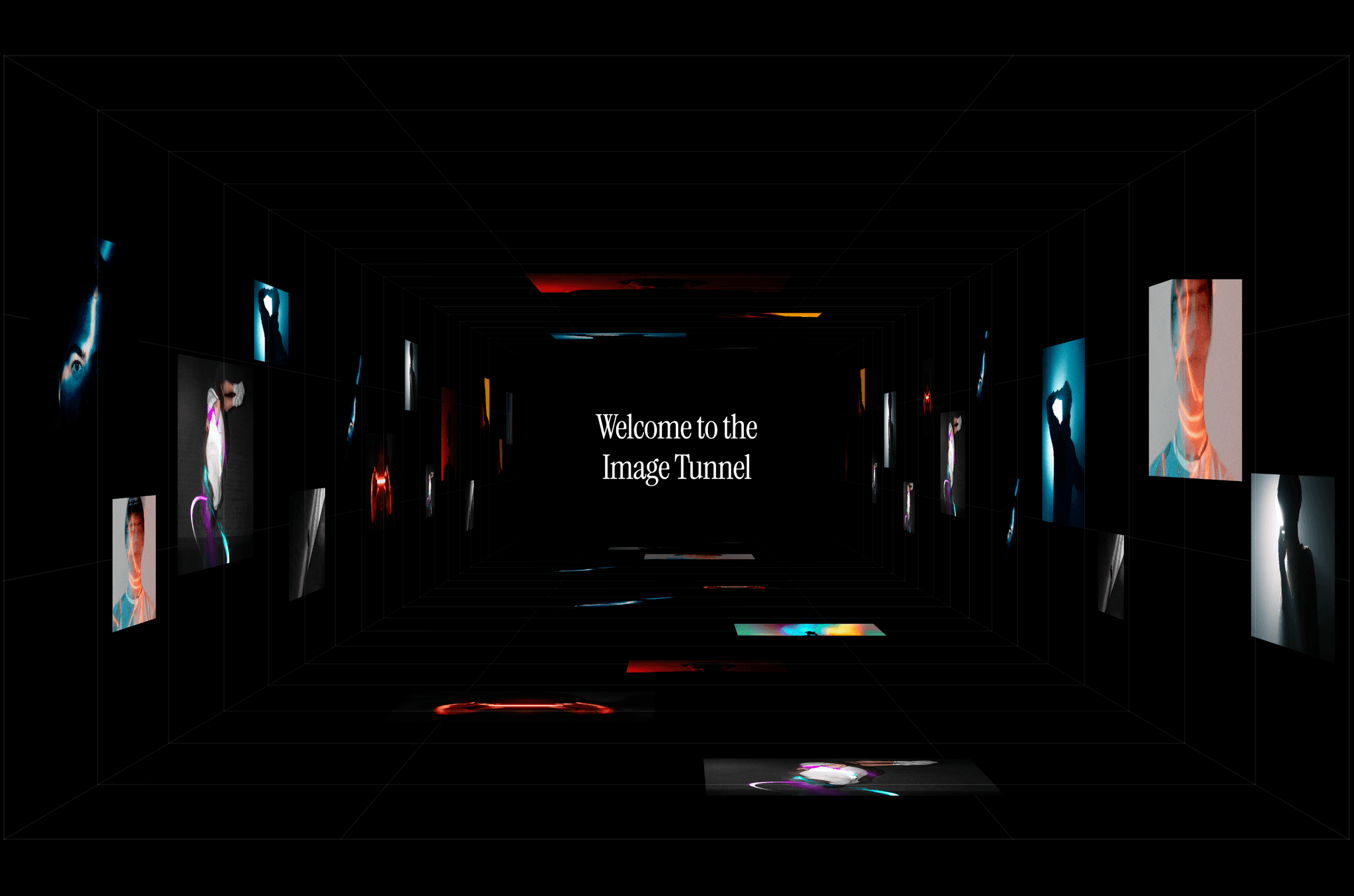
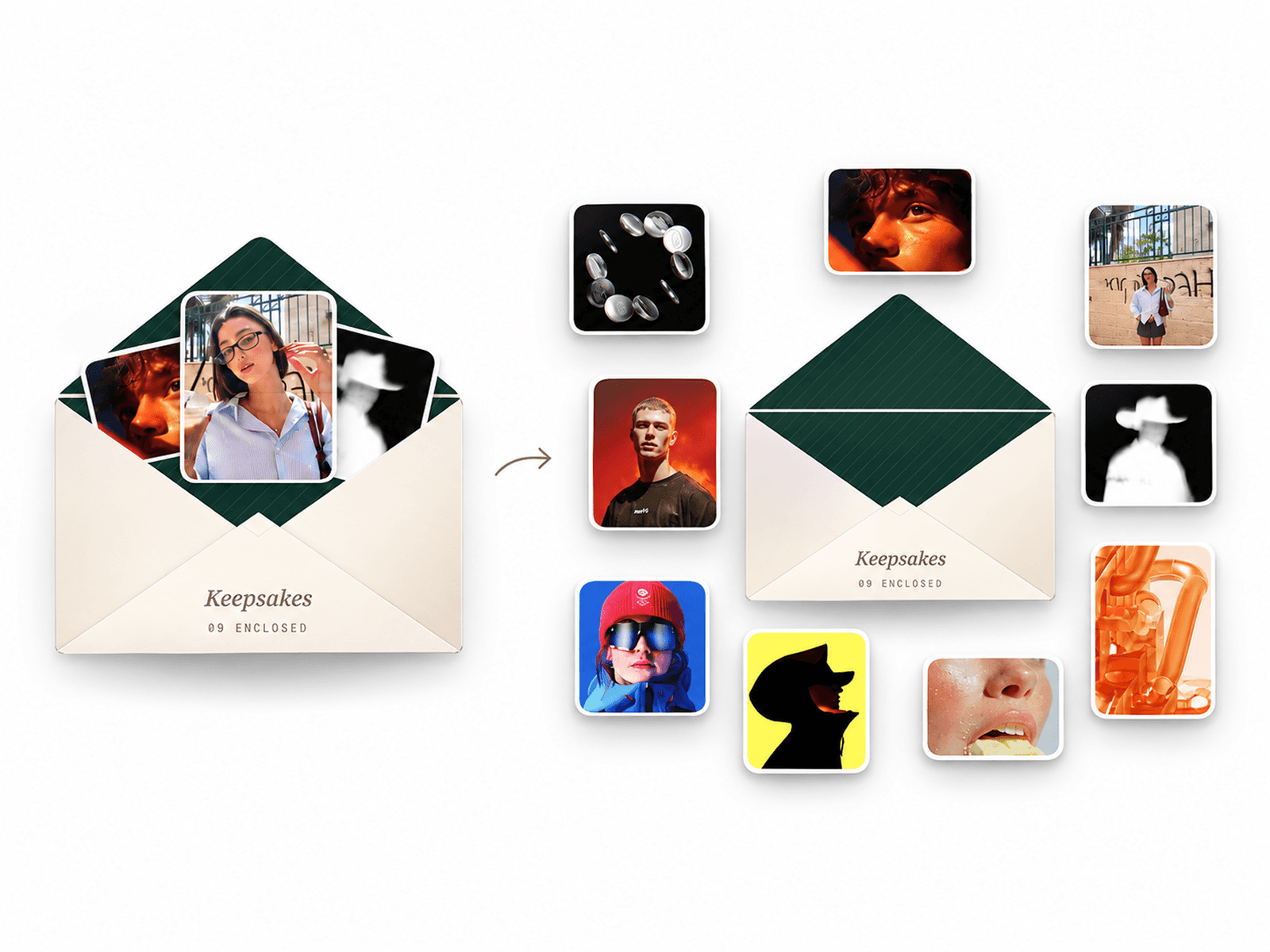
About Endless Gallery Grid
Turn your static assets into an immersive, infinite experience.
The Endless Gallery Grid is the ultimate mixed-media canvas for Framer. Rebuilt from the ground up as a Hybrid Engine, it combines the mathematical precision of a grid with the adaptive beauty of a social feed.
It solves the biggest problem with heavy media grids: Render Lag. By upgrading to a massive 4000px "Ultra-Eager" Buffer, this component eliminates "white flashes" and "pop-ins" during high-speed scrolling. It delivers a 60fps, native-app feel on everything from 120Hz ProMotion displays to older mobile devices—even with 4K video content.
It is not just a grid; it is a cinematic storytelling tool designed to keep users engaged longer.
Why this component is different:
⚡️ Ultra-Eager Performance Engine Most video grids stutter or show empty boxes when dragged fast. This one doesn't. We engineered a 4000px "Safety Zone" that keeps assets mounted and painted well outside the viewport. This guarantees that even the fastest flick-gestures reveal content instantly.
🧠 Hybrid Layout Architecture We decoupled the brains of the Grid and the Carousel for the best of both worlds:
The Grid uses "Strict Deterministic Spacing" to ensure videos are perfectly distributed for a balanced aesthetic.
The Carousel uses a "Smart Adaptive Engine" that auto-detects aspect ratios. Whether it's a Portrait video or a Landscape photo, the player resizes to fit the screen perfectly without cropping.
📱 Native-Grade Mobile Physics Web gestures often feel "off" on mobile. We fixed that with a custom physics engine:
Anti-Ghost Click: Smart prevention of accidental closes when tapping rapidly.
Edge Safety: A "Mount Shield" prevents accidental closures when tapping near screen edges.
Micro-Drag Tolerance: Mathematically distinguishes between a sloppy tap and a scroll intent.
🎬 Vertical Feed Mode (New!) Transform your gallery into a social-media style feed. Switch the Carousel Direction to Vertical, and the component automatically adapts:
Adaptive Height: Cards scale relative to the viewport height (e.g., 70vh).
Contextual Peeking: Previous/Next slides peek in just enough to encourage scrolling.
🔊 Intelligent Audio Handoff Create a premium experience without the noise chaos.
Seamless Transition: Unmute a video in the grid, and the sound state persists into the carousel.
Tap-to-Mute: Sleek, glass-morphic visual controls on every video.
Battery Efficient: Off-screen videos auto-pause immediately to save resources.
Features at a glance:
Infinite Loop: Seamlessly connects start-to-end for endless scrolling.
Deep Linking: Clicking a grid item instantly locates it in the shuffled carousel.
Smart Defaults: Demo assets vanish instantly once you upload your own content.
Customizable: Control video density, animation speed, drag sensitivity, border radius, and colors.
Keyboard & Wheel: Full support for Arrow Keys, Trackpads, and Mouse Wheels.
Scroll Locking: Intelligent input detection allowing scroll locking on the grid (for exploration) and unlocked vertical scrolling on the carousel.
How to use
Drag the component onto your canvas.
Upload: Add your Images and Videos via the property panel.
Note: Default demo assets vanish instantly once you upload a single file.
Choose Mode: Set your Carousel Direction to Horizontal (Classic) or Vertical (Social Feed).
Customize: Adjust Video Spacing, Animation Speed, and Drag Sensitivity to match your brand feel.
Publish!