About Ethereal Mesh
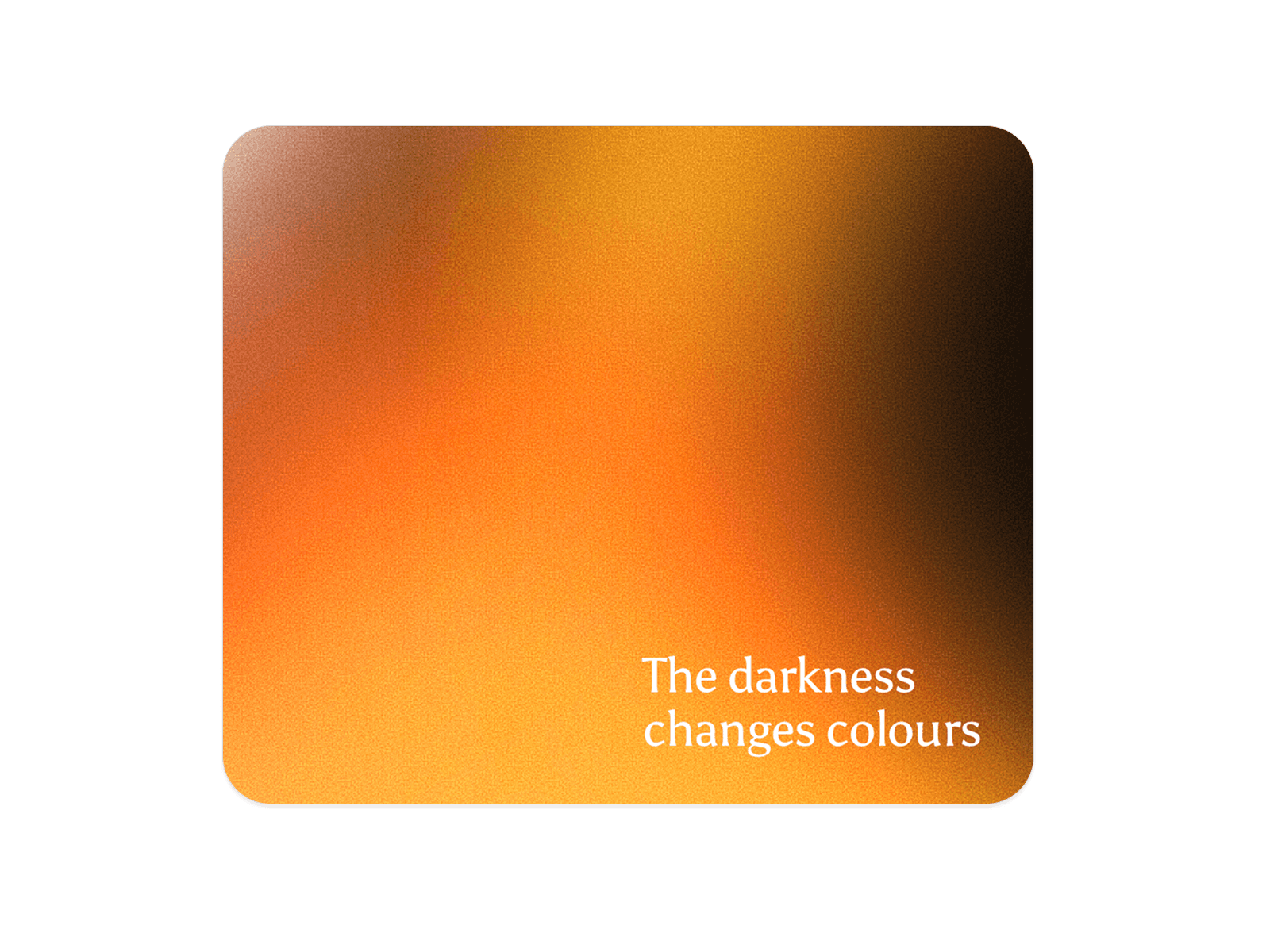
Immerse your users in a calming visual experience with Ethereal Mesh. This component isn't just a static gradient; it features a smooth, continuous animation where four distinct pastel colors gently rotate and blend across the corners of the container.
Designed to keep the center clean for your content, it creates a "breathing" background effect. It is built with high-performance framer-motion transitions, ensuring buttery smooth rendering on all devices without the weight of video files. Ideally suited for SaaS landing pages, wellness apps, or modern portfolios that need a touch of elegance.
Key Features:
🔄 Rotating Animation: Colors automatically cycle through the four corners, creating a dynamic, living background.
☁️ Soft Aura: High-blur settings create a dreamy, cloud-like atmosphere.
🎨 Corner Splashes: Keeps the center area neutral (customizable), perfect for overlaying text or hero images.
🛠️ Fully Customizable: Adjust the 4-color palette, blur intensity, opacity, and base background color.
⚡ Lightweight: CSS-based blurring ensures high performance and sharp visuals at any screen size.
How to Use
Insert: Drag the Ethereal Mesh component onto your canvas.
Sizing: Set both Width and Height to "Fill" (100%) to cover your entire section.
Colors: Open the Corner Colors array in the properties panel and choose 4 distinct colors (Pastels work best).
Background: Set the Center color to match your page theme (e.g., White or Light Gray).
Fine Tuning: Adjust Blur (e.g., 80-120px) to control softness and Opacity to blend it subtly.