About Feature Explorer
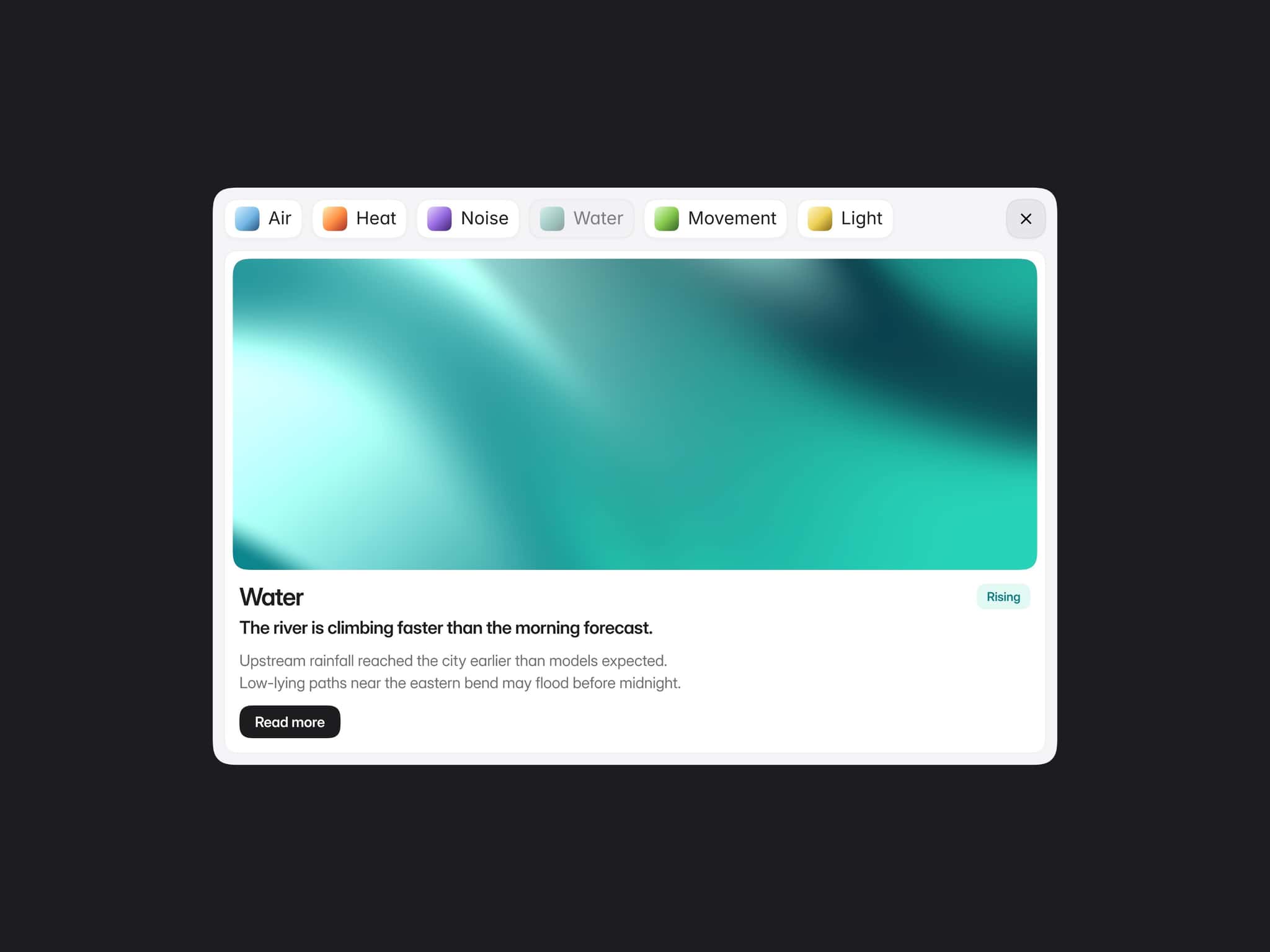
Feature Explorer is a premium Apple-inspired product feature section, built to help users present product details through clean expandable tabs, changing visuals, color options, soft motion and smooth navigation.
The component is designed for product pages where the user needs to show more than a static image or basic feature list. Instead of overwhelming the page with every detail at once, Feature Explorer lets visitors explore one feature at a time. Each tab expands on click, reveals the relevant copy, and updates the product image in the background to match the selected feature.
The default setup is built around a premium headphone product concept, but the structure is flexible enough for almost any physical product, digital product, SaaS feature, hardware launch, or ecommerce product page.
How it works
The base state shows the product visually while keeping the interface minimal. Once a user clicks a tab, the selected tab expands, the feature details appear, and the image changes to match the selected feature. Navigation arrows also appear, allowing users to move through the feature set without manually selecting each tab.
A close button appears in the top-right corner, allowing the section to return to its base state.
Five-Tab Feature Structure
The component uses a focused five-tab system:
Colors
A dedicated color exploration tab with four product color options.
Feature One
A customizable feature tab for the first product detail.
Feature Two
A customizable feature tab for the second product detail.
Feature Three
A customizable feature tab for the third product detail.
Feature Four
A customizable feature tab for the fourth product detail.
This keeps the section rich enough for product storytelling without becoming bloated or hard to scan.
Color Exploration Built In
The first tab is designed specifically for product color selection. When opened, it reveals four color options using clickable color ellipses.
Each color option can be customized, and selecting a color updates the product image to show the matching product finish. The active color is visually highlighted, making the interaction clear and polished.
Typography and Spacing
The typography, padding, spacing, radii, and layout proportions are tuned to feel Apple-like: clean, calm, readable, and premium.
The tabs use compact pill shapes, balanced icon spacing, strong but restrained text styling, and carefully separated expanded states. The image area is designed to stay visually dominant while giving the tabs enough room to function clearly.
Fully Customizable and CMS-Ready Structure
The component is highly customizable through Framer variables. Users can adjust the visual style, content, images, colors, and interactive states without rebuilding the component.
Customizable fields include:
Close icon background
Close cross color
Tab background
Tab icon color
Tab label color
Tab text color
Navigation background
Navigation arrow color
Base product color
Product color two
Product color three
Product color four
Inactive color border
Active color border
Tab icon border
Color tab label
Color tab text
Additional color tab text fields
Feature labels
Feature descriptions
Base image
Color images
Feature images
Feature Explorer is not locked to static content. Its content variables can be bound to Framer CMS fields, making it CMS-ready for teams that want to manage product images, feature labels, feature descriptions, and color data from a collection.
The best CMS setup is a fixed product feature collection with fields matching the component variables, such as color tab label, color tab text, product colors, color images, feature labels, feature descriptions, and feature images.
This makes the component flexible for repeatable product pages while still keeping the interaction reliable and controlled.
Responsive Design
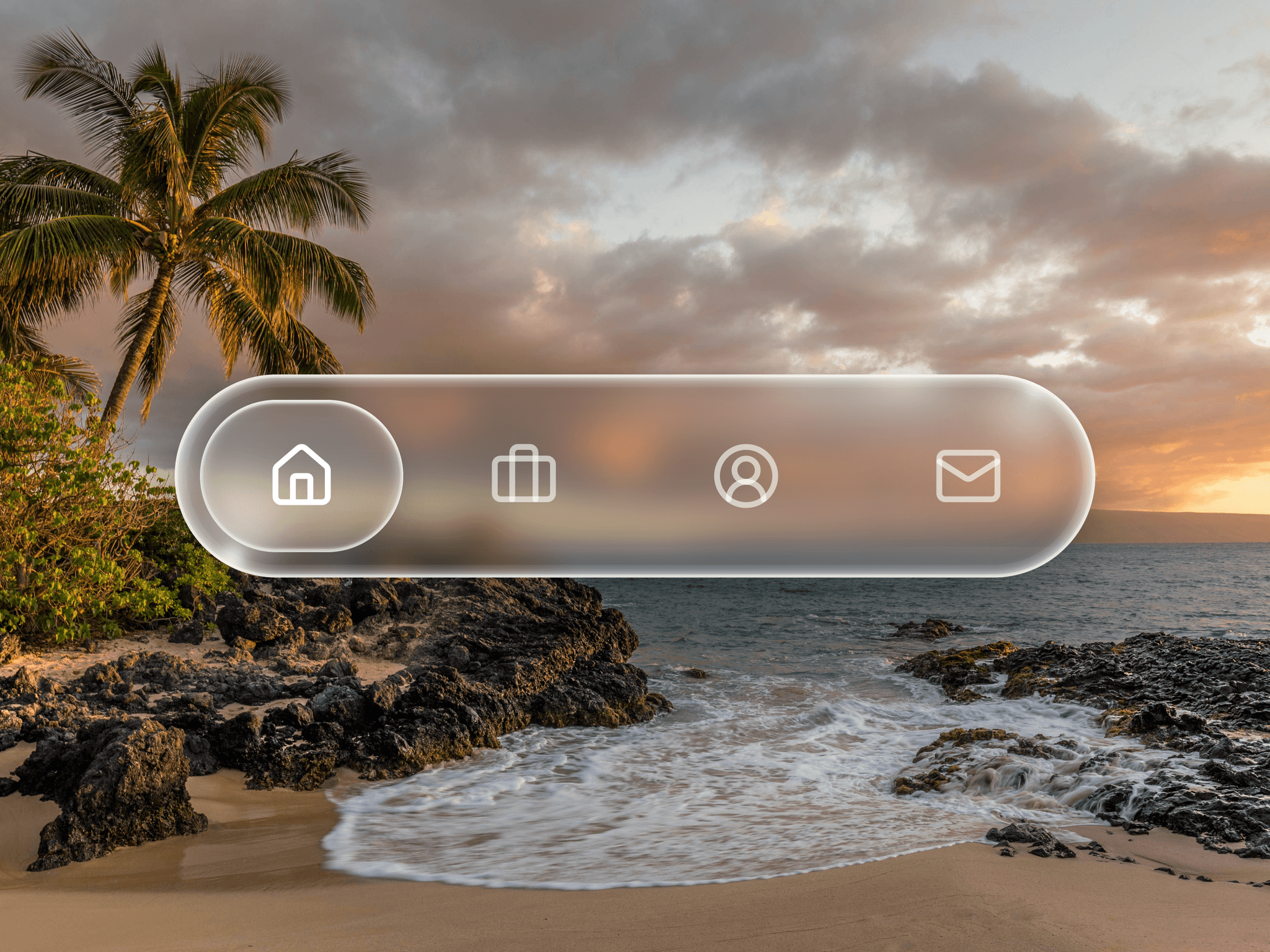
On desktop, the component uses the full horizontal layout: tabs on the left, product imagery in the background (adjusted to be on the right at default), navigation arrows beside the tab stack, and a close control in the top-right.
On phone, the layout is adapted for vertical use. The tabs shift into a horizontal ticker-style layout, allowing users to move through the feature options left to right while keeping the interaction smooth and compact.
This keeps the section usable on mobile without forcing the desktop layout into a narrow screen.
Easy to Use
Using Feature Explorer is straightforward:
Paste the component into your Framer project, update the labels, descriptions, product colors, and images from the right panel, then adjust the styling variables if needed. The tabs, image switching, color selection, navigation arrows, and close state are already built into the component.
For CMS use, create a collection with matching fields and bind the component variables to the corresponding CMS values.
Great For
The component is ideal for premium product pages, ecommerce product showcases, hardware landing pages, SaaS feature sections, launch pages, tech product websites, portfolio case studies, digital product pages, and any Framer site that needs a polished way to present multiple product features without cluttering the page.
Questions & Support
Reach out any time via x.com or email at contact@omermirza.com.