About FlowArc
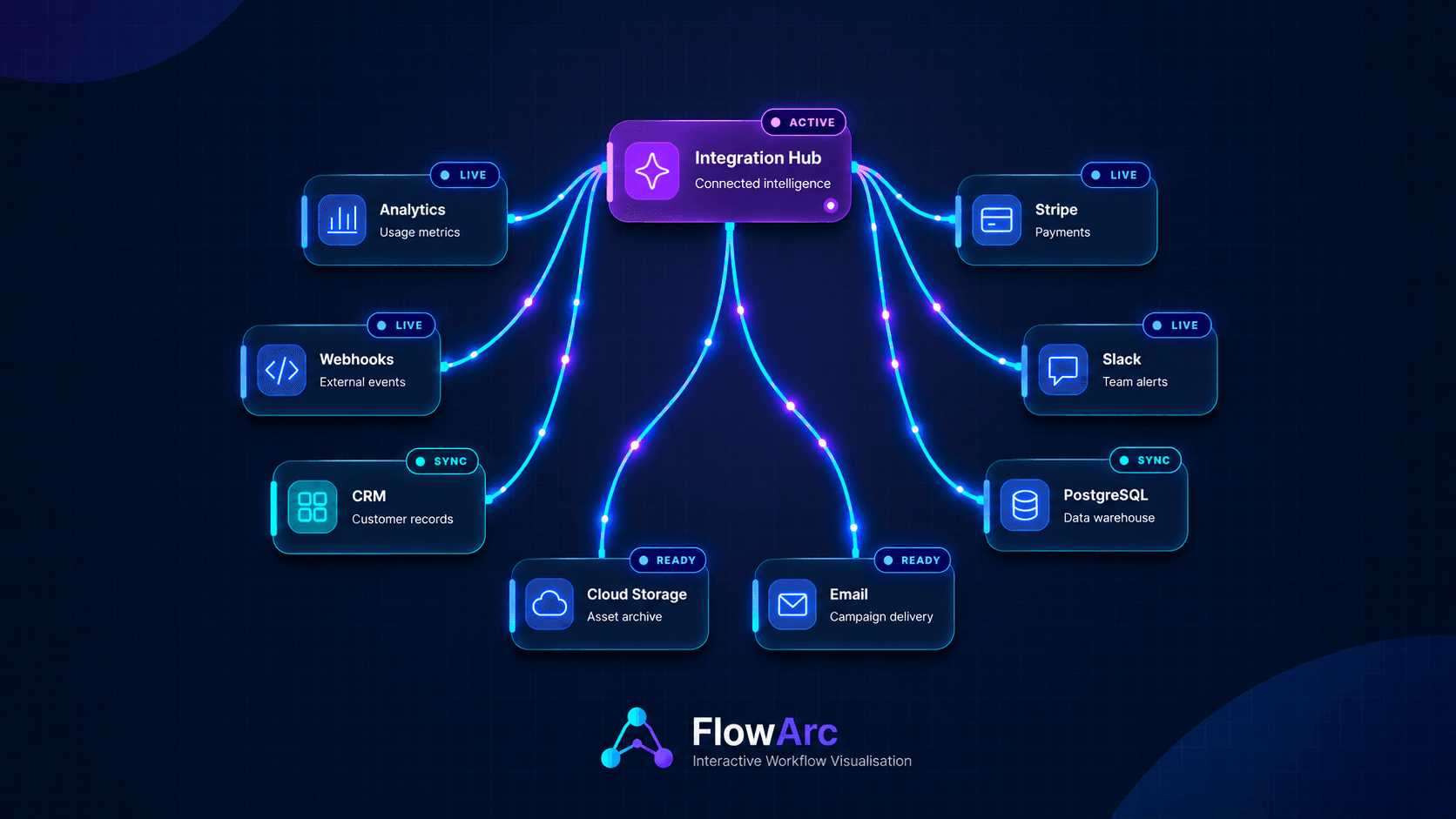
FlowArc — Interactive Workflow Visualizer
Create beautiful, interactive workflow diagrams, system architectures, and connected process maps directly in Framer.
FlowArc combines animated connections, customizable nodes, intelligent layouts, and responsive design in a single flexible code component.
Key Features
Six layout modes: Branch, Pipeline, Hub, Tree, Network, and Freeform
Five color themes
Responsive layouts
Animated connections and flowing particles
Interactive zoom, pan, and draggable nodes
Customizable nodes, connections, labels, and status badges
Built-in workflow presets
Optional minimap and interactive toolbar
Flexible height and sizing controls
Reduced-motion accessibility support
Installation & Setup
Copy FlowArc into your Framer project.
Important: Set the component's Width → Fill to ensure proper responsiveness and prevent layout clipping.
Customize layouts, nodes, connections, themes, animations, and interactions using the properties panel.
Preview across desktop, tablet, and mobile, then publish.