About Flythrough
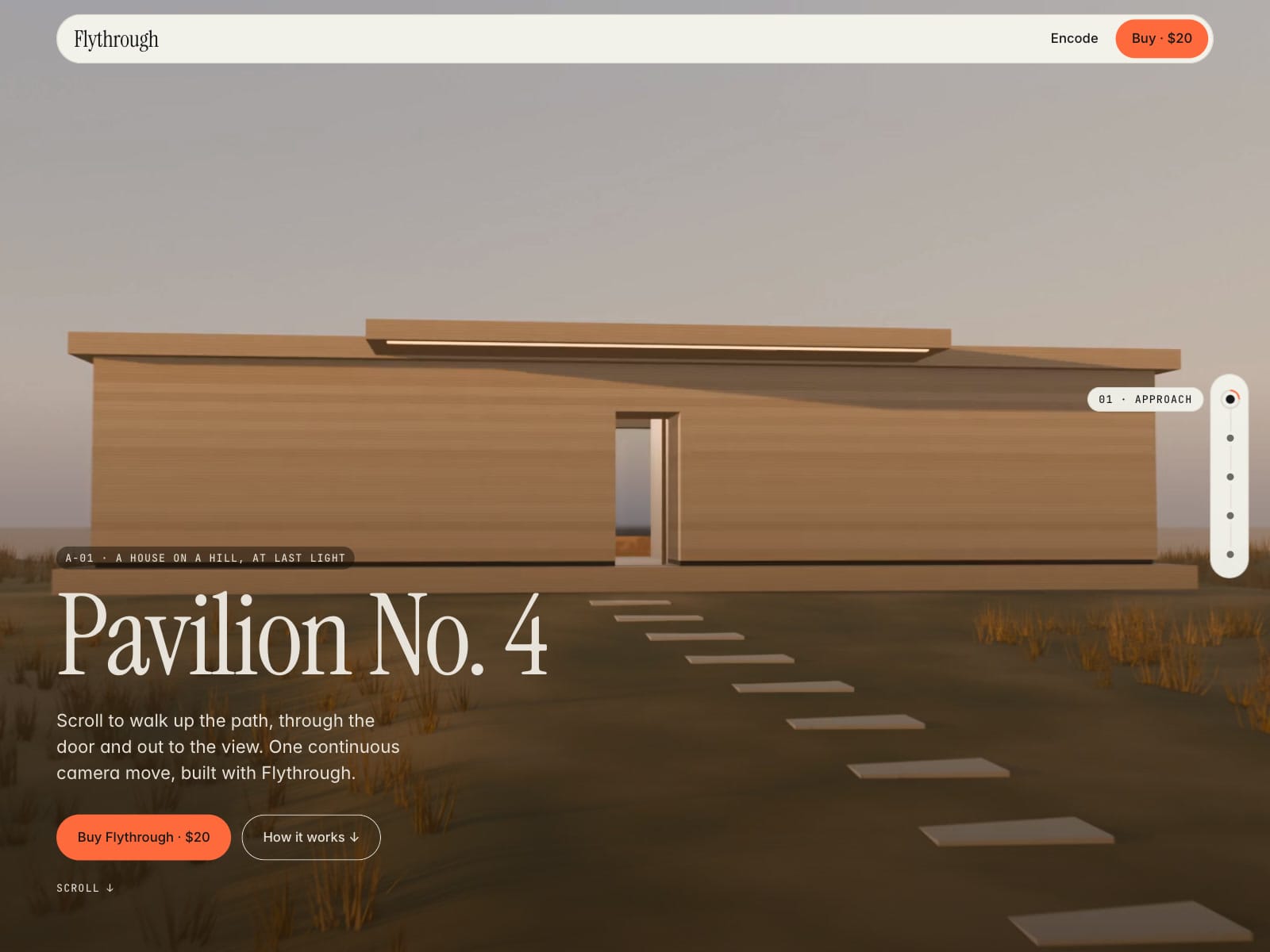
Scroll-scrubbed video that tells one story across several clips. Each chapter is pinned to your page's own sections (#inside → #light), a scroll-linked crossfade hands one clip to the next, and a chapter rail shows where the visitor is.
Features
Page mode (fixed layer behind your sections) or Section mode (pinned block)
Chapters: clip, From → To section, Start → End seconds, label, ease, still
Scroll-linked crossfade between clips; scroll back and it fades back
Smoothing without hijacking page scroll
Chapter rail: left, right, bottom or off; click or keyboard to jump; compact bar on phones
Mobile Video and Poster per clip below a breakpoint
Keyframe Check on the canvas: Smooth, OK or Re-encode
Flythrough Loop: lazy ambient loop for the sections between chapters
Free
flythrough-encode.sh(ffmpeg): keyframe every 6 frames, phone version, posterDemo site with an /encode guide and measured seek table
Good to know
Clips must be re-encoded with frequent keyframes (free script included)
About 1.6–4.9 MB per 1080p clip after encoding
iPhone scrubbing is not frame-perfect
The Glide engine is experimental and off by default
H.264 video only: no image sequences, no audio
Reduced-motion visitors see still posters instead of video
Your text lives in normal Framer sections, not in the video
In Page mode the layer fades out as the next section enters
Demo footage is our own Blender render, included in the remix
Place the Flythrough layer right after your nav so keyboard users reach the rail after the nav
Rail uses the Popover API; older browsers use a fallback