About Frame Puzzle Game
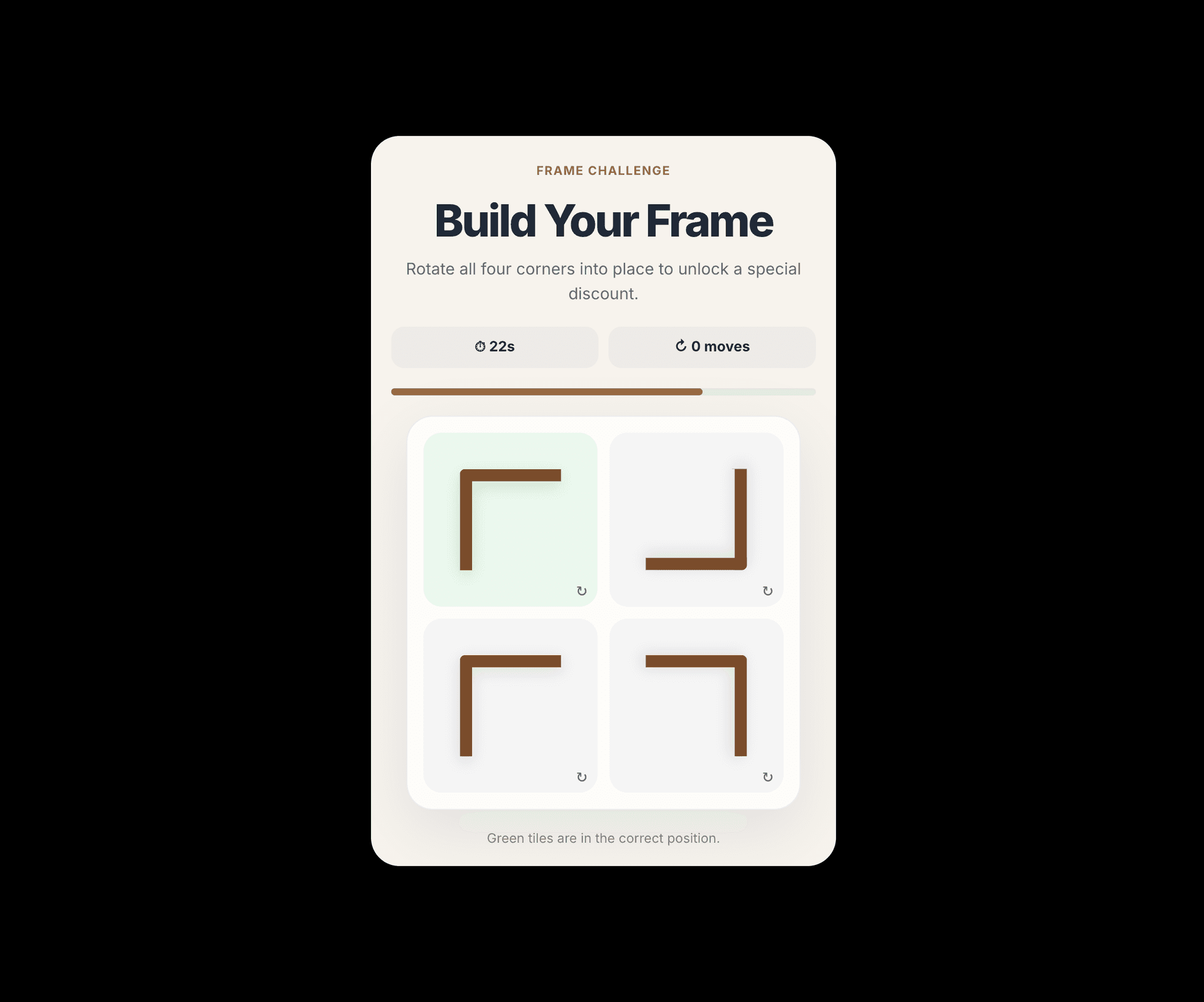
Frame Puzzle is an interactive Framer Code Component designed to increase visitor engagement and make promotions more memorable.
Players rotate four frame corners into their correct positions before the timer expires. When the frame is completed, the component calculates a score based on completion time and number of moves, then unlocks a corresponding discount reward.
How It Works
The visitor starts the challenge.
Four frame corners appear in random positions.
The visitor taps each corner to rotate it.
The goal is to complete the frame before time runs out.
The component calculates a score using completion time and number of moves.
The visitor receives a discount based on their score.
The visitor can copy the discount code or continue to the shop.
Key Features
Interactive frame puzzle
Score-based rewards
Countdown timer
Tiered discounts
Promo code generation
Copy-to-clipboard button
Custom shop link
Fully responsive
Touch-friendly controls
Smooth animations
Success & timeout states
Optional replay
No external libraries
Easy Framer customization
Customisation Options
The following settings can be changed from the Framer properties panel:
Component title
Instructions and description
Start-button text
Shop-button text
Shop destination URL
Game time limit
Accent colour
Background colour
Frame colour
Text colour
Corner radius
Replay availability
Default Reward Tiers
900–1,000 points: 20% off
750–899 points: 15% off
550–749 points: 10% off
Below 550 points: 5% off
The scoring and discount tiers can be changed inside the component code.
Ideal For
E-commerce
Frame & Art Stores
Photography
Interior Design
Marketing Campaigns
Product Launches
Seasonal Promotions
Landing Pages
Customer Engagement
Lead Generation
Installation
Copy the component into your Framer project.
Open the Assets panel.
Find Frame Puzzle under Code Components.
Drag the component onto your page.
No external dependencies are required.
For questions or support, visit: https://x.com/zedbuilds