About Media Folder
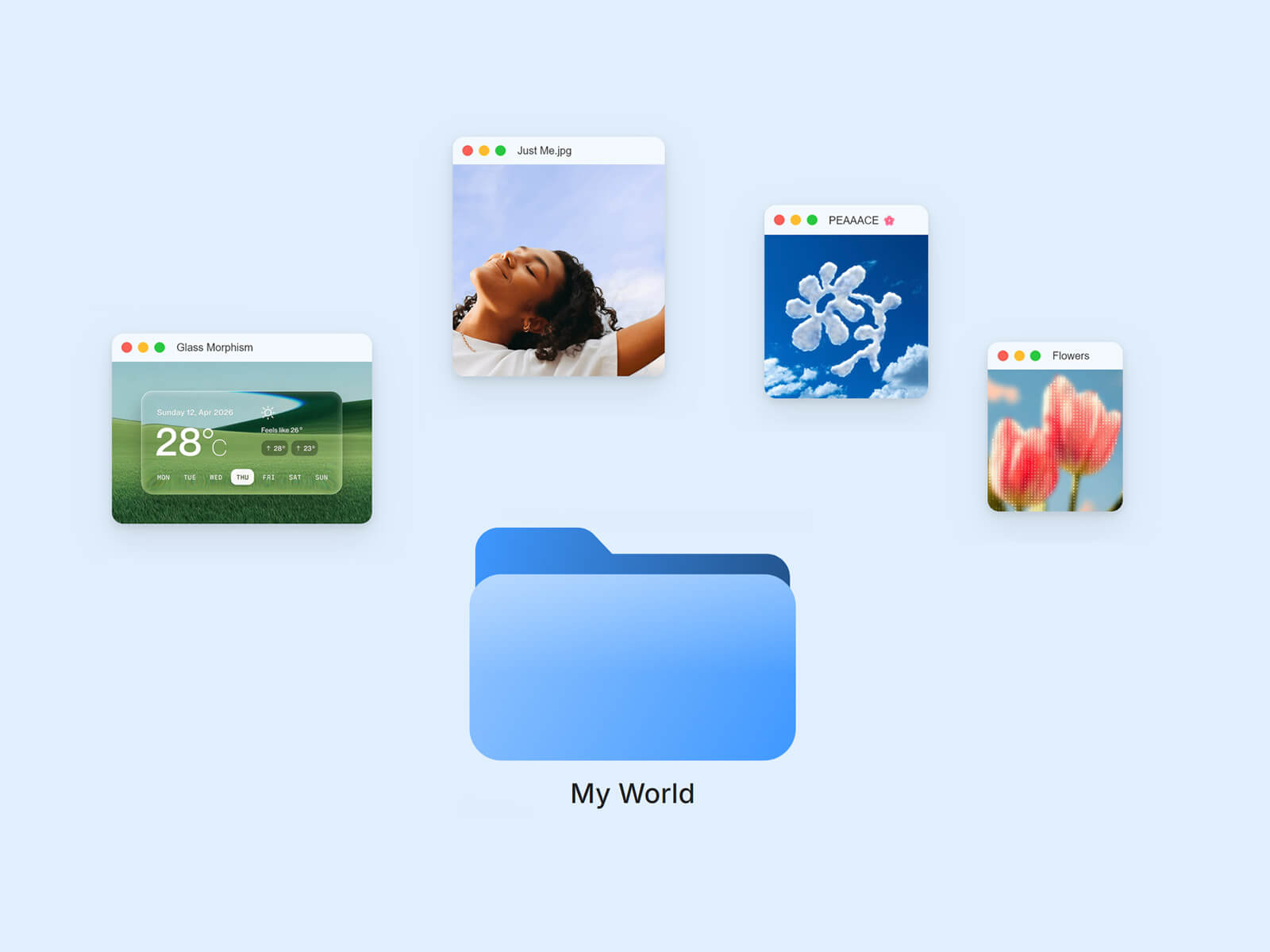
Media Folder brings a macOS Finder folder to life on your canvas: click it and your photos, videos, and audio reveal themselves as draggable, app-style windows scattered around it — click again, click outside, or press Escape to send them back home.
Made to Be Yours
Media Folder is built for full creative control: every color, radius, blur, and shadow is customizable, and it adapts to light or dark themes. Place each window exactly where you want, with per-item offset, rotation, and width, and pick Click, Double Click, or Hover to open.
Key Features
Opening
Click, Double Click, or Hover to open, pick what fits your layout
Optional Peek: a few thumbnails poke out of the closed folder, with a subtle hover pop
Stagger delay to open windows one after another instead of all at once
Close windows individually, all at once by clicking outside, or with Escape
Media
Mix Image, Video, and Audio in one list, each with its own settings
Manual X/Y offset, rotation, and width per window
Original or custom aspect ratio
Optional mute/unmute button per video
Audio gets a compact player: cover art (or an auto placeholder), play/pause, progress bar, adjustable height and background
Style
Background, blur, corner radius, shadow, and text color for every window
Optional transparency checker behind images, in light or dark
Hover Highlight glow behind the closed folder
Custom folder color and label typography
Performance
Images preload quietly in the background so windows open instantly
Video and audio files only load once their window actually opens
Both pause automatically once scrolled out of view
How to Set Up
Drag Media Folder onto your canvas
Add your items under Media and set a Type for each
Adjust Media Style to match your design
Publish
Refund Policy
All sales of digital products are final and non-refundable. Questions? Contact hellonostromostudio@gmail.com before purchasing. Enjoy!