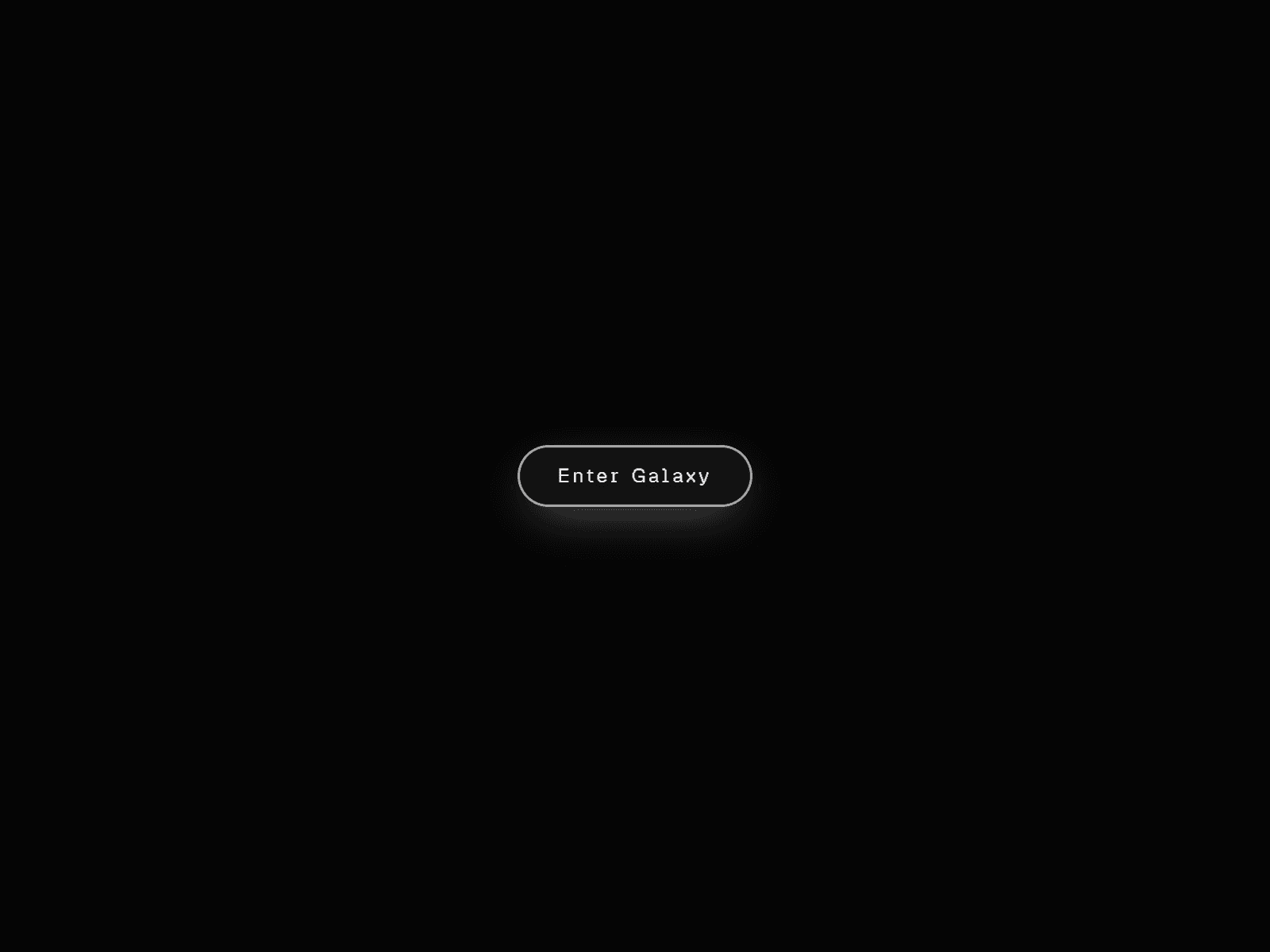
About GalaxyCursorButton
Description:
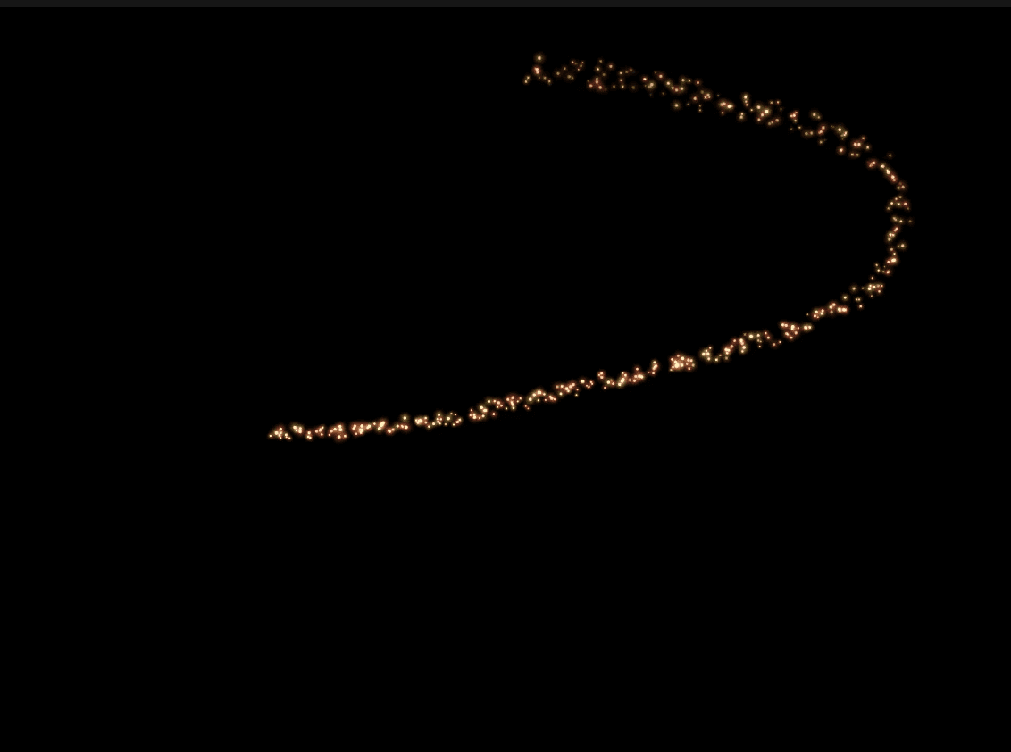
A pill-shaped button with its own living galaxy inside it. At rest, particles drift in a slow spiral and twinkle softly. Move your cursor over it and the galaxy tilts in 3D, opens up empty space around your pointer, and glows where you point. Click it and the galaxy bursts outward before settling back into place.
Features:
Animated spiral galaxy with adjustable arm count, particle density, size, color, and rotation speed
Independent background starfield layer with its own color and count
Spark glints on a random subset of particles for a natural, shimmering look
Cursor repulsion — particles push away from your pointer, opening real empty space
3D tilt that follows the cursor
Cursor-tracking hover glow with adjustable color, size, and intensity
Click burst animation with adjustable particle count, color, and speed
Fully native Framer controls for border, border radius, box shadow (rest and hover state), background, and link
Static-safe rendering, so it stays smooth in Framer's canvas and in exports
Best for:
Hero CTAs on space, sci-fi, gaming, or web3 landing pages
Portfolio or agency sites that want a distinctive, motion-first call-to-action
Any page where a standard button feels too flat for the brand
How to use:
Drop the component into your frame and set width to Fit or Fill
Add your label text, font, and link under the Label and Link controls
Style Layout, Background, Border, and Shadow to match your brand
Tune Particles, Background Stars, and Sparkle for the galaxy's density and color
Adjust Cursor Glow, Cursor Repulsion, and 3D Tilt for how reactive it feels
Set Click Burst count, color, and speed for the click animation