About Glyph Morph
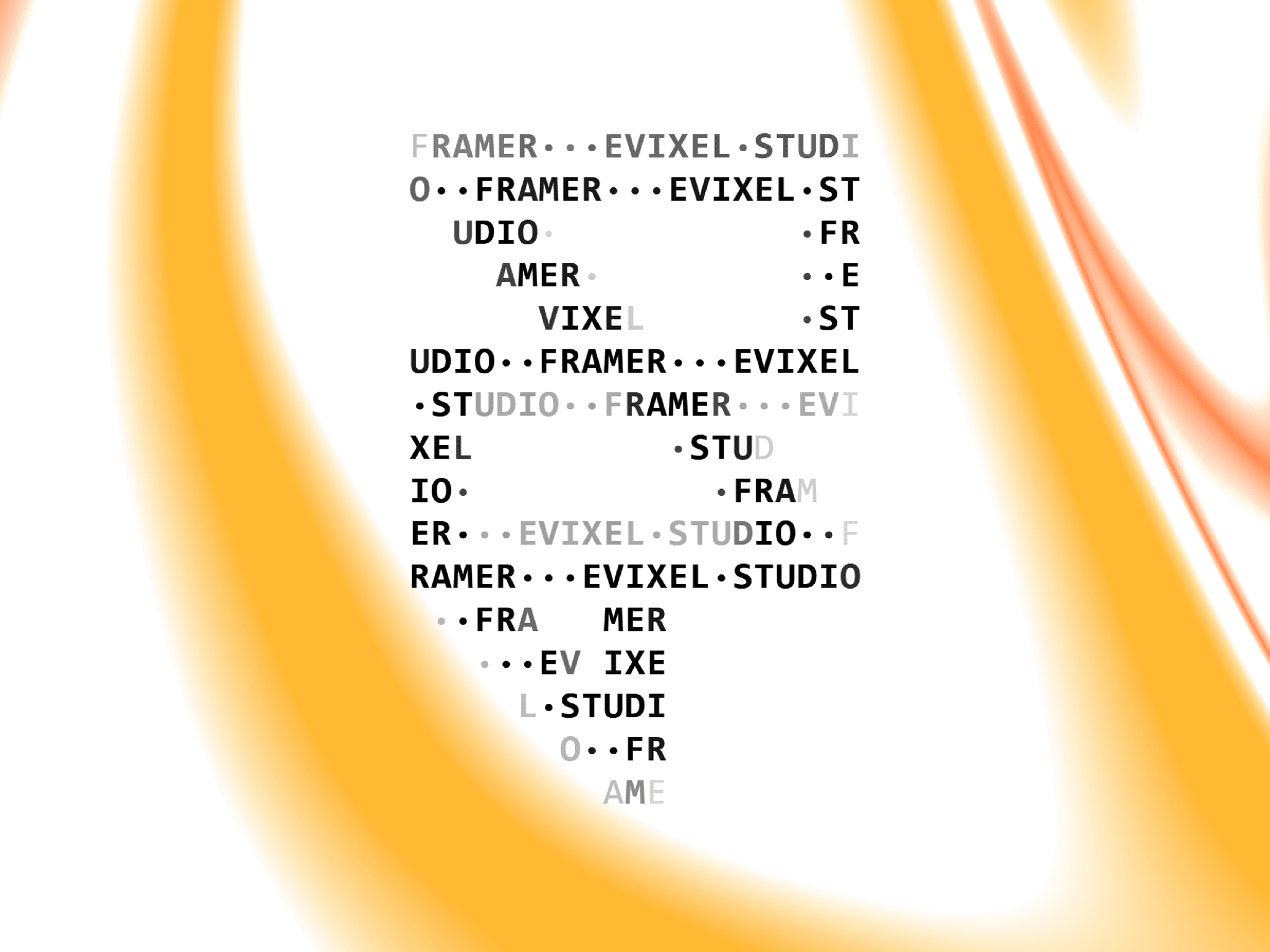
Turn any logo or illustration into a living field of text.
Characters shade, wave, scatter and morph in real time, reacting to every move of your visitor's cursor. It's one drop-in Framer component with zero code, built to make hero sections, portfolios and launch pages unforgettable.
Features
Converts any SVG (file or pasted code) into glyph art
Ramps: Classic, Blocks, Dots, Binary, Braille, or your own text
Idle wave animation: diagonal, radial or noise flow
Hover effects: repel, attract, vortex or pull, with scramble and glow
Glyphs get knocked off with real physics, then self-heal
Click shockwave ripples across the artwork
Morph between multiple SVGs: Flow, Scatter, Decode wipe or Dissolve
Trigger morphs on scroll, hover, click, timer, viewport or variables
4 one-click looks: Terminal, Duotone Print, Neon Rain, Paper Ink
Finishing FX: bloom, scanlines, grain, chromatic split, 3D tilt, parallax
Fast and light: auto quality, pauses off-screen, respects reduced motion
Accessibility labels and fallback text built in
Fully customizable
Control font, size, colors (mono, duotone, gradient, SVG fills), dithering, wave speed, hover force, gravity and more from the properties panel.
Connect to your own interactions with onMorphStart, onMorphEnd and onIndexChange events.
Quick start
Drop the component onto your canvas.
Add your SVG under Source (or keep the demo mark).
Pick a Look Preset, or tweak ramp, color and wave.
Add more SVGs and choose a Morph trigger.
Publish and watch your visitors play with it.
Need support, a feature request, or hit an issue? Contact me at info.evixel@gmail.com