About Gooey Liquid Cursor
About Gooey Liquid Cursor
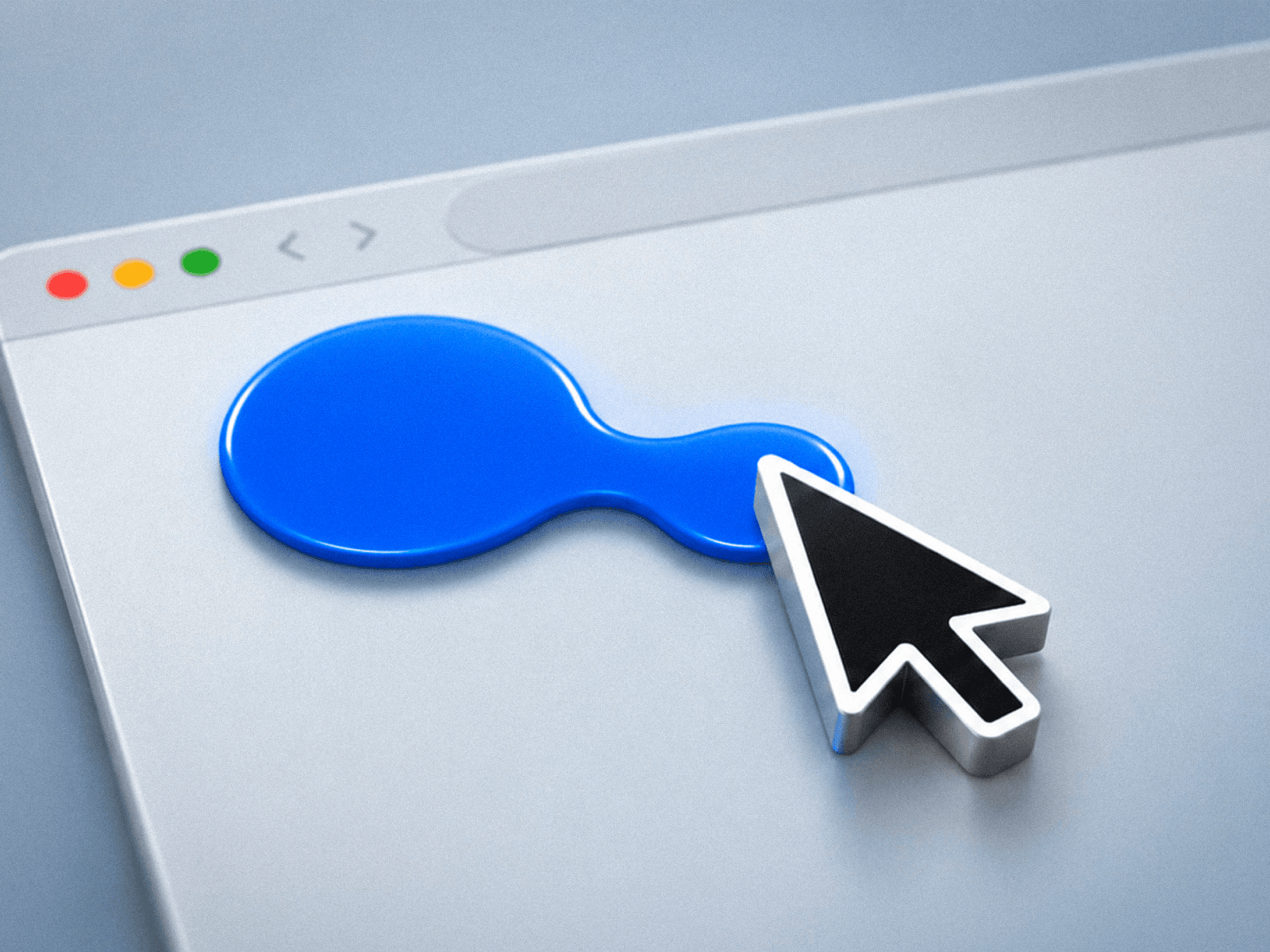
Two shapes: one follows the pointer, one trails behind. When they get close, they merge into a single liquid mass. It stretches with speed, breathes when idle, and morphs from circle to drop on hover.
Two ways to use it
Automatic — drop it on the page and it works: pointer tracking, hover and click response, system cursor hidden.
Framer Cursor — place it inside your own cursor component and drive it with variants.
Hover that works on your own layers
Most cursor components only react to links and buttons. This one also targets layers by name: rename a frame to Project Card, type that name in the Layer Names field, and the whole card triggers the hover state, children included. Commas target several names, and a CSS selector option is there too.
Controls
Cursor — Mode, Color, Shape (circle or drop), Rotation, Size
Hover — Targets, Layer Names, Scale, Color, Shape, Rotation
Trail — Size, Delay, Max Distance Liquid — Fusion, Sharpness
Motion — Follow Delay, Transition, Stretch, Breathing, Speed
Other — Press Scale, Hide Pointer, Native Inputs, Blend, Layer Order
Built for real sites
Native SVG filter, not WebGL: same result in Safari, Chrome, Firefox and Edge, with no libraries and no custom code. Color is applied after the liquid mask, so transparency and blend modes keep the effect intact. Native Inputs returns the system pointer over form fields and media controls. One animation loop, only while the pointer is on the page. Hidden on touch, respects reduced motion.
Quick start
Paste the component URL into your project, drop it on the page, keep the frame at 32 × 32 and set Position to Absolute inside Stacks. Open Preview and move the mouse.
Includes a full user guide.
Support: jpedrosporto.design@gmail.com


