About Gradient Type Waves
What it is
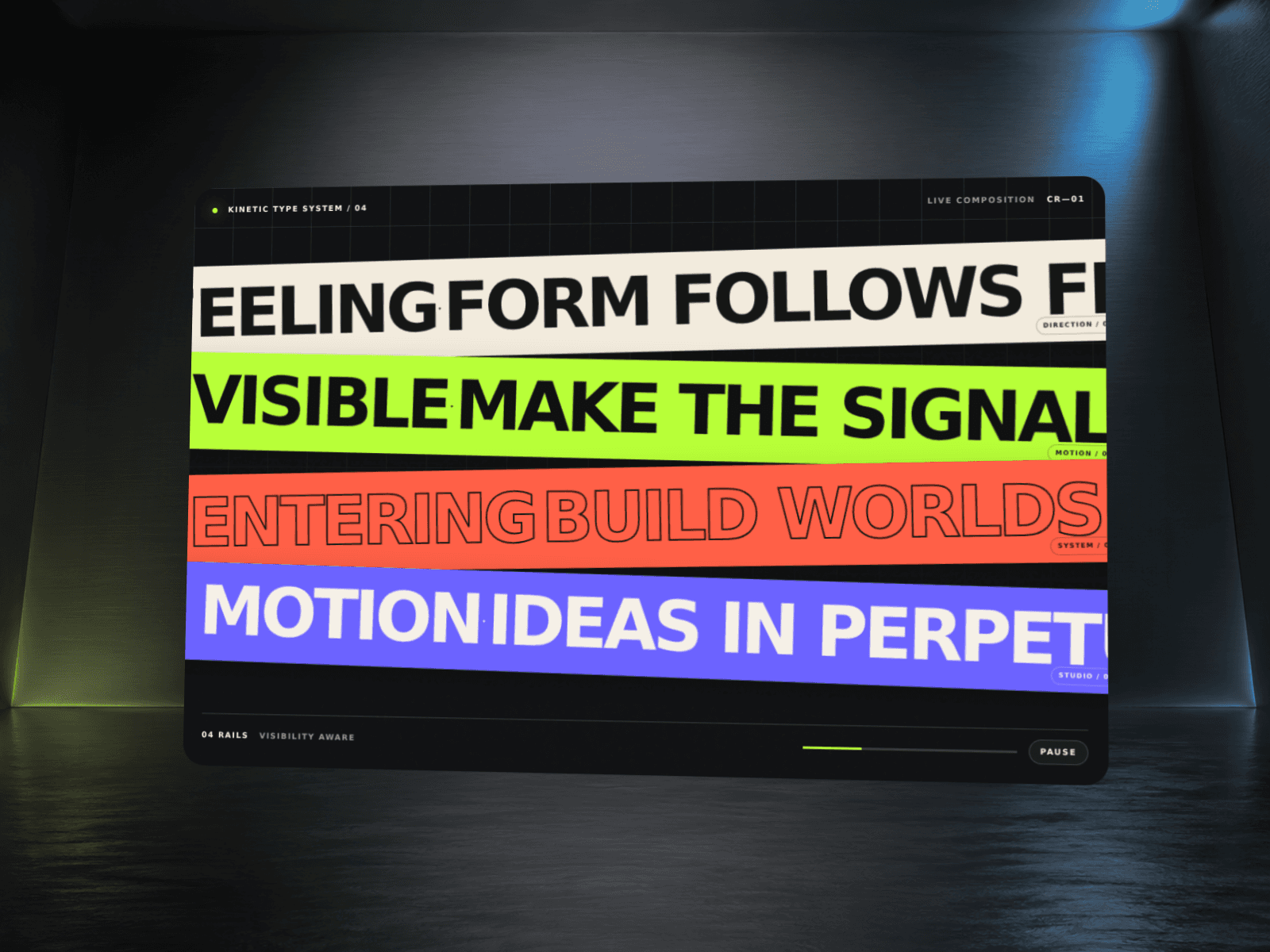
Hero Type Waves turns any headline into a fluid, wave-driven showpiece. It’s SVG-based (no libraries), fully responsive, and built for performance.
Highlights
Auto-fit type: headline fills the path without clipping
Per-device control: separate sizes or scales for mobile & tablet
Seamless gradient flow (no flicker or resets)
Smooth motion: high-resolution wave path
Accessible: respects prefers-reduced-motion
Framer-ready: single drop-in component, no dependencies
Controls (props)
Text / Font – your headline & Framer font
Auto-fit – let the component size text to the wave (recommended)
Desktop / Tablet / Mobile Size (px) – manual sizes when Auto-fit is off
Mobile Scale / Tablet Scale – tweak only those breakpoints when Auto-fit is on
Use Gradient, Color 1, Color 2 – brand colors with endless flow
Wave Amplitude, Wave Speed – motion feel
Gradient Speed – how fast the gradient travels
Align – left / center / right
Background – optional backdrop color
How to use
Drop Hero Type Waves into your frame and set a height.
Type your headline and pick your Font.
Leave Auto-fit: Yes for instant sizing, or turn it off to enter Desktop/Tablet/Mobile sizes.
Adjust Wave/Gradient speeds to taste.
Optional: fine-tune Mobile/Tablet Scale for tiny screens.
Accessibility
Honors prefers-reduced-motion: animations pause for motion-sensitive users.
Pure text masking, so screen readers still announce your headline.
Performance
GPU-friendly SVG + CSS; no external libraries.
Animations pause in Framer Canvas (when needed) to keep editing smooth; Preview/Publish run at full quality.
Notes
Works with any background (images, videos, solid colors).
For ultra-long words, reduce Wave Amplitude or use Auto-fit.
Support
Questions or ideas? Reach out and I’ll help you tune it for your brand.