About Negative Exposure
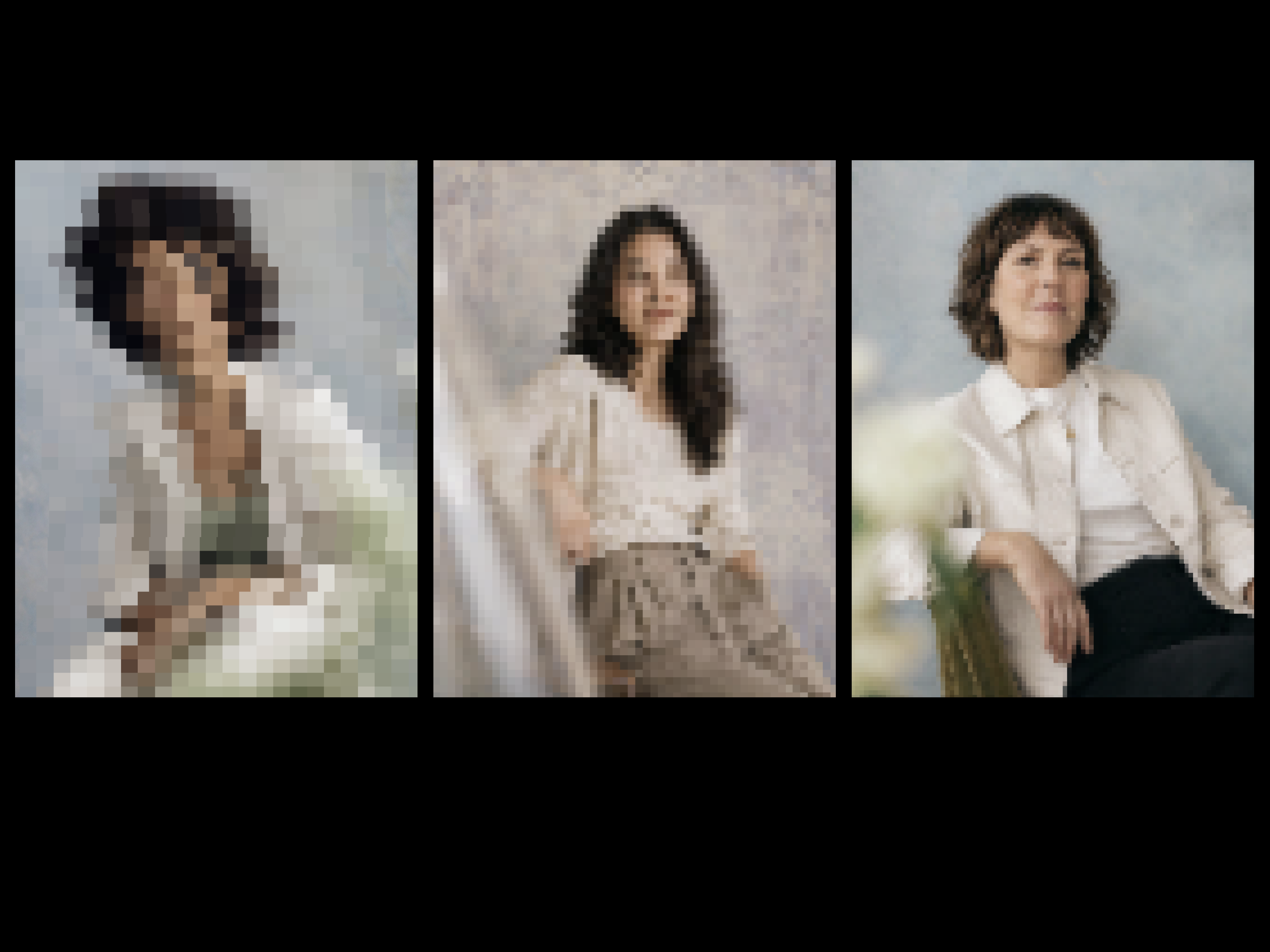
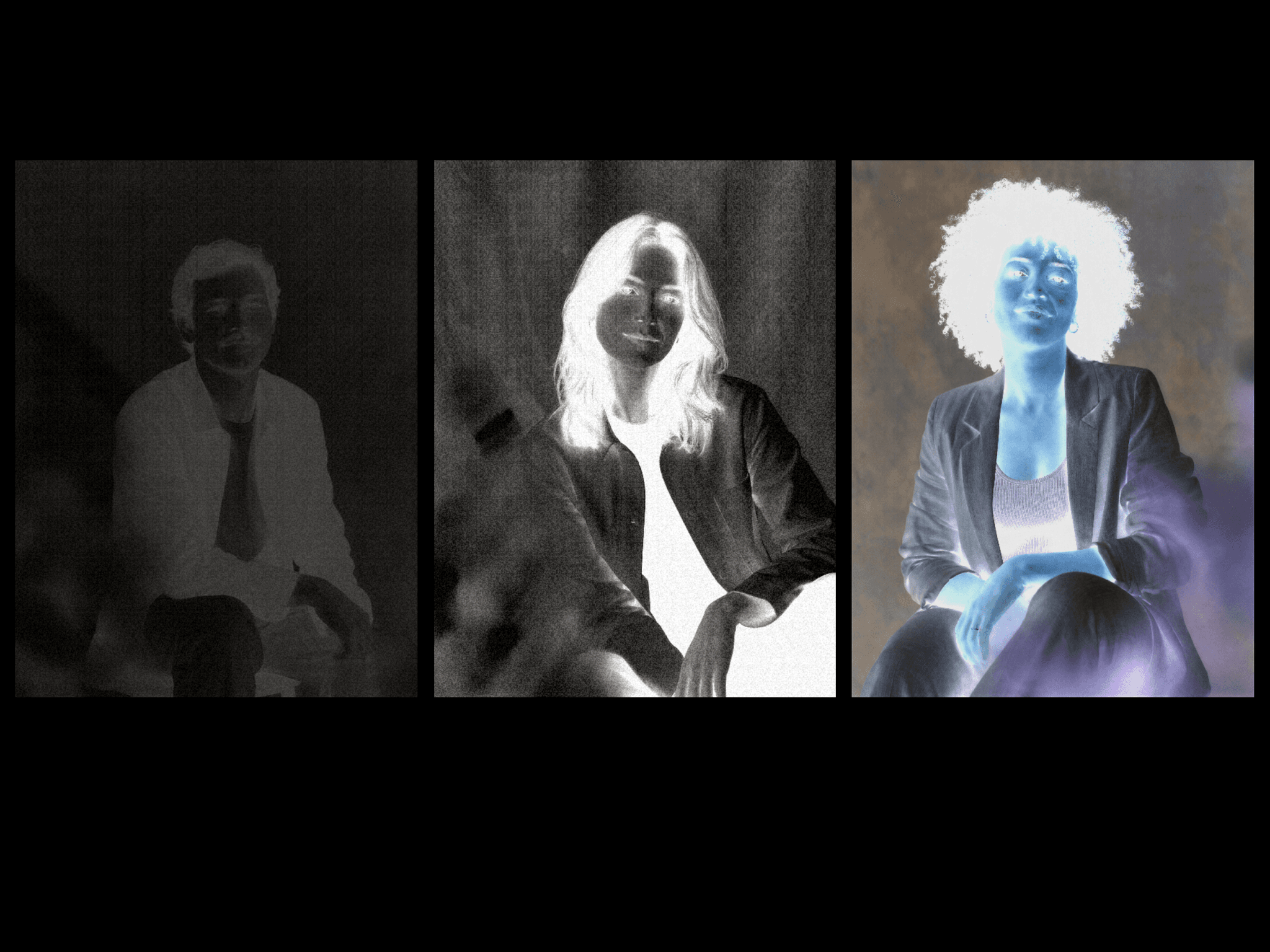
Negative Exposure is an image effect inspired by the moment an instant photo begins to develop. It starts with a film-negative treatment, then gradually brings back the original colors and detail through the shadows, midtones, and highlights.
The tonal transition gives the image a more photographic feel than a regular fade. Grain, bloom, color shifts, and exposure controls add the texture and character of film while keeping the source image recognizable.
Choose from four built-in styles:
Color Negative for a balanced cyan and amber inversion
Monochrome Negative for a classic black-and-white film look
Amber Cyan for stronger color separation and contrast
Soft Contact Sheet for a lighter, grainier treatment with softer density
Each preset can be customized through negative amount, exposure, contrast, saturation, temperature, tint, grain, bloom, and tonal spread.
The component also includes pre-built interactions:
Develop automatically on load or when entering the viewport
Add duration, delay, and replay-on-reentry
Hold or pulse the negative effect on hover
Toggle or pulse it on click
Give hover and click their own exposure, contrast, saturation, and negative settings
Activate click interactions with Enter or Space
It is responsive, touch-safe, reduced-motion aware, and pauses when it is off-screen or the browser tab is hidden. Quality, aspect ratio, and background controls are included, along with a clear-image fallback when WebGL is unavailable.
Works especially well for portfolios, editorial photography, campaign visuals, image reveals, and anywhere a regular fade feels too clean.