About 3D Halo Carousel
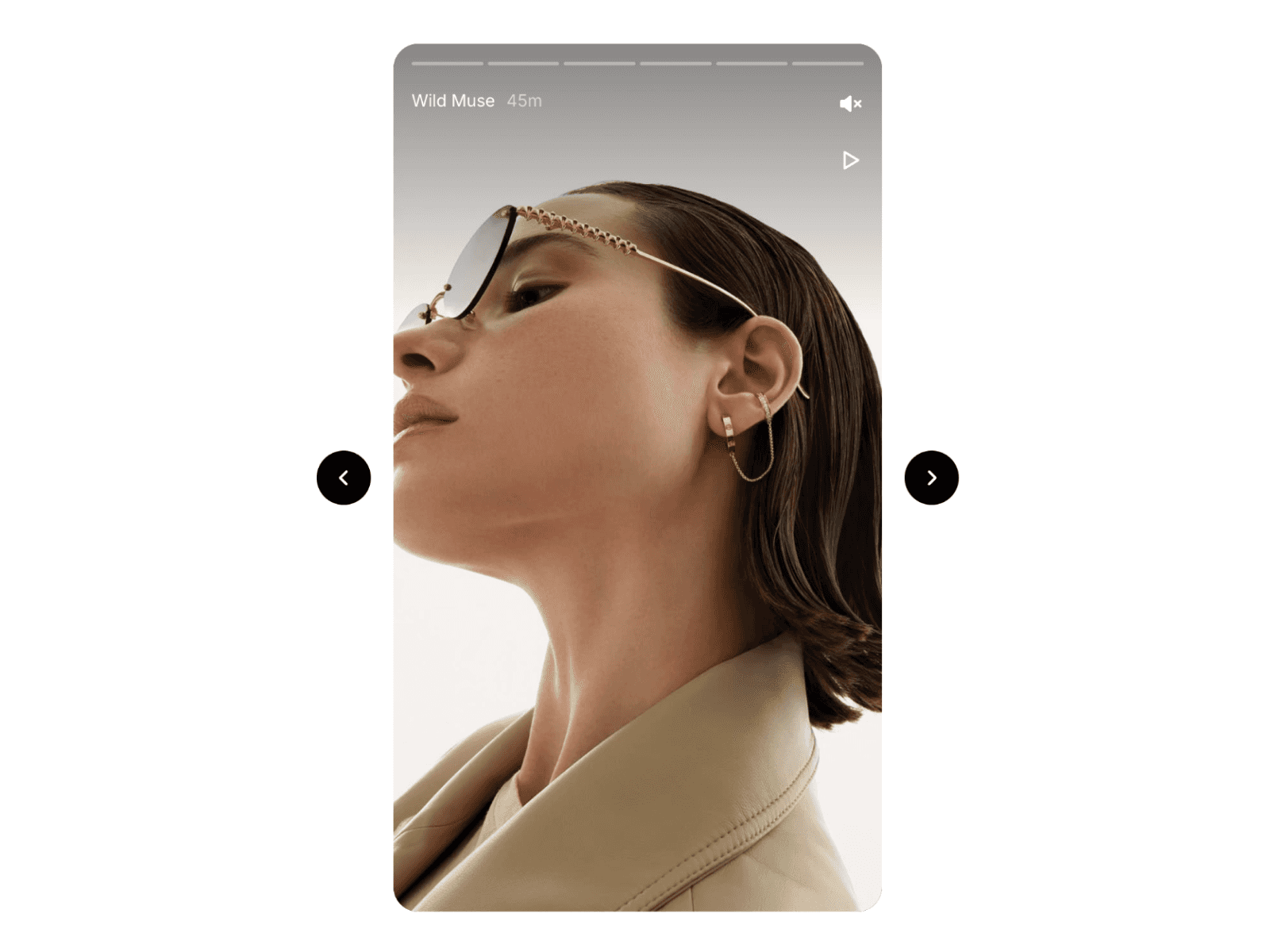
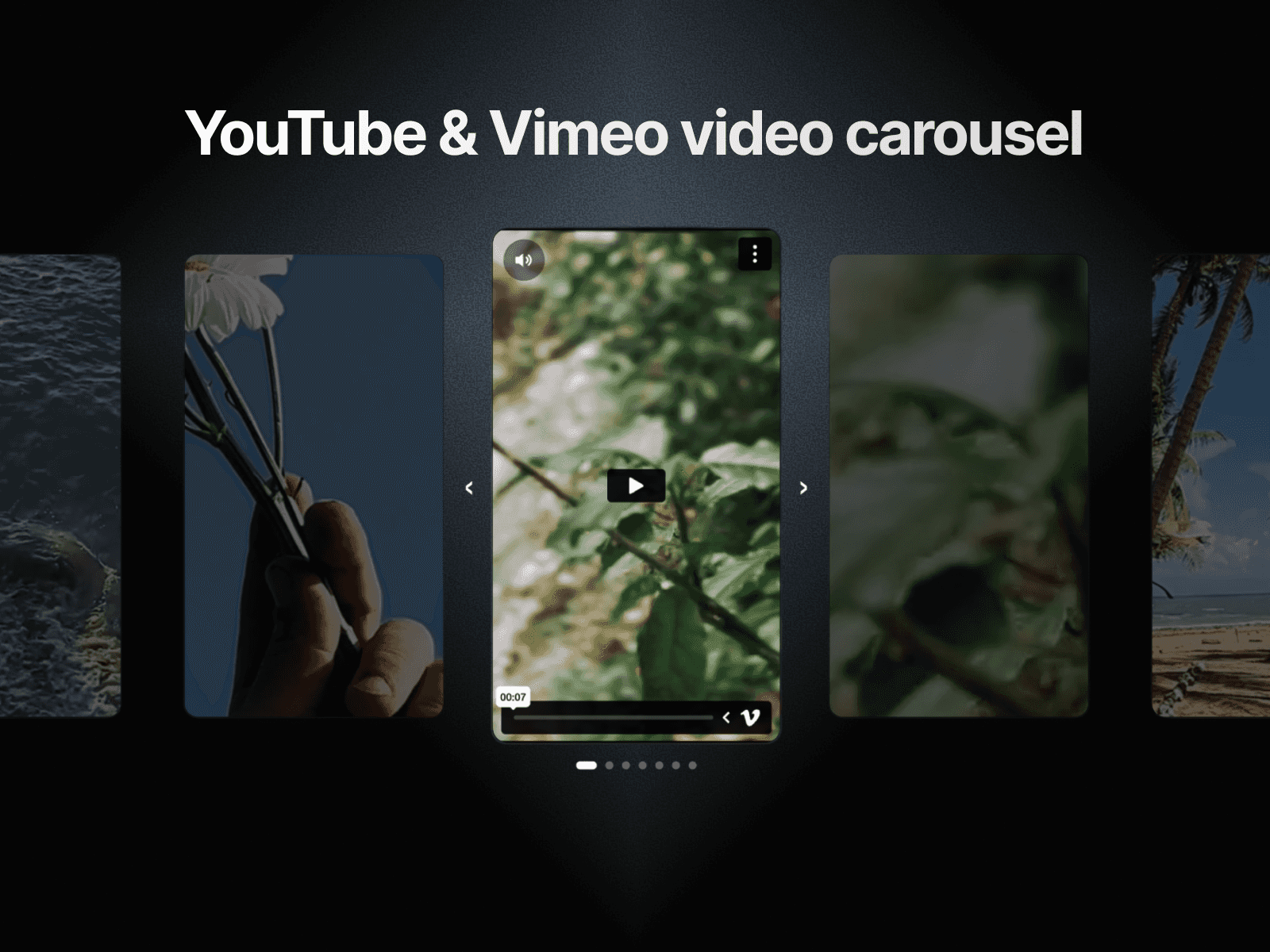
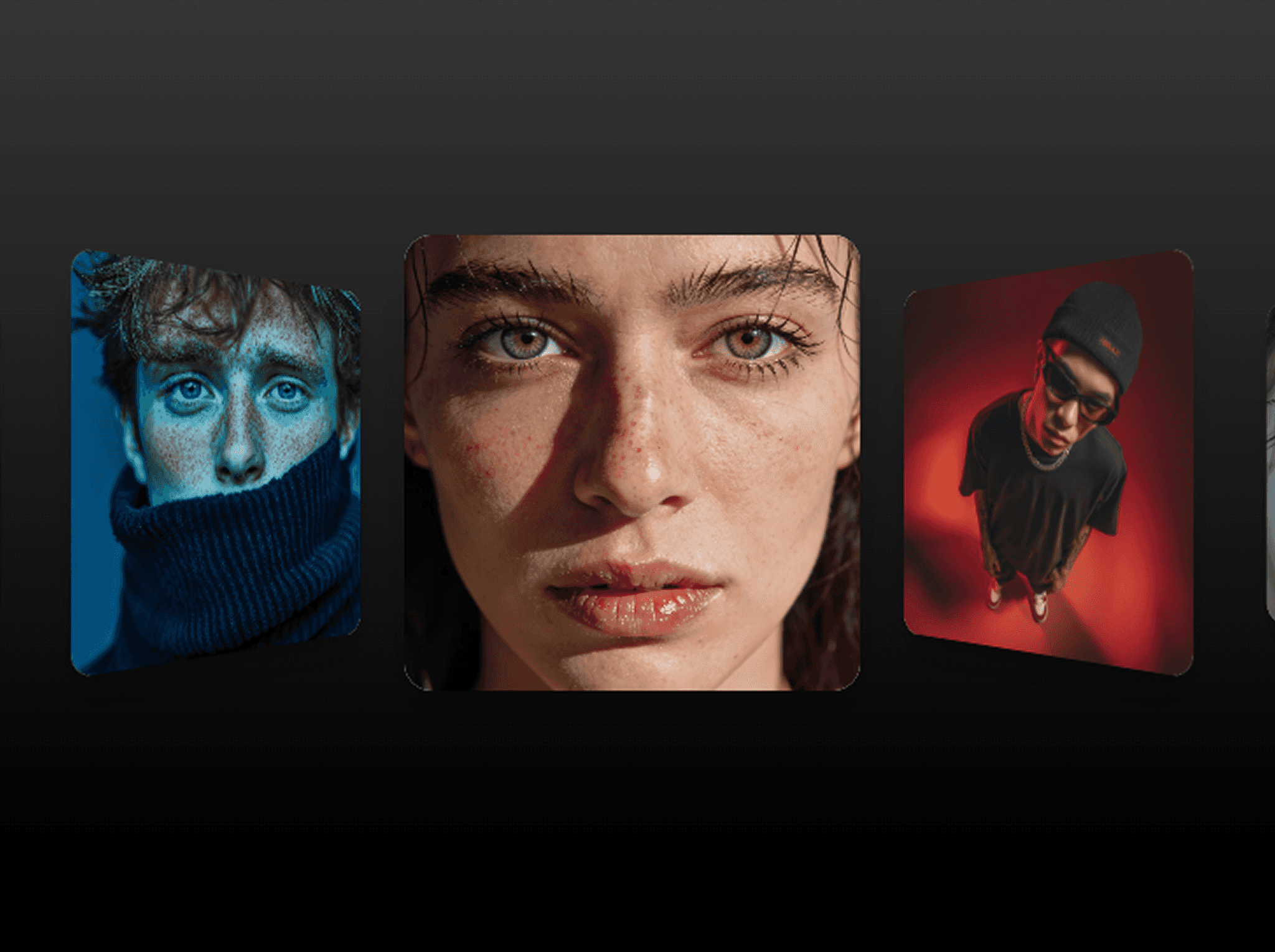
A highly customizable spatial carousel designed to arrange media inside an interactive 3D ring layout and enhance user depth perception.
Features
Configurable ring radius for variable spatial composition.
Independent card dimension inputs for flexible asset aspect ratios.
Custom corner radius values for seamless structural brand alignment.
Adjustable baseline rotation speed for matching global interface pacing.
Directional rotation toggles for aligning the orbital path with your layout flow.
Precision 3D perspective and tilt parameters for granular depth-of-field calibration.
Dual-axis hover displacement controls for instantaneous interaction feedback.
Integrated hover speed multipliers for context-aware pacing adjustments during engagement.
Selective entrance triggers supporting onAppear and inView states for optimized viewport execution.
Configurable stagger delays for controlled sequential component sequencing.
Multi-axis arrival offsets for customized directional asset entrance paths.
Built-in Framer spring physics controls for responsive animation curve tuning.
How to Use
Place the 3D Halo component onto your Framer canvas.
Connect your assets using the dedicated images array parameter.
Configure layout dimensions, adjust 3D settings, and map your interactive effects to define the composition.
Publish your Framer project to view the interactive carousel live.
Transform static imagery into a fluid, spatial interaction model.