About Heat Map
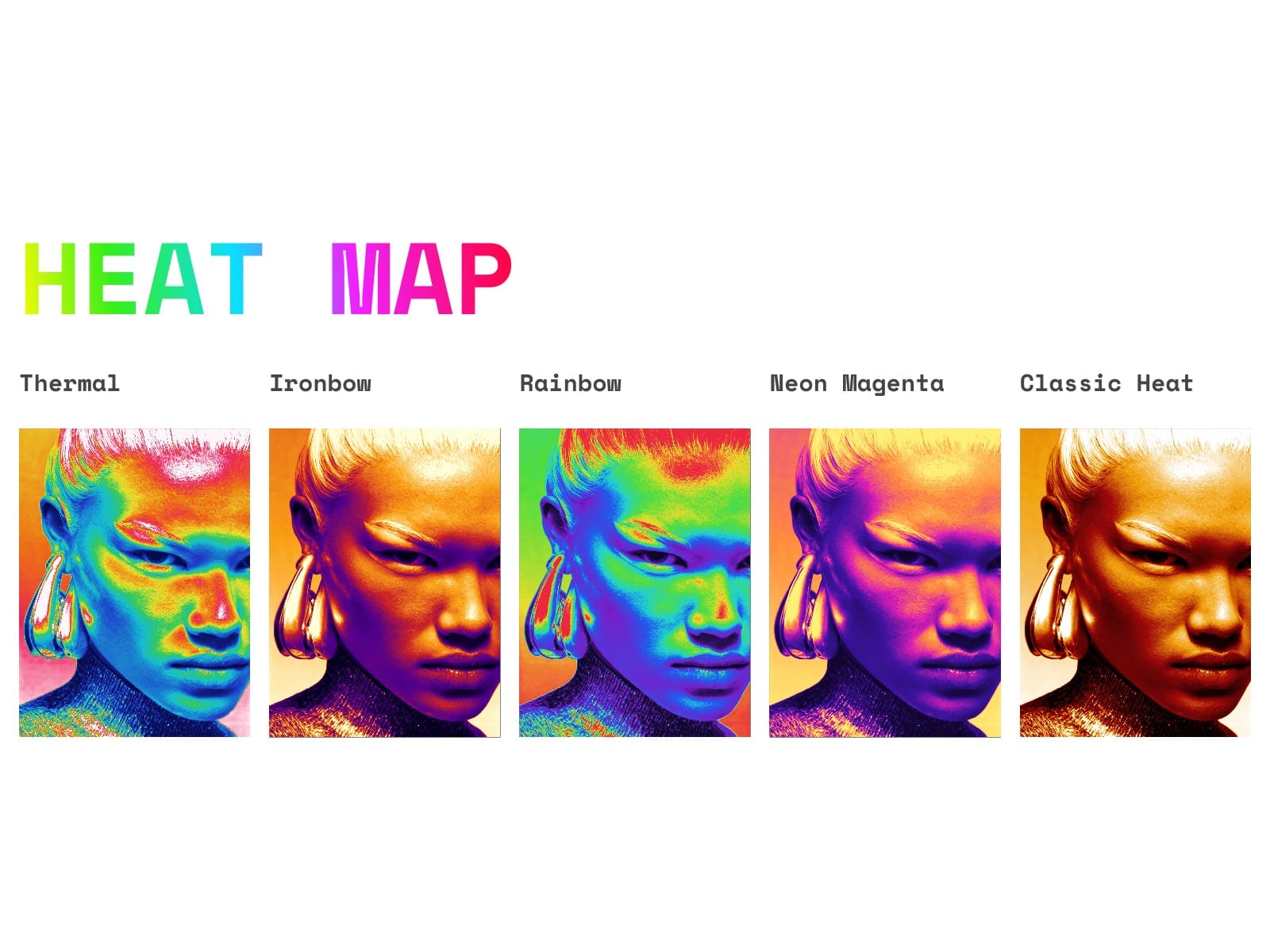
Heatmap / Gradient Map Effect
Recreates Photoshop's "Gradient Map" adjustment: every pixel's luminance (0-255) is remapped through a color gradient, exactly like the effect shown in the Properties panel gradient map presets.
Drop an image in, pick a gradient preset and tune contrast + brightness to match the source photo.