About Hero Slideshow
About this Component
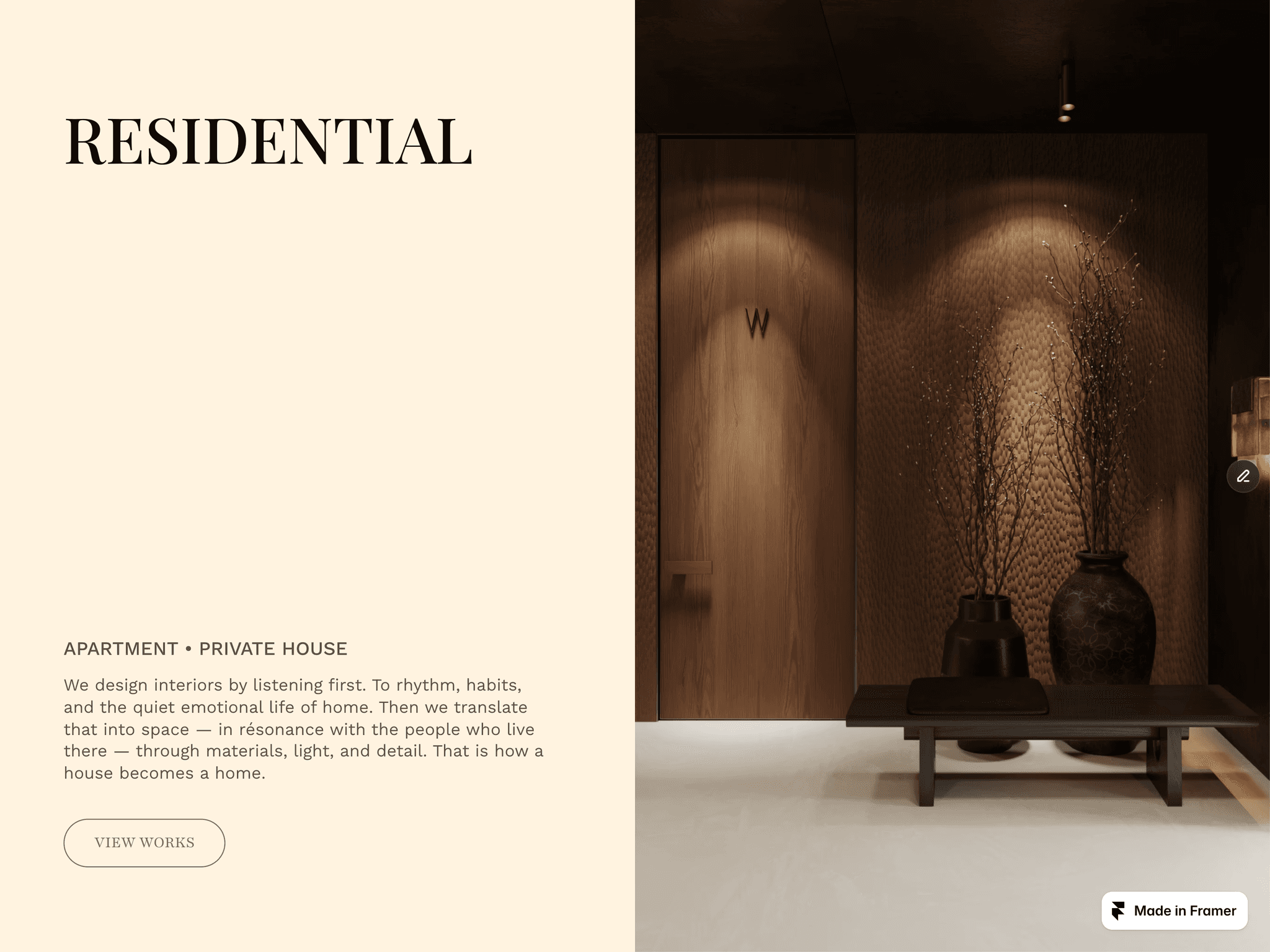
A polished and highly customizable hero slideshow component built for modern Framer projects. Designed for portfolio pages, product presentations, and immersive landing sections, it combines smooth slide transitions with clean text layout, refined interaction details, and support for both image and video slides.
This component gives you full control over slide content, timing, typography, colors, text visibility, and layout—while keeping the setup simple inside the Framer properties panel.
Core Features
Dynamic Slides Control
Add and manage multiple slide items directly from the properties panel. Each slide supports its own image, title, link, and brightness value.
Video Slide Support
Create immersive slideshow experiences with video backgrounds. Video slides support custom poster images, so you can keep your hero section looking clean, intentional, and polished before playback begins.
Multiple Slide Animations
Choose between Fade and Slide Left transitions to match the mood and pacing of your design.
Auto Progress System
Slides automatically rotate based on a customizable duration setting, with an animated progress line that visually indicates timing.
Flexible Content Visibility
Independently show or hide the Title, Counter, Link, Underline, and Progress Bar depending on the layout you want.
Custom Layout Positioning
Switch between Middle and Bottom layout variants for different content placement styles.
Typography Controls
Independent Fonts
Customize Counter, Title, and Link typography separately using extended font controls.
Advanced Font Styling
Fine-tune font family, size, weight, line height, and letter spacing for each text element individually.
Visual Customization
Per-Slide Brightness
Adjust image brightness for each slide independently to improve readability and visual balance.
Color Controls
Customize text color, progress line track, progress fill, and link underline color to fit your brand or composition.
Text Shadow Support
Enable or disable text shadow and control its color, vertical offset, and blur for improved legibility on top of images.
Interaction Features
Animated Text Appearance
Optionally enable text entrance animation for the counter, title, and link.
Hover Link Underline
Add a clean animated underline effect to the link for a more refined interactive feel.
Hover Animation
When the link is hovered, the background image can respond with increased brightness for added depth and feedback.
Framer Router Navigation Support
Built to work smoothly with Framer navigation logic, including internal route handling.
Best Use Cases
Hero sections
Portfolio showcases
Product highlights
Case study intros
Editorial landing pages
Fullscreen visual storytelling layouts
Built for clarity, flexibility, and premium presentation, this slideshow component fits perfectly into high-end Framer websites that need both strong visuals and precise control.