About Highlighted Text
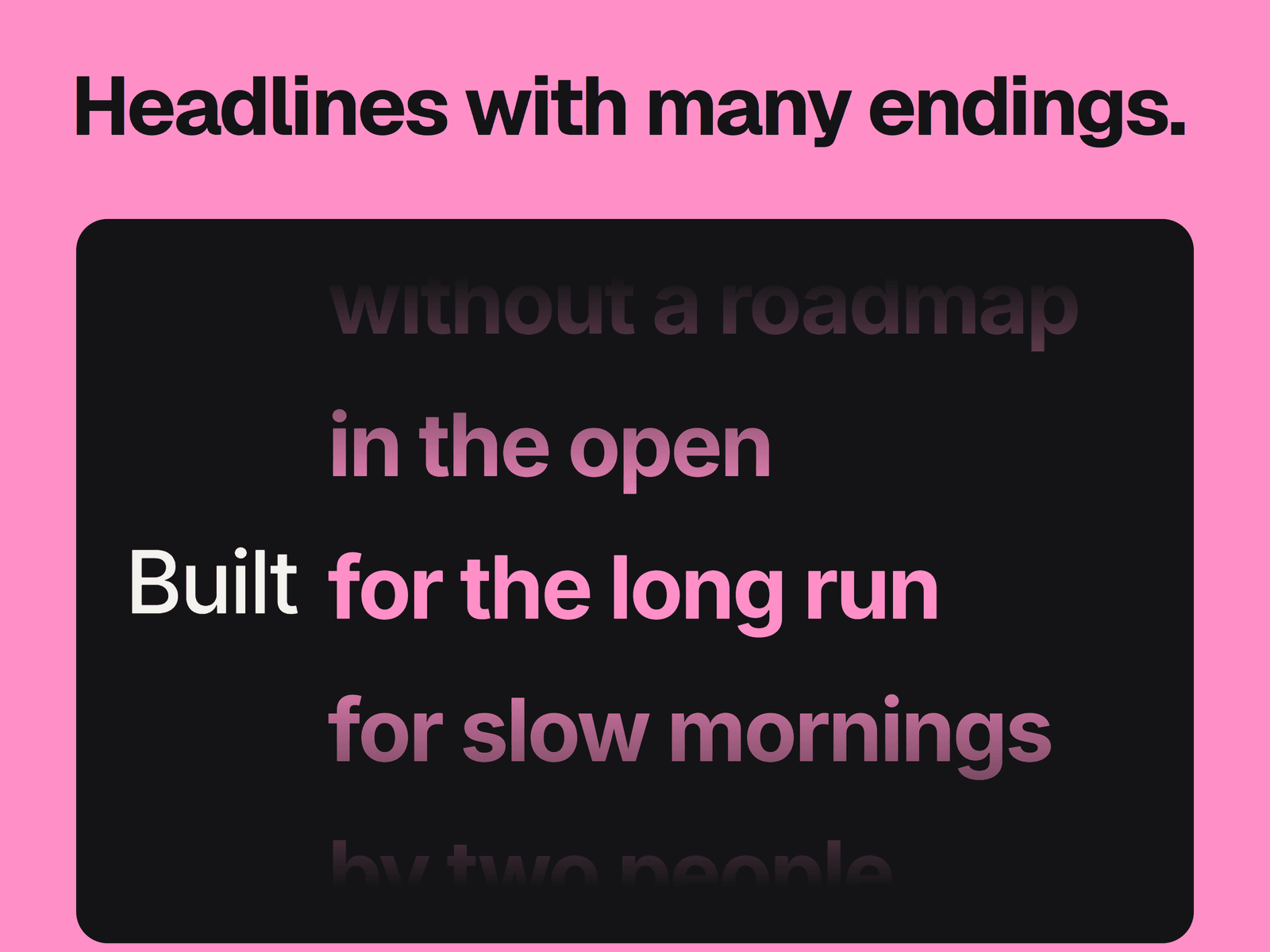
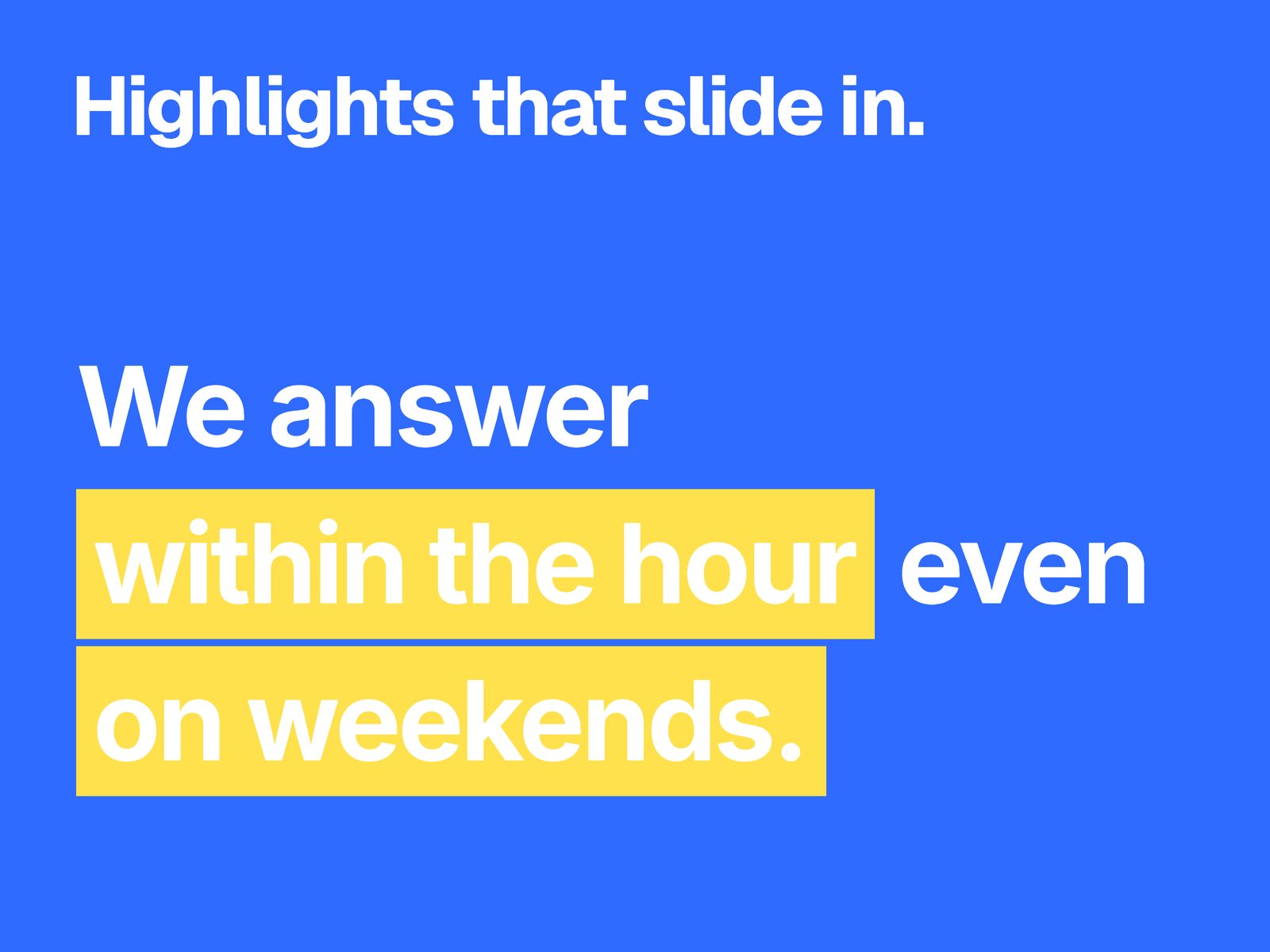
A sentence built from segments, where any segment can have a bar that slides in behind it on a spring. By default the text inverts where the bar covers it, so white text turns black on a white bar.
What you can change
Every segment: its text, whether it's highlighted, and for highlights, the side the bar comes from, its own delay and its own color.
Spring damping and stiffness, plus a base delay for the whole sentence.
When it plays: on page load, when scrolled into view, or on a loop every 0.5 to 20 seconds.
Difference or Normal blend mode, the highlight and text colors, the font, the alignment, and how far each bar extends past its text.
Where it fits
Headlines and pull quotes on dark sections, where one or two phrases carry the point.
Good to know
The default colors are white, made for a dark background. On a light section, change them or the plain text won't show.
A sentence breaks only between segments, and a segment never wraps. Keep segments short, or a long one can run past the frame on small screens.
Spaces between words are part of the text, so add them to the segments yourself.
In Difference mode, the text color over a bar is calculated from both colors, so white text on a yellow bar turns blue. Use Normal to choose exact colors.
Loop overrides Trigger on View. All segments share one font. The canvas and visitors who ask for reduced motion see the finished bars.