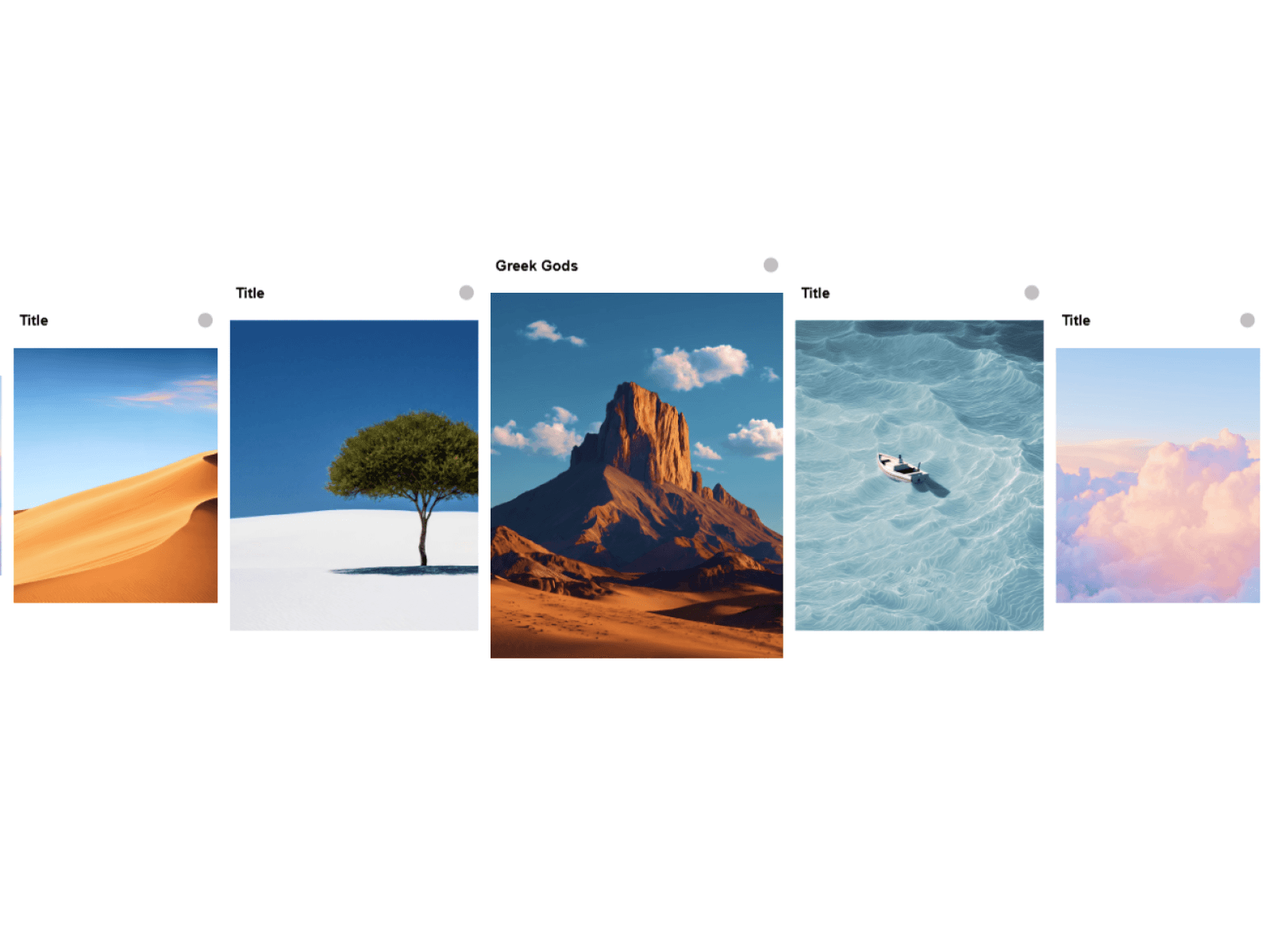
About Home Gallery
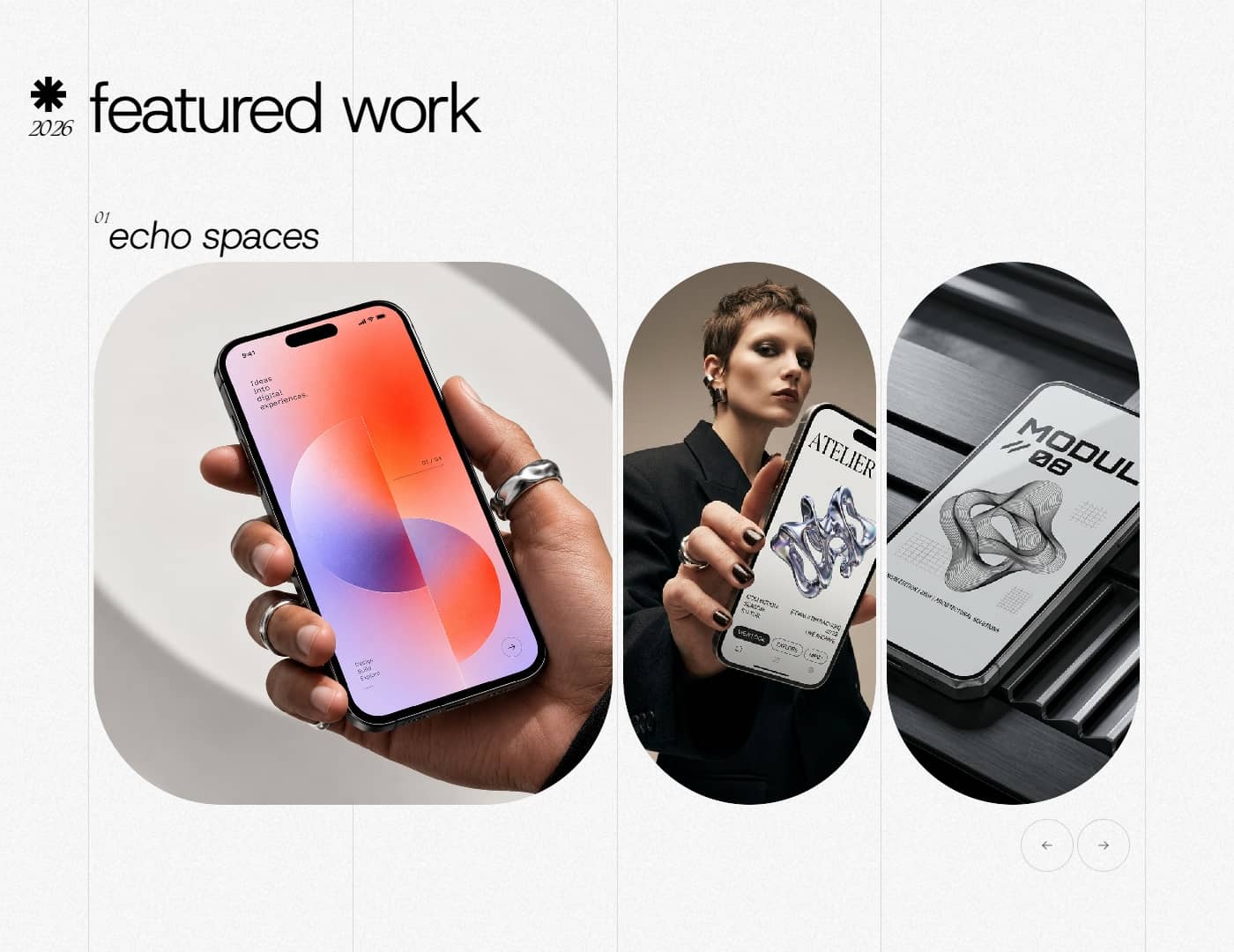
Home Gallery is an interactive Framer component that showcases your projects inside a premium 3D smart display. With smooth transitions, intuitive navigation, and customizable project details, it transforms a traditional portfolio into an immersive visual experience.
✦ Features
Premium 3D Design — A realistic smart display with refined hardware details and a front-facing screen.
Dynamic Project Showcase — Display multiple projects inside the device's screen.
Smooth Transitions — Choose from slide, fade, zoom, crossfade, and other image transition effects.
Scroll Navigation — Navigate between projects using scroll gestures while hovering over the device screen.
Autoplay — Automatically cycle through projects with adjustable timing and looping options.
Animated Typography — Add motion to project titles, numbers, and timelines.
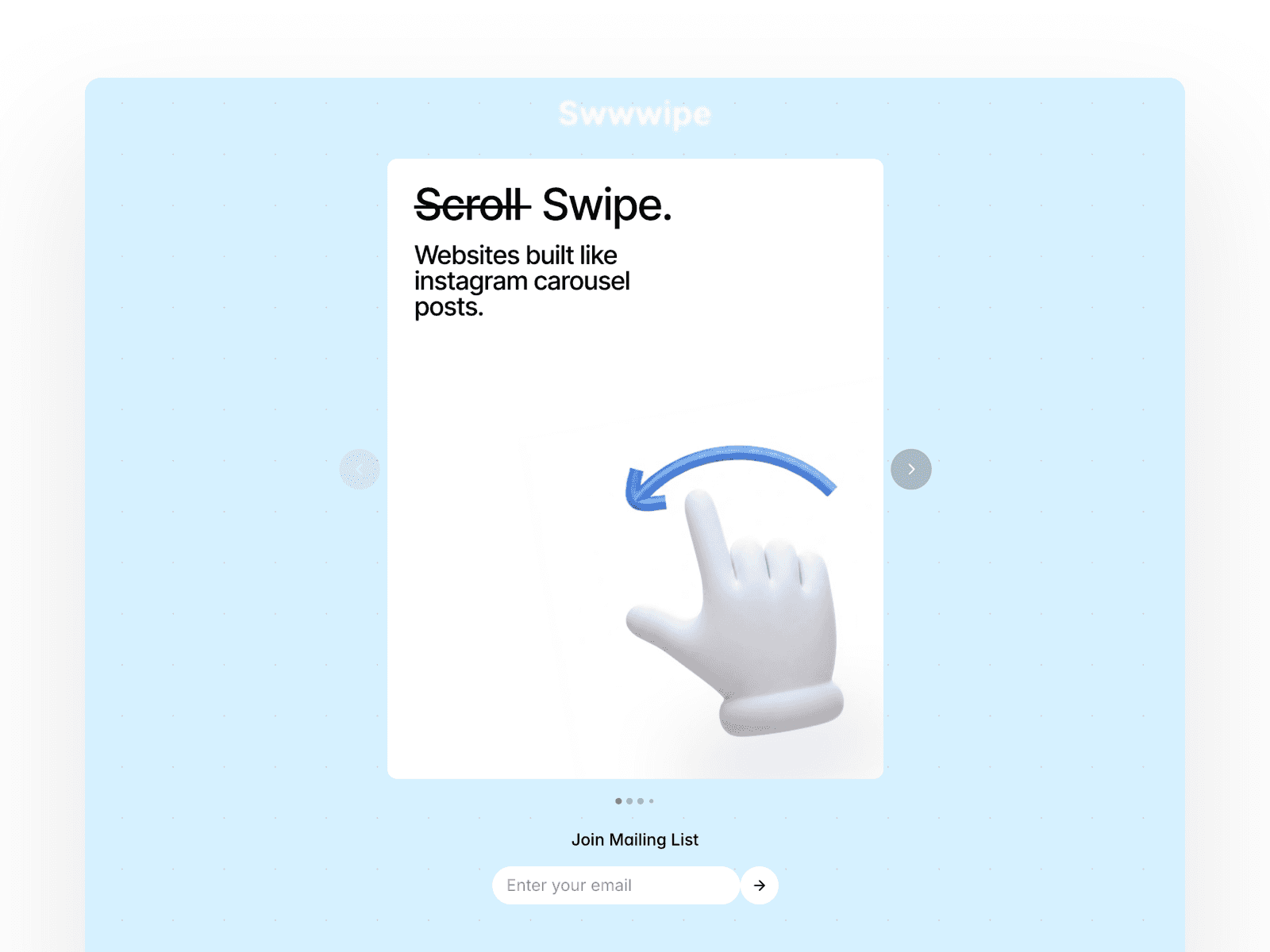
Interactive Navigation — Minimal navigation arrows appear on hover for quick project switching.
Customizable Projects — Add, edit, remove, and reorder projects through Framer's Properties panel.
Responsive Layout — Resize the component to fit your website layout.
Transparent Background — Place Home Gallery over any background, gradient, or section design.
✦ Showcase Your Work
Add 10+ projects through the repeatable project controls. Each project can include a title, image, timeline, category, and optional URL.
✦ How to Use
01. Add Home Gallery Insert the component into your Framer page and adjust its dimensions to fit your layout.
02. Add Your Projects Open the Properties panel, add project entries, upload your screenshots, and customize the project titles and timelines.
03. Customize the Experience Choose your preferred image transitions, text animations, autoplay settings, and navigation behavior.
04. Publish Your Portfolio Preview the experience, fine-tune the presentation, and publish your website.
Your projects deserve more than static cards.