About Hover Index CMS
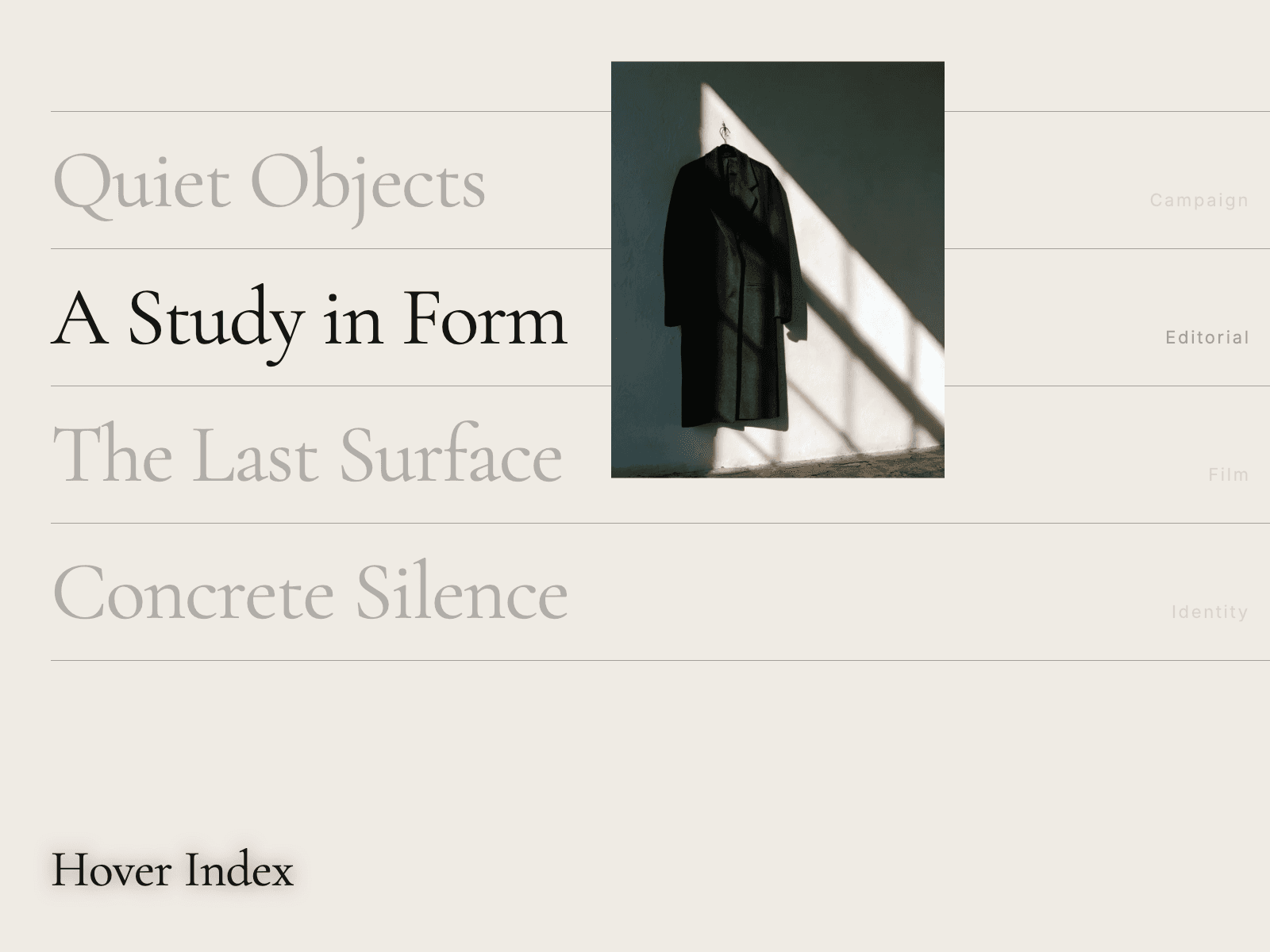
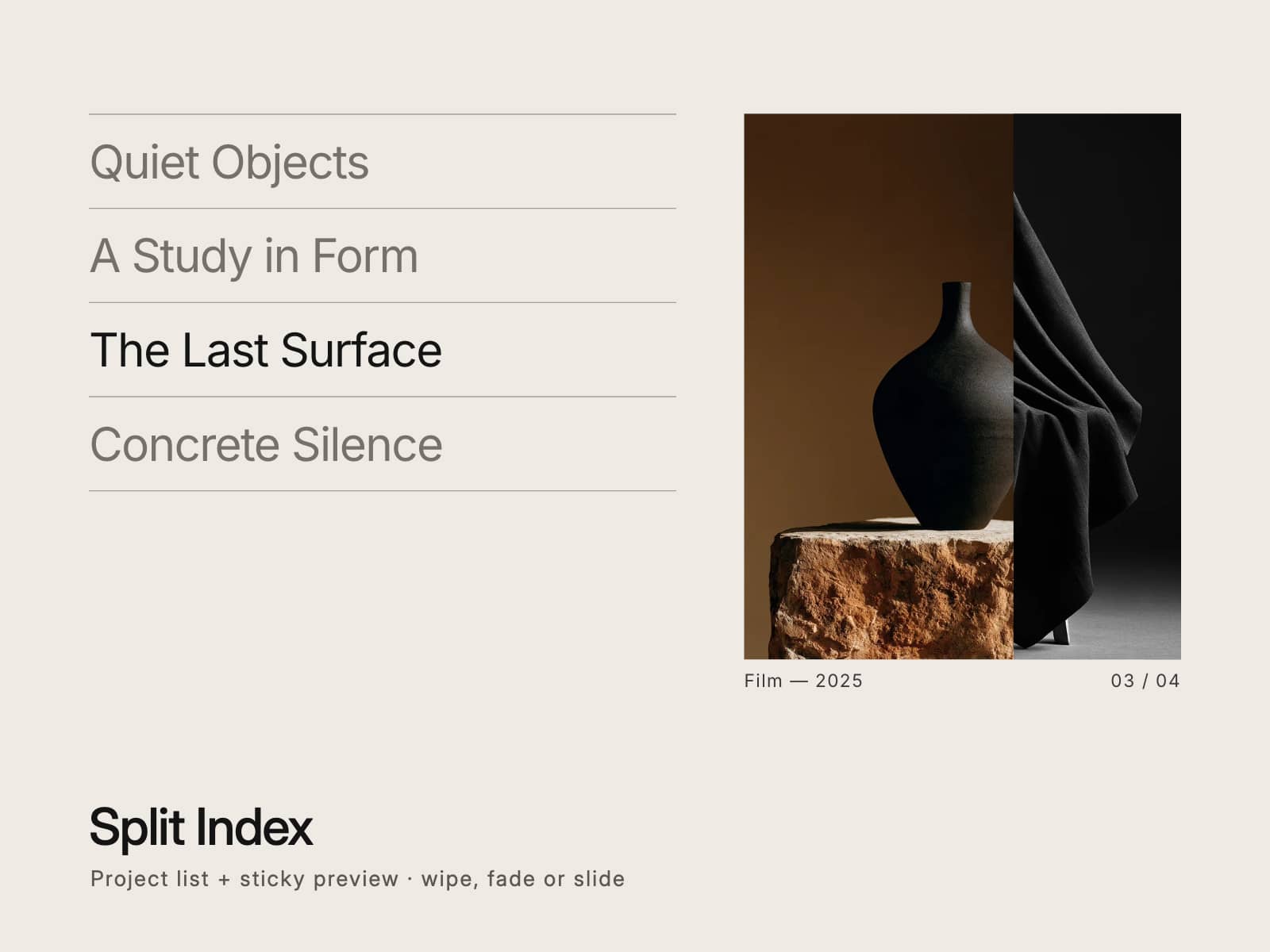
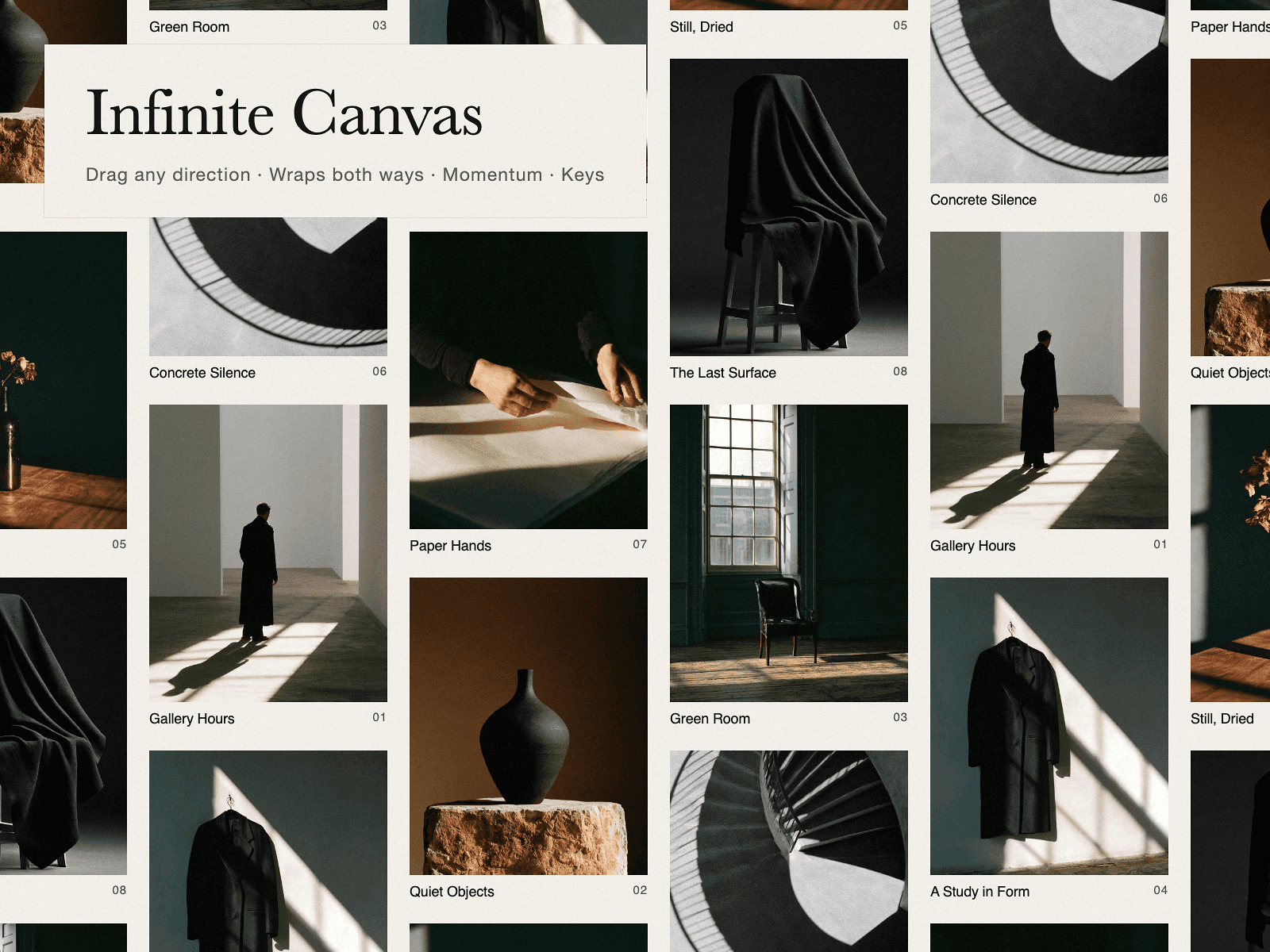
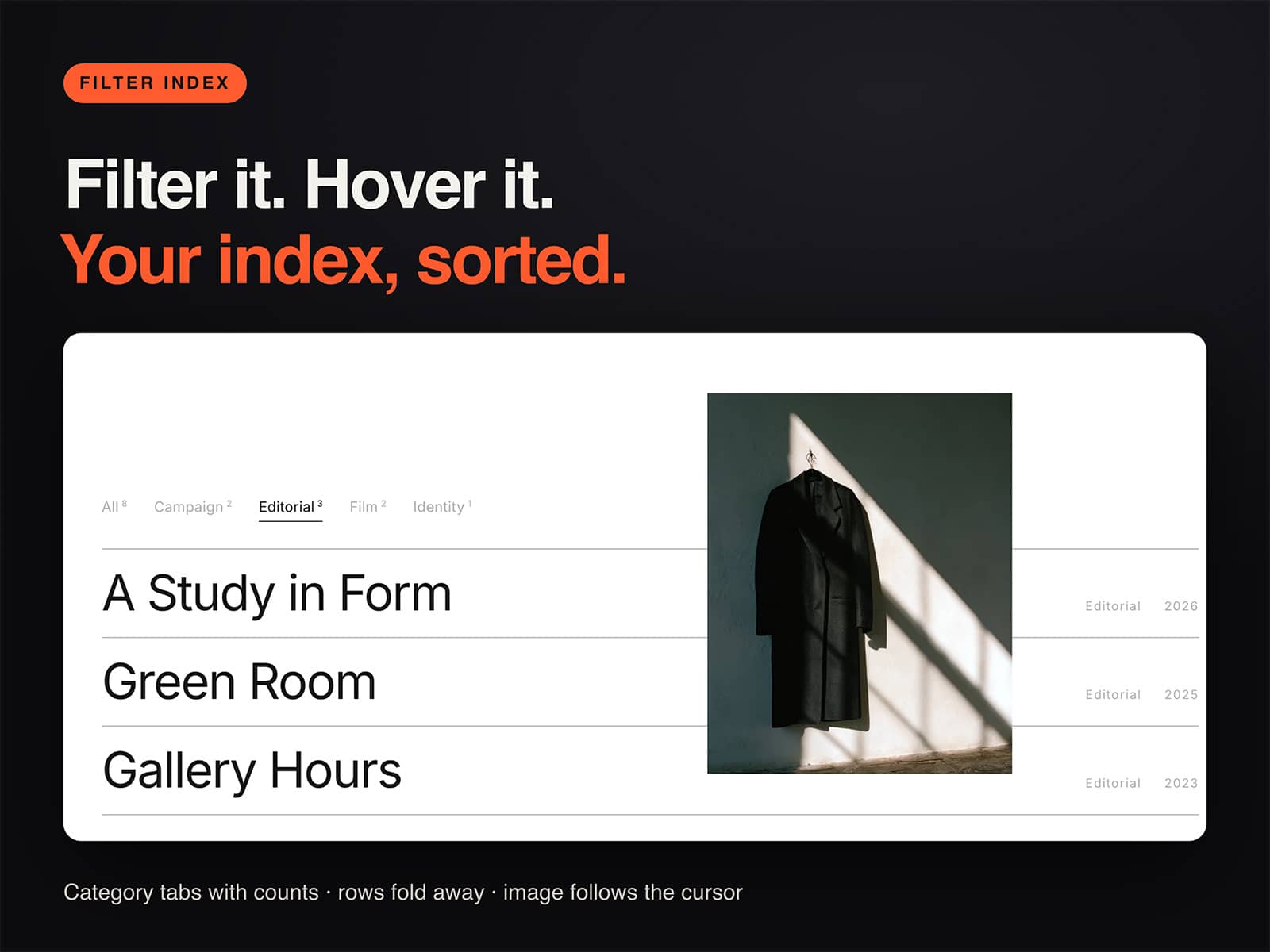
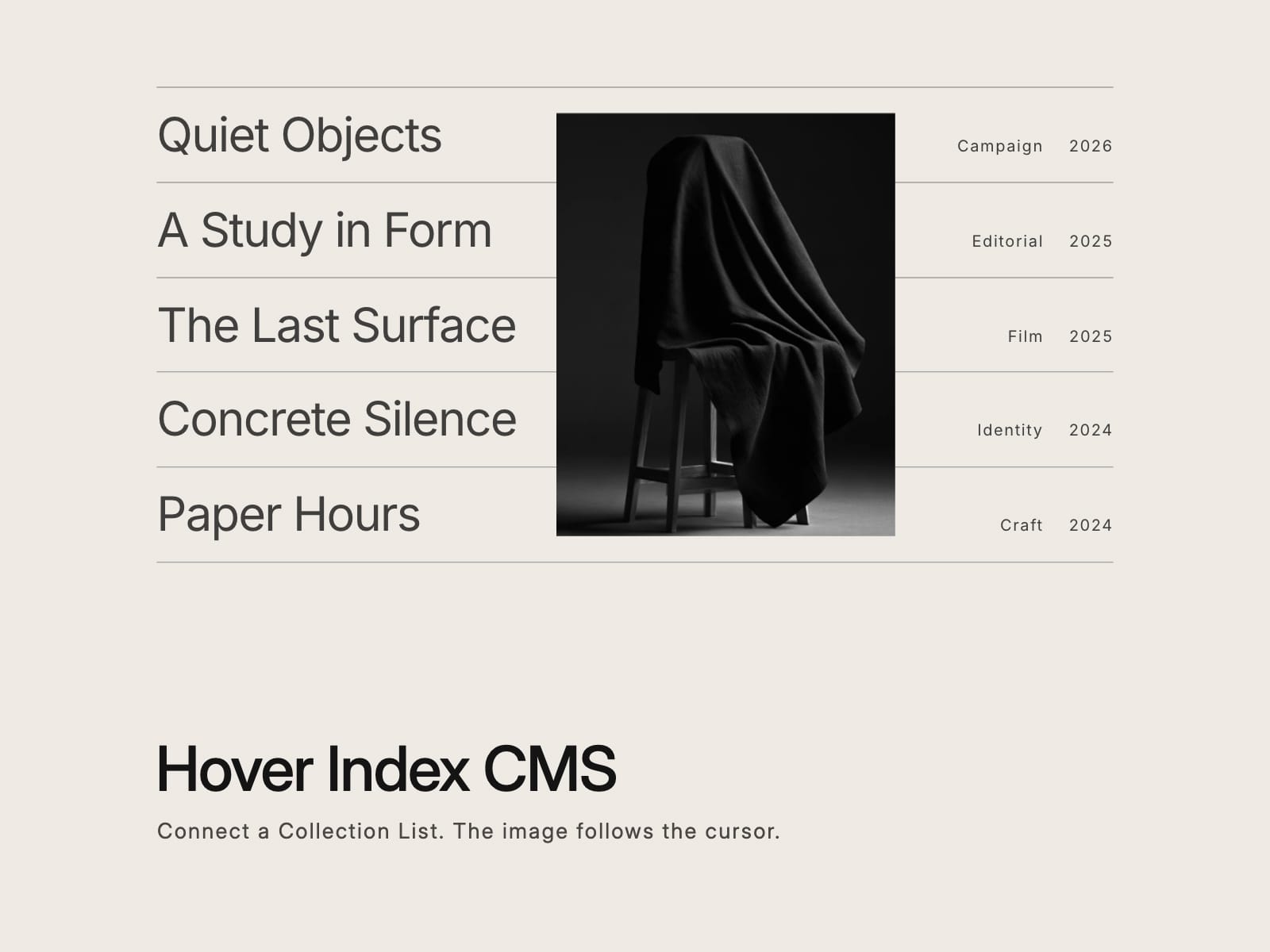
The Hover Index list, filled from your CMS. Each item becomes a row with a title, a label and a year, and its image follows the cursor while the row is hovered or focused.
Content: connect a Collection List, or any stack, to the Content slot. Put an image in each item and it becomes the hover image. Choose whether those images stay visible in the list or appear only on hover. Or skip the CMS and type the rows in by hand, each with an image, a title, a label, a year and an optional link.
Motion: set how closely the image follows the cursor, its width and its shape. Other rows can dim while one is in focus, or stay as they are.
Style: title and label fonts, colors, dividers, row spacing, side inset and background are all in the panel.
Rows are real links and keyboard focus brings up the image too. Touch screens get a plain list without the floating image. Visitors who ask for reduced motion get the image without the easing.
Zero dependencies, no network calls. On the canvas the first image is placed so you can see the layout.
Ships with five demo rows so it works the moment you drop it in.
If it does not work as described, you get a full refund within 14 days.
Want every KHZ component? The KHZ Editorial Kit has every one in one purchase for $49: https://buy.stripe.com/7sYbJ1eQWf6N5L39eCc3m1j
Built by KHZ ART, a Tokyo studio working in editorial and fashion.