About Hover Scan Card
MORE FRAMER COMPONENTS LIKE THIS
✦ Browse +38 FREE + 85 premium components: https://frameze.com/components
✦ Card Bundle: https://frameze.com/components/category/card?ref=bundles
About Hover Scan Card
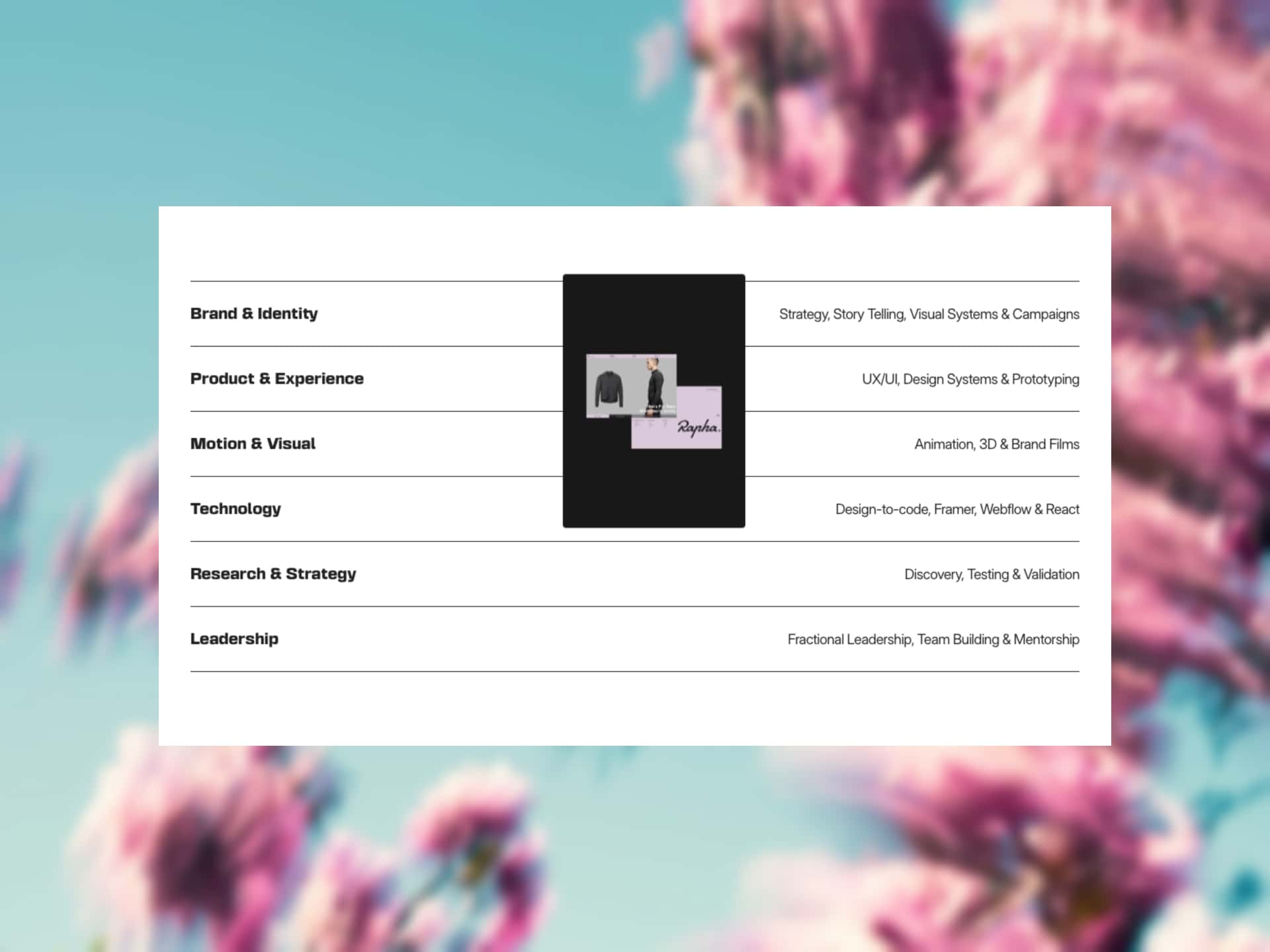
A premium hover card for Framer with a halftone dot effect that transforms your image into a stippled artwork at rest — then reveals it with a smooth lightsaber sweep animation on hover. Features a blur overlay with staggered content animations, full typography controls for Title, Price, Description, Button and Badge, five saber glow color presets, four overlay themes, and four sweep directions. Mobile tap support included. Perfect for fashion, real estate, AI platforms, and luxury brands.
Hover Scan Card Design Features
Halftone dot effect transforms images into stippled artwork at the default state
Lightsaber sweep animation reveals the original image with a glowing scan on hover
Five saber glow color presets (Blue, Red, Green, White, Purple) plus custom color
Four overlay themes (Dark, Warm, Navy, Rose) with a fully customizable Custom option
Mobile and tablet tap support with native scroll preserved
Responsive content scaling that adapts to any card size
Live Preview: https://hoverscancard.framer.website/
Use Cases
Fashion and luxury brand product cards
Real estate property listings and showcase pages
AI identity and profile product presentations
Sports performance and fitness platforms
Beauty, skincare, and lifestyle e-commerce grids
Portfolio and lookbook layouts
Premium landing pages with editorial image cards
Keywords
hover card, halftone card, dot effect, scan reveal, animated card, blur overlay, product card, fashion card, luxury card, real estate card, ai card