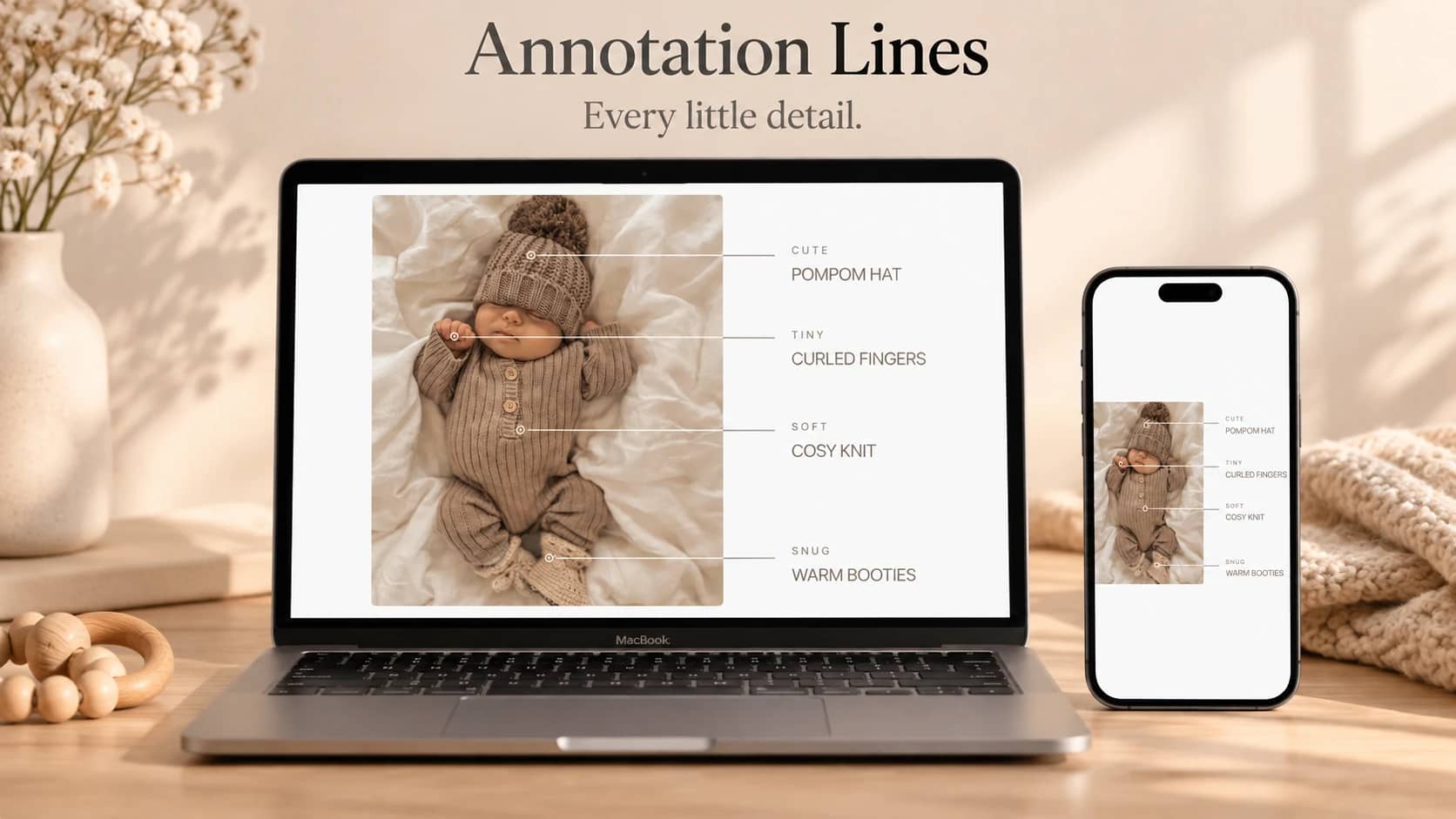
About Hover Warp
Tiny moments. A gentle ripple.
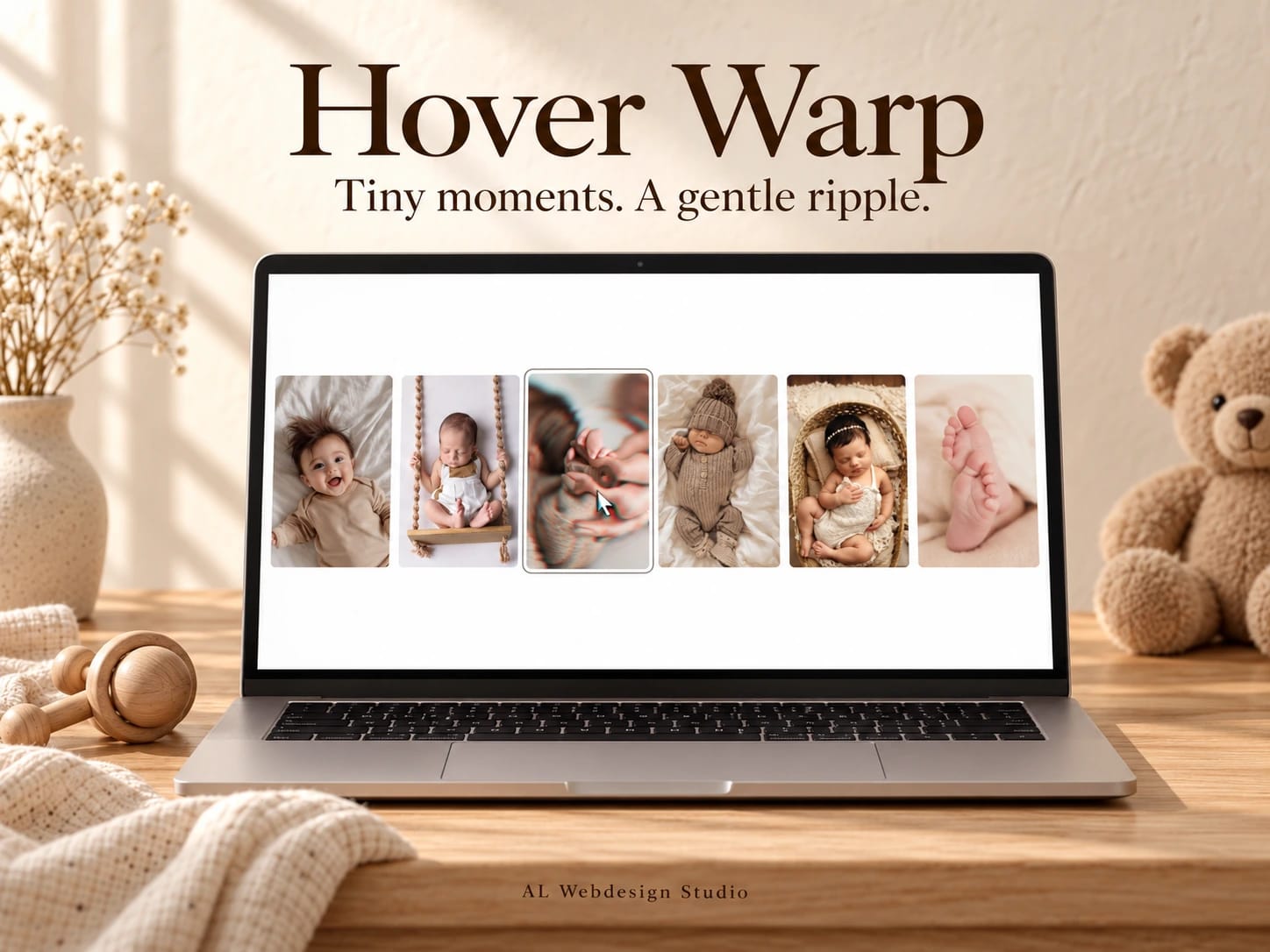
A little hand wrapped around a finger, a sleepy smile, toes you could look at all day. Hover Warp adds soft ripples to a photo gallery as you move across it, then lets each image settle back into place.
Move slowly for a gentle wave or faster for a little colour separation. Touch visitors can press and drag; keyboard visitors can move the ripple with the arrow keys.
Choose up to twelve photographs, with individual alt text and crop focus. Adjust wave size, frequency, colour split, smoothing, spacing and corners in Framer. The portrait grid adapts from two to three to six columns, full-screen or inside a section.
Reduced motion and graphics fallback keep the original photographs visible. Includes one versioned Framer component, matching source, setup guide, two customisation prompts and a commercial licence for one project.
The AI-generated demo photographs are visual examples only. Replace them with your own properly licensed images before publication or marketing.
By AL Webdesign Studio.