About Image Asset Compare
✦ Image Compare Before and after, with a line that feels alive.
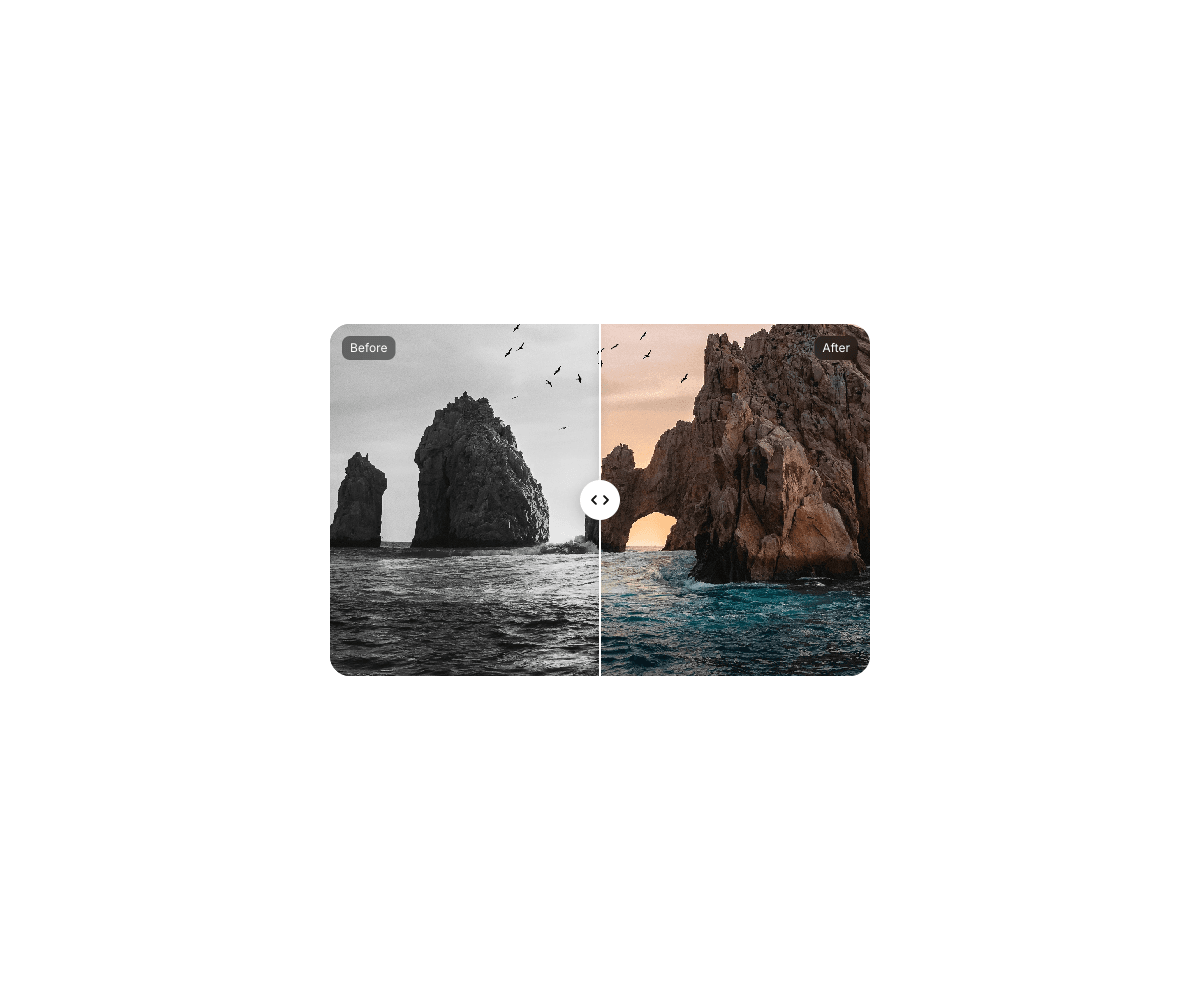
Drag across two images to reveal the difference. Swing it fast and the line bends like jelly, then settles straight. Flick it and it glides all the way to the edge.
———
✦ What Makes It Different
Jelly Line: the line bows with your swing and the image cut follows the same curve
Flick to Edge: throw the handle and it glides to the side you flicked
Depth Drift: both layers slide gently against each other for a sense of depth
Smart Labels: the Before and After tags fade out as the line reaches them
Smooth on Any Image: runs without React re-renders, so it stays fluid even with large photos
———
✦ Fully Editable, No Code
Before and after images
Starting position
Jelly strength, from straight to wobbly
Depth drift amount
Flick to edge, on or off
Line color and width
Knob size, color and icon color
Label text, position, colors and font
Corner radius
Fixed, Fill or Relative sizing, with a 540 × 352 default
———
✦ Built Right
Works with mouse, touch and keyboard
Vertical swipes still scroll the page on mobile
Respects Reduce Motion
Animation only runs while you interact, nothing runs when idle
———
Add two images. Drag. Done.