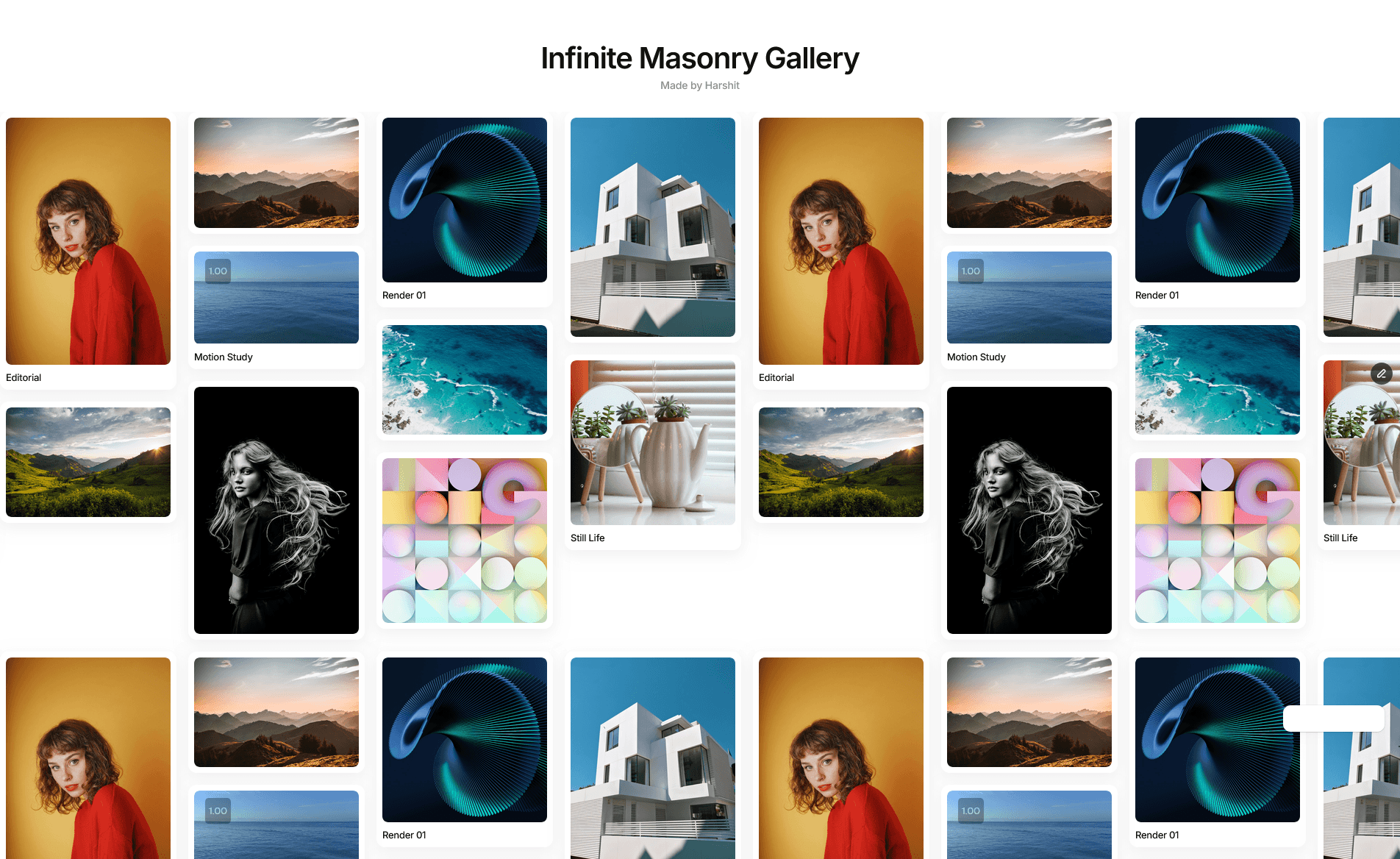
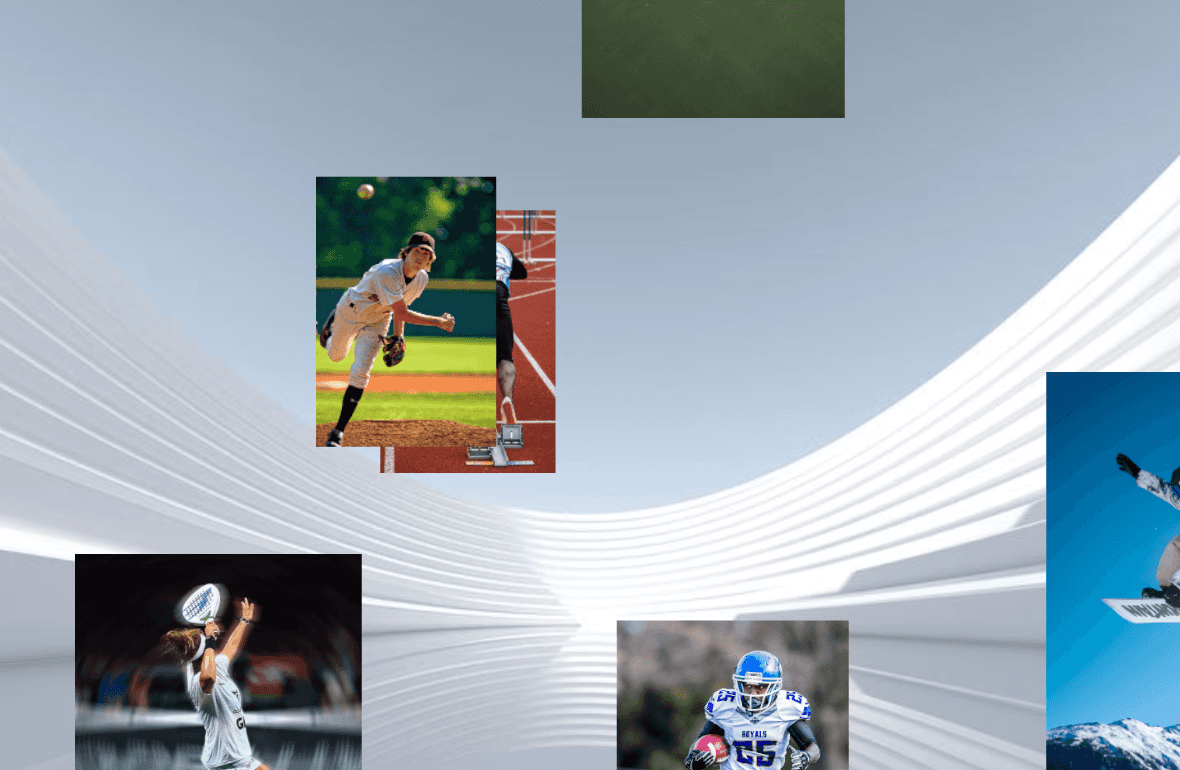
About Image Grid Animation
MORE FRAMER COMPONENTS LIKE THIS
✦ Browse +38 FREE + 85 premium components: https://frameze.com/components
✦ Card Bundle: https://frameze.com/components/category/card?ref=bundles
Image Grid Animation
Pixel Image Reveal is a scroll-triggered pixel grid animation component for Framer. When your image enters the viewport, a grid of animated pixels dissolves away to reveal the image beneath — creating bold, cinematic entrances that make your site unforgettable.
_______________________________________________________________
Donation: https://ahmetloca.dub.link/donation
if it saves you time, a small tip is always appreciated.
_______________________________________________________________
Features
4 reveal directions: Random, Left to Right, Top to Bottom, Center Out
Adjustable pixel size, animation duration & scale effect
Replay on hover option
Works on any image layer
Demo component included with interactive direction switcher
How to use
Add the PixelGridReveal component to your page
Upload your image in the Image field
Choose your reveal direction and adjust settings
The animation triggers automatically when the component enters the viewport
Demo Component A PixelGridRevealDemo component is also included for preview purposes only — it lets you test all 4 reveal directions interactively. You can safely delete it from your project once you're done exploring.
Customization
Pixel Size — controls the grid block size (small = fine grain, large = chunky pixels)
Duration — total animation duration in ms
Scale From — starting scale of the image (creates a subtle zoom-in effect)
Reveal Direction — choose how pixels dissolve
Replay on Hover — replays the animation every time the user hover