About Pro Hover Zoom
🔍 Reveal the Details with Pixel-Perfect Precision
Make your images more than just static assets. Pro Hover Zoom adds a layer of professional interactivity that invites users to explore your work. Whether you're showcasing fine textures in an e-commerce shop or hidden details in a design portfolio, this component delivers a buttery-smooth experience.
✨ Dual Interaction Modes
1. Smooth Scale Zoom: The classic "grow on hover" effect, but refined with customizable spring physics for a premium feel.
2. Magnified Lens: A floating circular or rounded lens that magnifies exactly what the cursor points to. Ideal for high-resolution photography and product specs.
🚀 Professional Controls
Variable Zoom Strength: Control exactly how much detail you want to reveal.
Custom Lens Styles: Adjust size, border color, and corner radius to match your site’s UI.
Responsive & Mobile-Ready: Features a smart "Disable on Touch" option to ensure a clean experience for mobile users.
Polished Transitions: Built-in fade-in/out logic for the lens, so it never feels jarring.
🎯 Perfect For:
E-commerce: Let customers see the quality of materials and fabrics.
Art & Photography: Showcase brushstrokes and high-def textures.
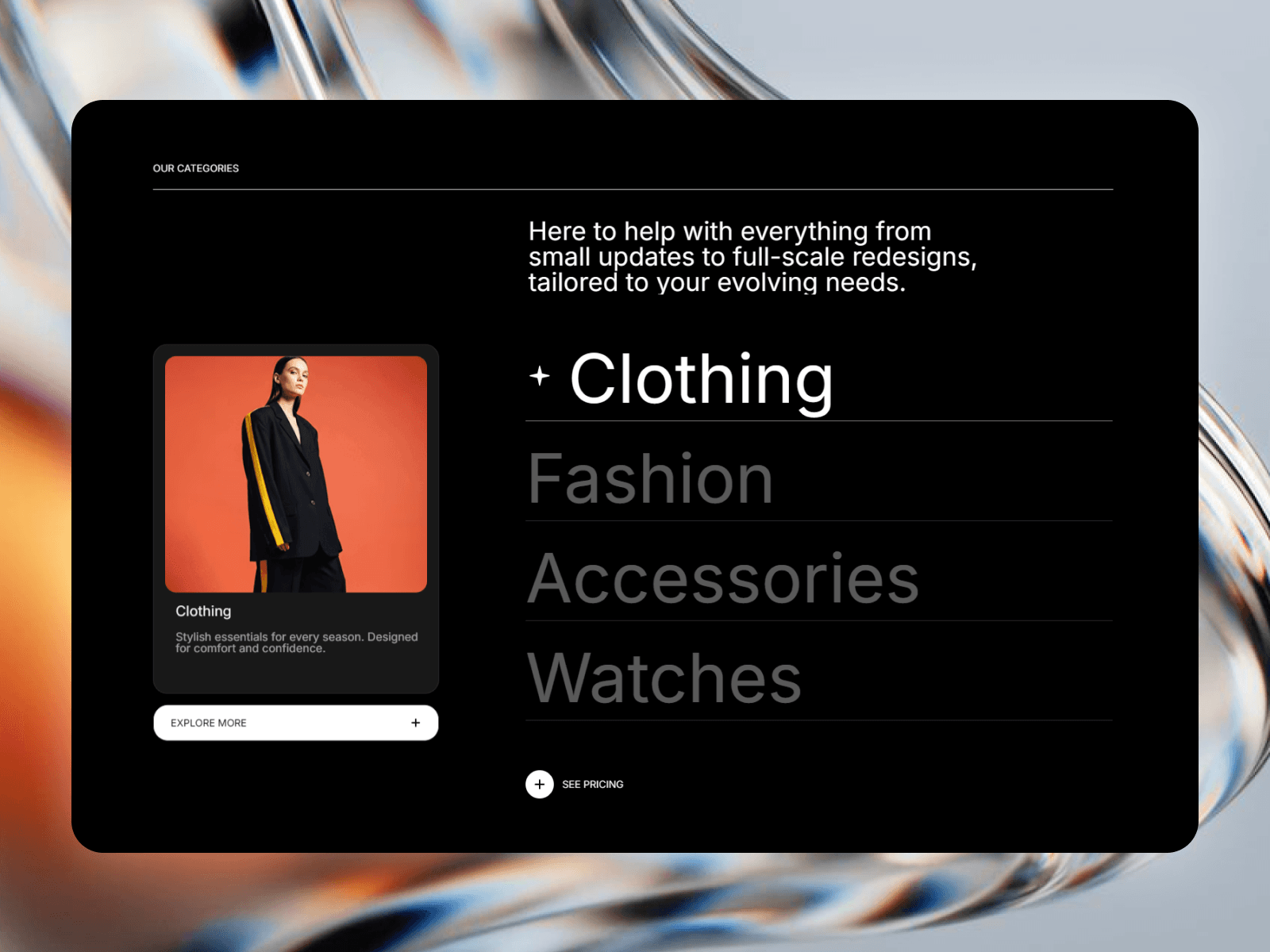
Tech Portfolios: Zoom into UI screenshots and complex dashboard details.
Editorial Layouts: Add a "discovery" element to your articles.
🛠️ No-Code Setup
Drop the component onto your image or frame.
Choose your mode (Zoom or Lens).
Customize the strength and style in the property panel.
Publish. No complex overrides or external libraries needed.