About ImageShadow
Image Shadow Component - Details
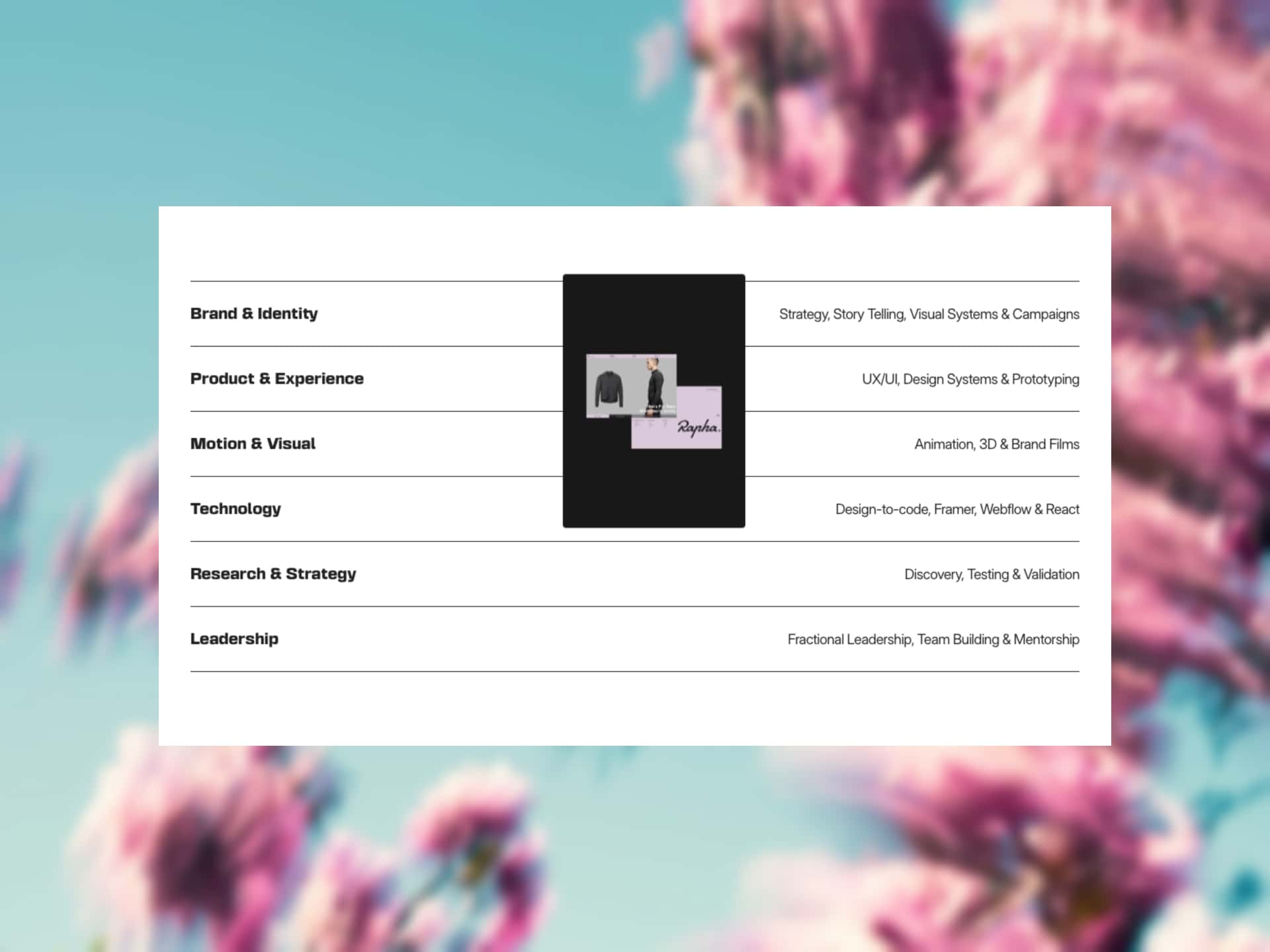
Add depth to your images with vibrant blurred shadow effects. Upload any image and the component automatically creates a colorful shadow layer behind it.
Customizable Controls:
Shadow Settings
Blur Amount - Adjust shadow blur intensity from subtle to heavily blurred
Opacity - Control shadow transparency for subtle or dramatic effects
Offset X - Move shadow horizontally (left/right)
Offset Y - Move shadow vertically (up/down)
Darken Amount - Control how much darker the shadow appears
Image Settings
Border Radius - Add rounded corners (shadow automatically matches)
Dimensions - Adjust width and height; shadow scales automatically
Aspect Ratio - Lock proportions for consistent sizing
Features:
✓ Transparent background - works over any backdrop ✓ Fully responsive and auto-scaling ✓ Real-time preview of adjustments ✓ Modern, elevated aesthetic
Perfect for: Hero sections, product showcases, team profiles, portfolio pieces, featured images, and call-to-action cards.