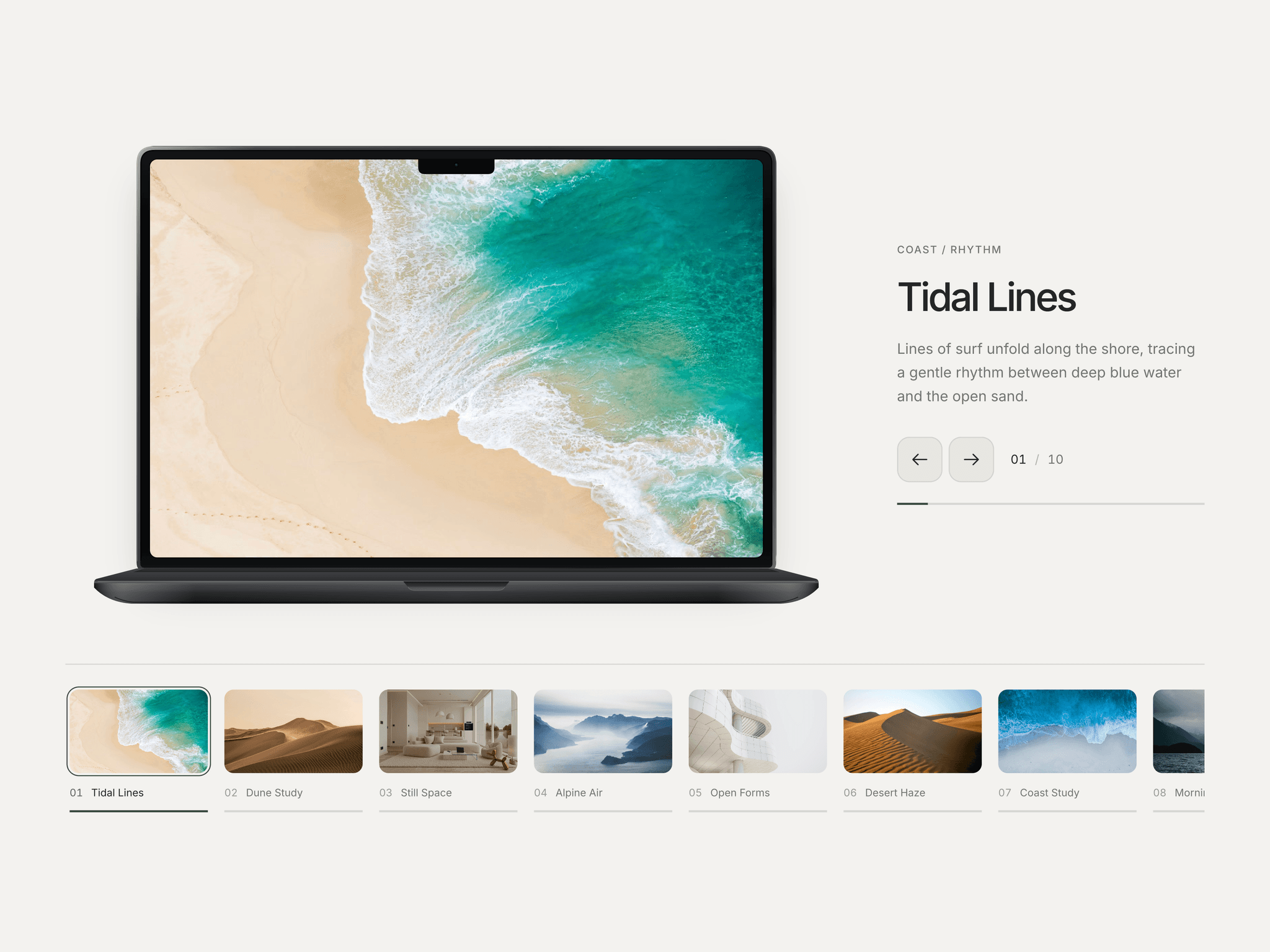
About Ink Reveal Slider
Explore the best Framer components ↗
About
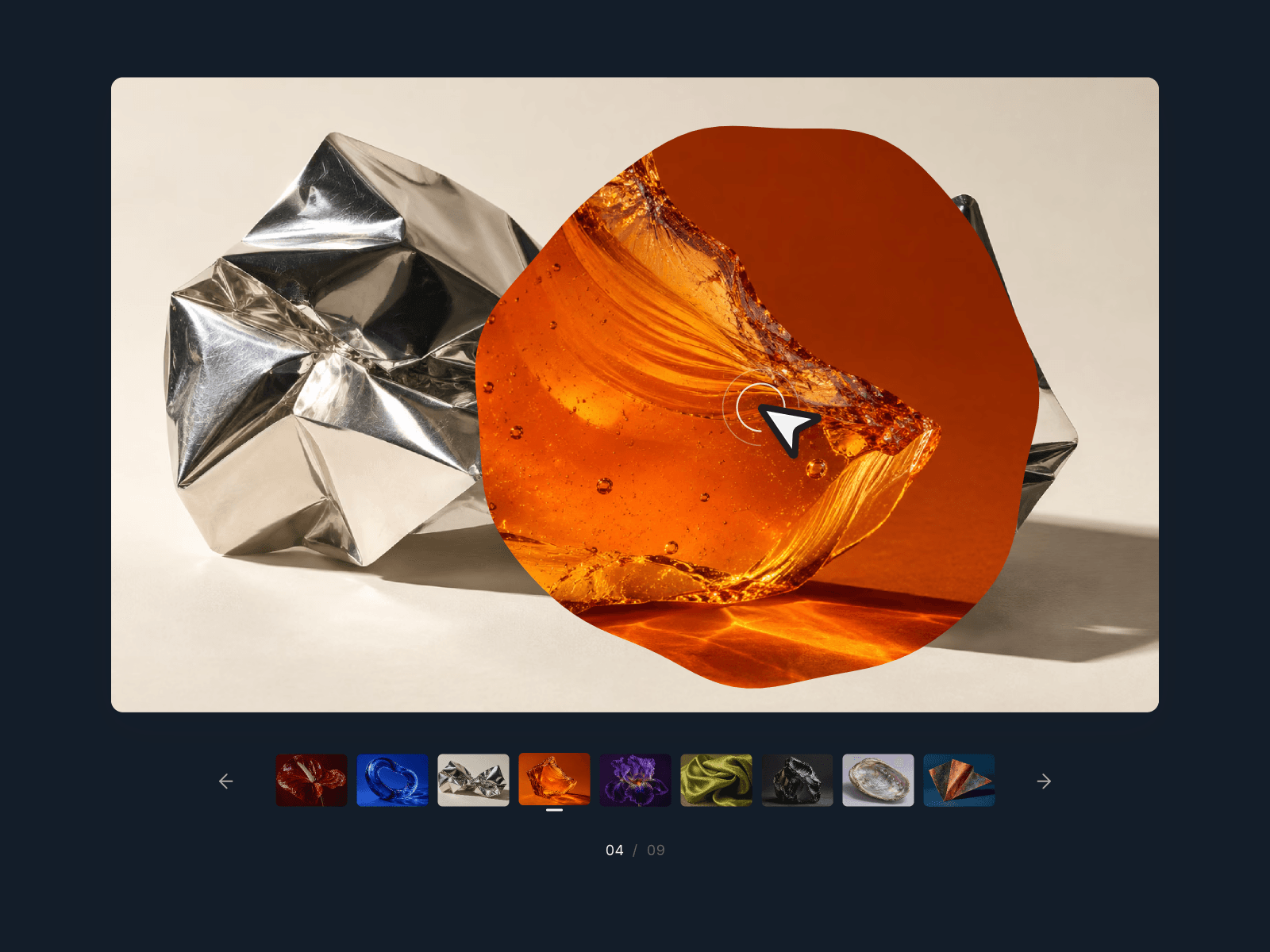
Ink Reveal Slider is an interactive image slider for Framer with organic, ink-style reveal transitions. Click an image and the next one spreads outward from your click point, with a gently irregular edge that settles into a complete photograph.
Browse with thumbnails, arrows, touch swipes or keyboard navigation, or let autoplay carry the sequence. A compact counter keeps your place, while optional titles can link to the story behind each image.
What you can customize
Give the gallery your own visual rhythm. Replace and reorder images, write titles and set their links and new-tab behavior. Shape the reveal with its duration, ink-edge strength and a click-point or centered origin.
Match the aspect ratio, corners, padding, background, text, focus accent and typography to your site. Show or hide thumbnails and titles, adjust the autoplay interval and choose whether hovering pauses playback. The image list supports 20 entries; nine sample images are included. Keyboard focus pauses autoplay, and reduced-motion preferences simplify the transitions. All settings live in Framer’s property controls.
Great for (examples)
Give image-led pages a more expressive way to browse:
Art direction and material studies
Photography series and visual essays
Fashion collections and campaign imagery
Brand moodboards and color explorations
Product detail and texture galleries
Artist portfolios and exhibition previews
Editorial hero slideshows
Need help?
Questions or feedback? Reach me anytime: matthias@lmvision.de or on X @Matthias_Oel.
Need a matching component?
Add another way to reveal images or present selected projects: