About Interactive Ink
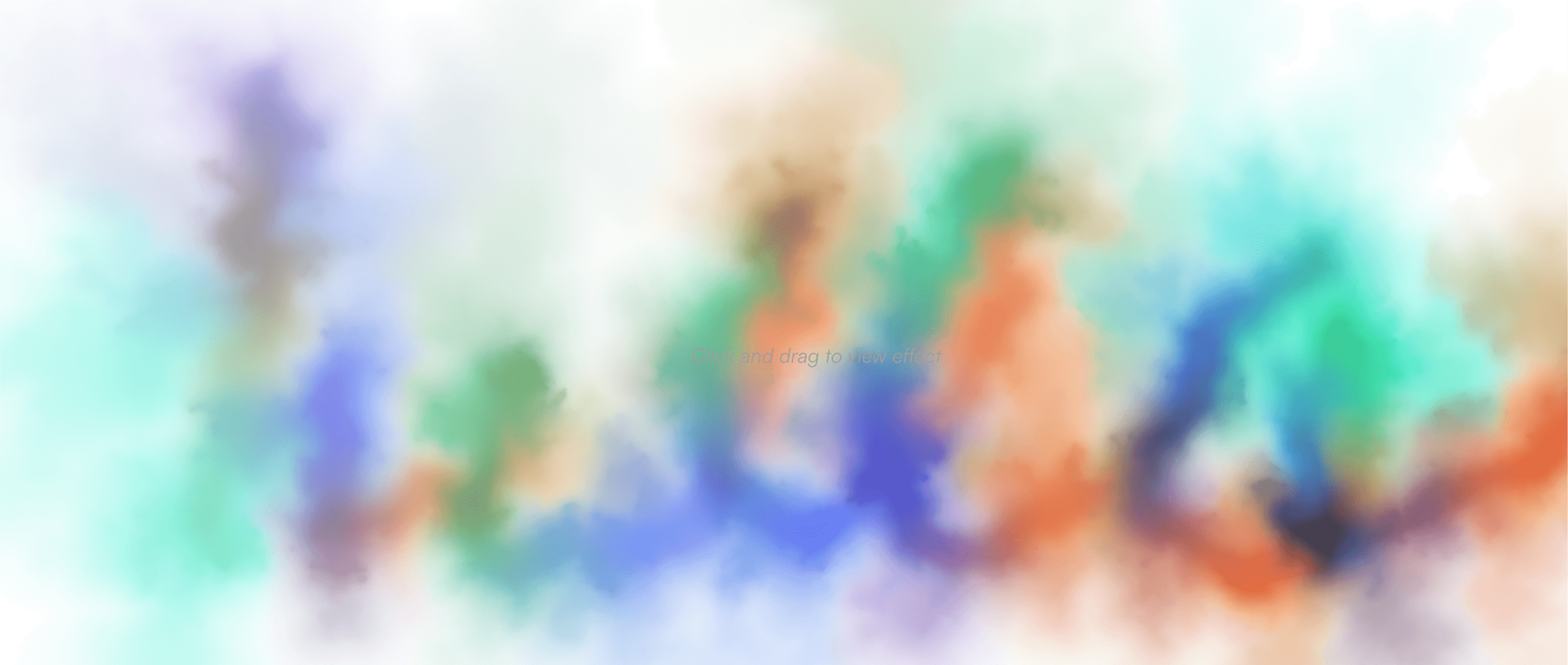
Ink on Click turns any section into a canvas. Click and drag, and rich watercolor ink blooms outward with a soft crinkled edge, mixes with the colors already on the page like real pigment, then slowly washes away.
Every part is adjustable from the properties panel:
Color. Rainbow mode cycles hue as you drag, or switch to Custom and set your own palette of up to 5 brand colors that blend into each other.
Brush. Size, ink amount, flow, and how much ink pools when you hold still.
Spread. Bloom distance, speed, edge roughness and softness, grain, turbulence and swirl, so the ink can read as delicate watercolor or heavy dye in water.
Fade. How fast the ink washes away and how quickly the motion settles.
Built on WebGL2 with no dependencies and three quality levels, so it stays smooth on phones. Works with mouse and touch. Pauses on the canvas while you design, and runs in preview and on your published site.
Open source under MIT: github.com/chintanned/ink-on-click