About Interactive Motion G
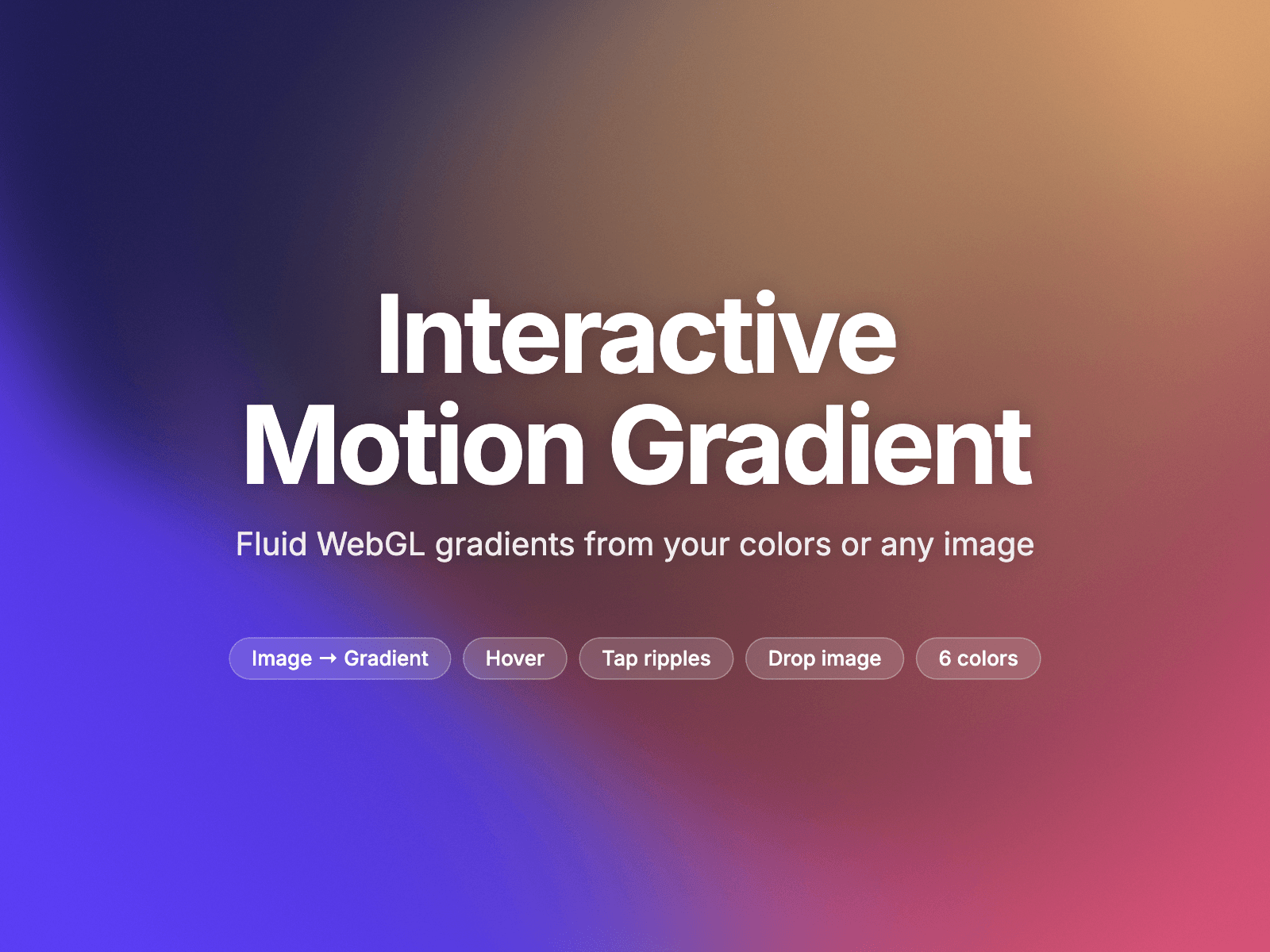
Interactive Motion Gradient
A fluid WebGL gradient that bends under your cursor, ripples on every tap and turns any image into living color. All controls are live in the property panel, no code needed.
Image → living gradient
- Upload any photo, artwork or product shot and it dissolves into a soft, flowing gradient made from its own colors.
- Image Blur goes from a hint of the original shapes to a pure field of color.
- Careful downsampling and bicubic filtering: no pixel steps, no banding.
- Cover-fits any frame with mirrored edges, and crossfades smoothly when the image changes.
Interactive
- A soft lens and swirl follow the cursor; fast moves drag the colors like liquid.
- Every click or tap sends a ripple through the field, up to 8 at once.
- Gentle parallax toward the pointer. Hover strength, size and ripple speed are adjustable.
- Works on touch screens and keeps reacting under your text and buttons.
- Drop Image: visitors drop their own picture to restyle the gradient. It never leaves their browser.
Colors
- Up to 6 colors blended in OKLab: vivid transitions, no muddy greys.
- Two blend styles: Mesh (drifting color fields) or Waves (flowing bands).
- Seed, Softness, Scale, Amplitude, Angle and Speed shape the motion. Works with Framer color styles.
Built for production
- Film grain plus dithering for clean, band-free dark gradients.
- Pauses offscreen and in background tabs; a pixel budget keeps it fast on 4K screens.
- Respects reduced motion, previews live on the canvas and falls back to CSS without WebGL.
How to use
1. Drop it onto the canvas and set it to Fill.
2. Pick colors and a blend style, or switch Source to Image and upload a picture.
3. Tune Hover, Parallax and Tap Ripples.
4. Place your content on top.
Perfect for hero sections, page backgrounds, cards and product pages. Turn a campaign photo into a matching brand background in seconds.