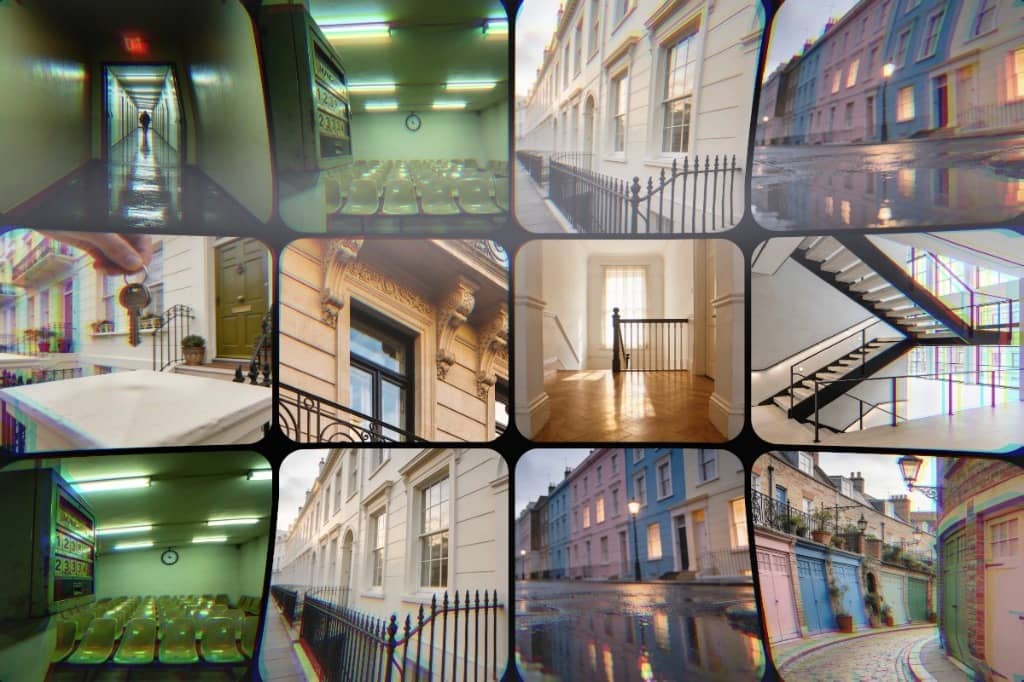
About InteractiveGallery
Interactive Gallery is a visually engaging Framer component that creates dynamic mouse-driven image animations with realistic falling and bouncing motion effects. As users move their cursor or swipe on touch devices, images are smoothly spawned and animated with elastic physics, rotation, scaling, and natural movement, creating an immersive interactive gallery experience.
Built for modern websites, creative portfolios, landing pages, showcases, and experimental interfaces, the component combines performance-focused animations with fully customizable styling controls. Users can easily upload images or use image URLs, adjust image size, border radius, motion sensitivity, and background styling directly from Framer property controls — no coding required.
The component is optimized for both desktop and mobile interactions, supporting mouse movement and touch gestures while maintaining smooth responsive performance. It also includes viewport detection for improved efficiency by preventing unnecessary animations when the component is outside the visible screen area.
Features
Mouse-driven interactive image spawning
Smooth falling and bouncing physics animations
Elastic scaling and rotation effects
Touch support for mobile devices
Upload images or use image URLs
Adjustable motion sensitivity controls
Customizable image size and border radius
Responsive and performance optimized
Viewport visibility detection
Clean and modern visual experience
Fully customizable through Framer controls
Perfect For
Creative portfolios
Interactive hero sections
Modern landing pages
Product showcases
Experimental web experiences
Photography galleries
Agency websites
Fashion and art presentations
Interactive backgrounds
Visual storytelling experiences
Why You'll Love It
Creates an eye-catching interactive experience instantly
Adds motion and personality to modern websites
Makes galleries feel alive and immersive
Enhances user engagement with reactive animations
Works smoothly across desktop and mobile devices
Easy to customize without writing code
Customization Options
Change background colors
Adjust image sizes
Control animation sensitivity
Modify image corner radius
Use image URLs or uploaded assets
Fine-tune interaction behavior