About Isometric Gallery
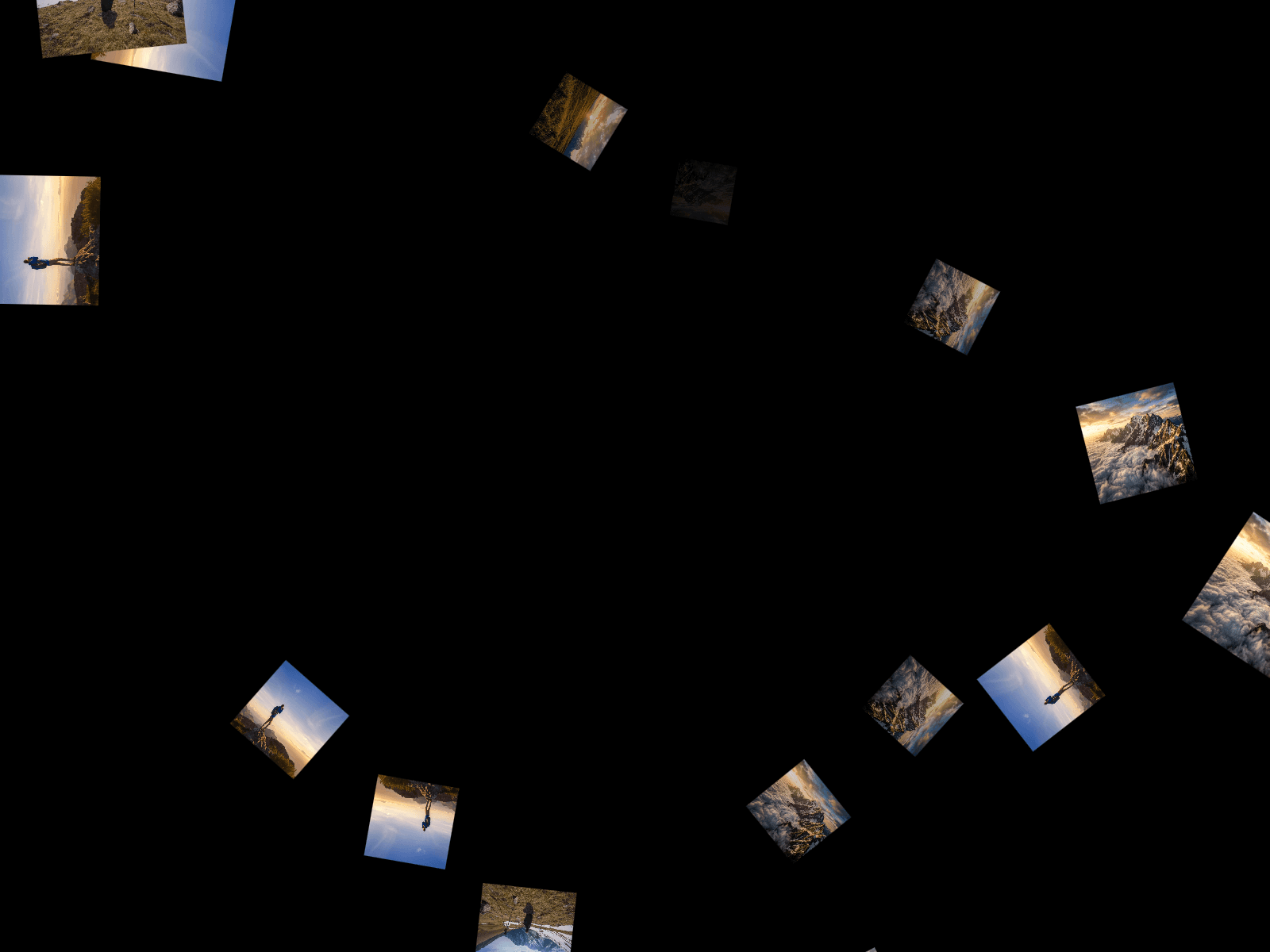
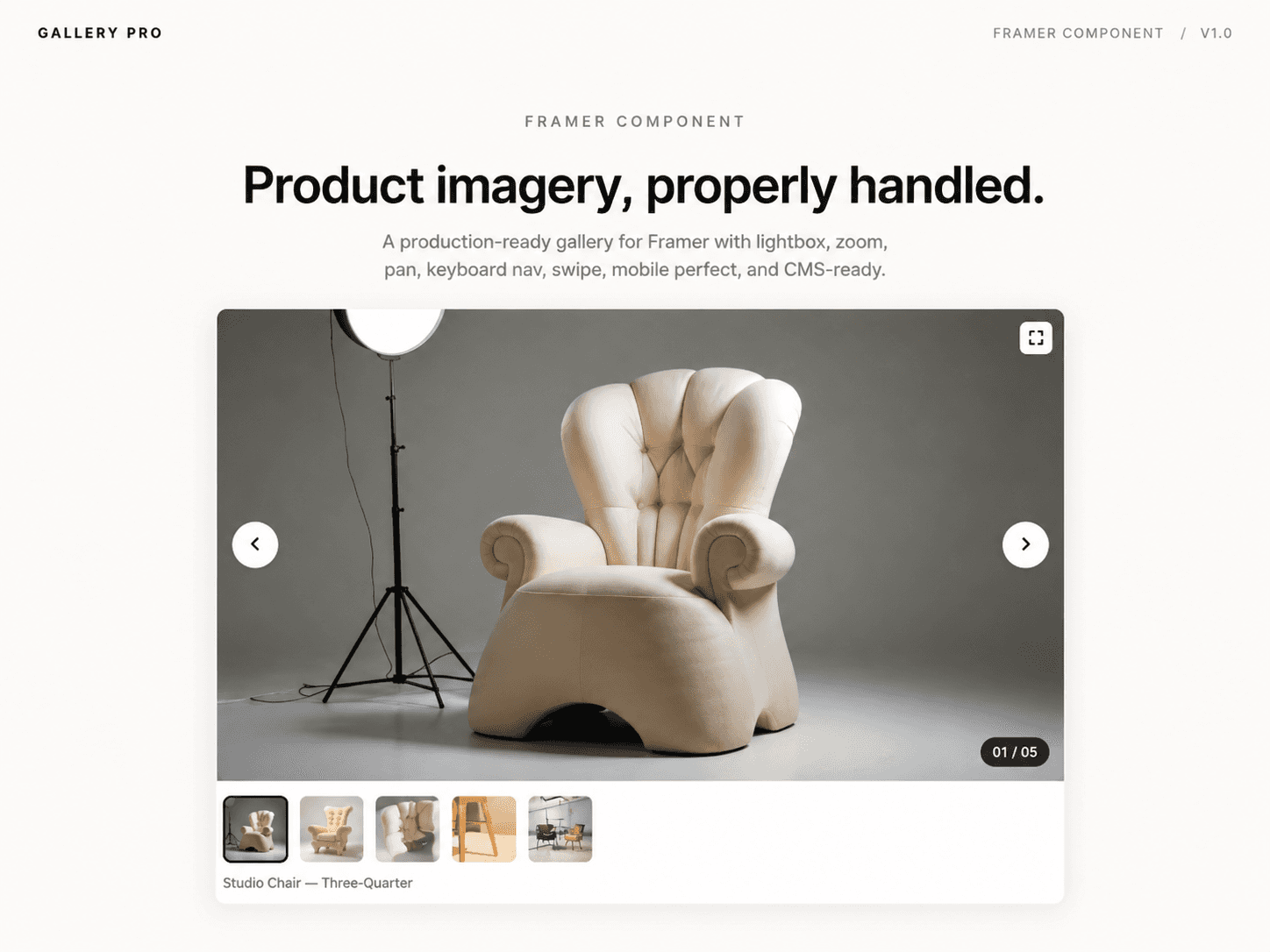
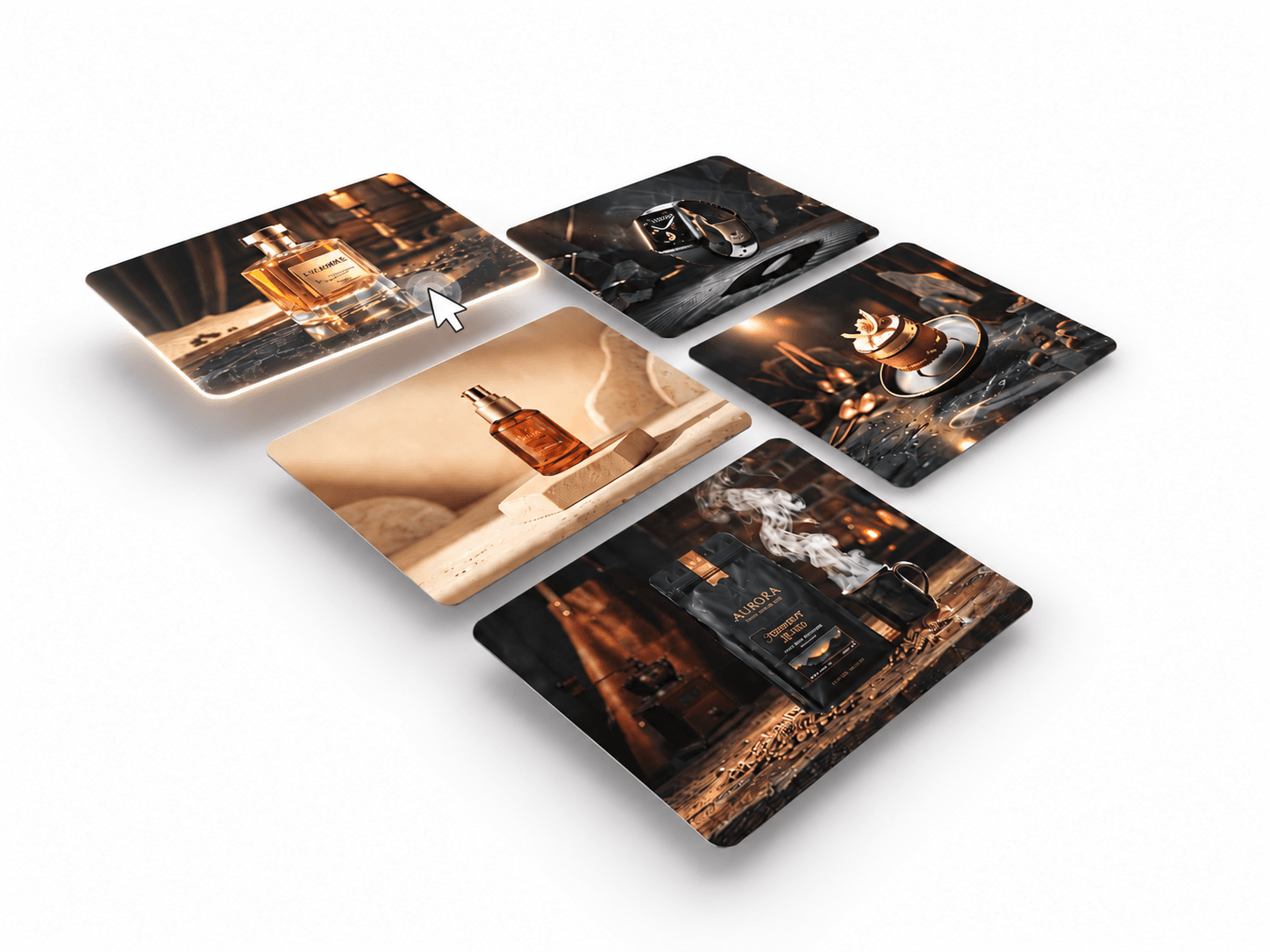
3D image carousel that transforms your image collection into an elegant isometric grid layout. Featuring smooth automatic transitions, interactive drag and swipe navigation, and elevated hover effects, it creates a dynamic sense of depth and perspective. Perfect for creative portfolios, photography showcases, product galleries, architecture websites, and modern landing pages.
Customize Options
1. Content
Content – Add images and assign clickable links.
New Tab – Choose whether links open in a new browser tab.
2. Layout & 3D Appearance
Columns – Set the number of columns in the grid.
Width – Adjust card width.
Height – Adjust card height.
Radius – Customize card corner rounding.
Gap – Control spacing between cards.
Angle Z – Adjust the isometric rotation angle.
Hover Lift – Set how far cards elevate when hovered or tapped.
3. Auto Play
Enable – Turn automatic carousel playback on or off.
Interval – Set the time between slide movements.
Slide Speed – Adjust transition speed.
Pause Hover – Pause autoplay when the carousel is hovered.
4. Navigation
Mode – Choose between Arrows + Drag, Arrows, or Drag / Swipe.
Show – Show or hide navigation arrows.
Icon – Customize arrow icon color.
Container – Change the arrow background color.
Size – Adjust arrow button dimensions.
5. Shadow
Color – Customize shadow color.
Blur – Control shadow softness.
Spread – Adjust shadow expansion.
Offset X – Set horizontal shadow position.
Offset Y – Set vertical shadow position.
Additional Features
Infinite looping carousel movement.
Interactive 3D perspective and depth effects.
Supports mouse drag and touch swipe navigation.
Automatically adjusts to container resizing.
Pauses autoplay when outside the viewport.
Supports static rendering in the Framer editor.