About Keycap3D
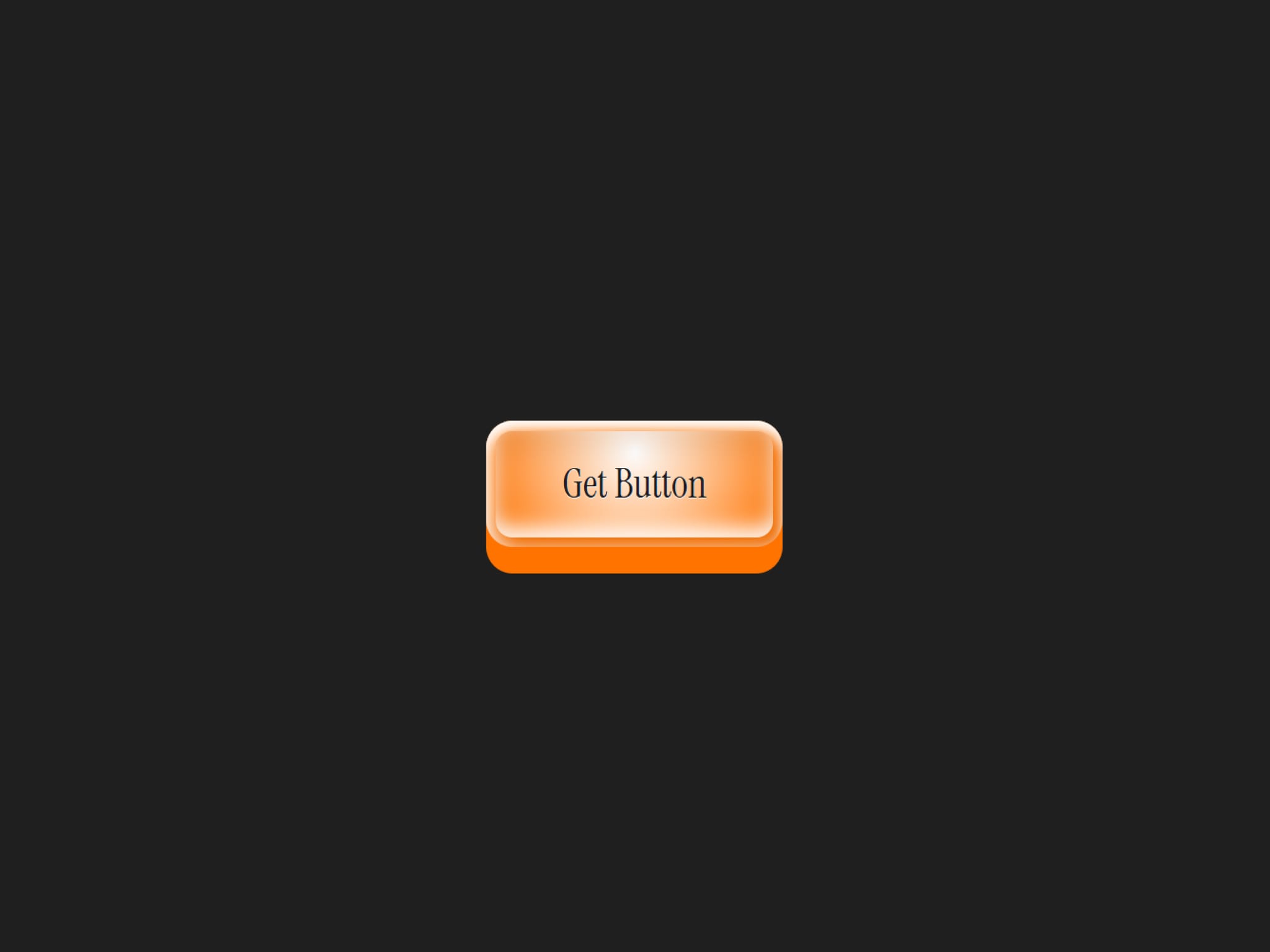
Give your website a tactile, premium feel with Keycap3D, an interactive 3D button component for Framer inspired by modern keyboard keycaps. Designed with smooth hover and press animations, this component instantly adds depth and personality to landing pages, portfolios, SaaS websites, product showcases, and creative projects.
Built with flexibility in mind, every important element is fully editable directly inside Framer. Customize the button label, typography, font size, colors, corner radius, padding, and overall appearance without touching a single line of code. Whether you're creating a minimal interface or a bold, playful design, Keycap3D adapts to your style in just a few clicks.
Features
Interactive 3D keycap animation
Fully customizable colors
Editable button label
Editable font family
Adjustable font size
Custom text color
Adjustable border radius
Customizable padding
Easy drag-and-drop setup
Built entirely for Framer
No coding required
Fully Editable
Keycap3D is designed to be completely customizable. Easily adjust:
Button Text
Font Family
Font Size
Text Color
Corner Radius
Button Padding
Overall Component Styling
Everything can be edited directly from Framer's Properties Panel, making it simple to create countless button styles that match your brand or design system.


