About Lens Zoom
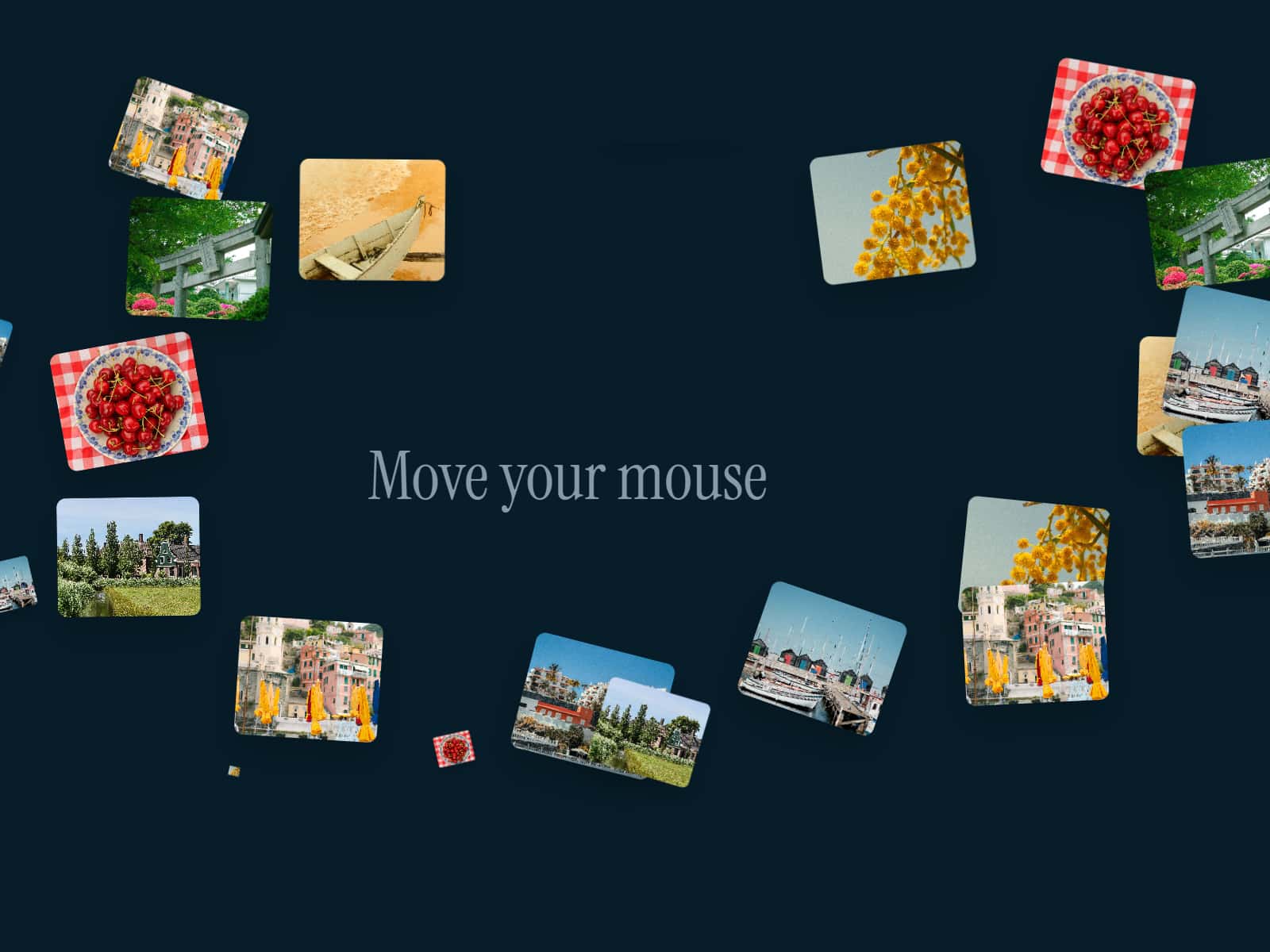
Mouse Lens Zoom is an interactive Framer component that adds a magnifying glass effect to images. As the cursor moves across the image, a lens follows the mouse and reveals a zoomed-in version of the image inside it.
You can control the zoom level, lens size, shape, border style, and whether the lens appears only on hover or stays visible at all times. The component is smooth, responsive, and ideal for showcasing visual details without navigating away from the page.
Key Features
Mouse-following lens zoom effect
Adjustable zoom level
Customizable lens size
Circle or square lens shape
Configurable lens border width and color
Option to show lens on hover or always visible
Smooth performance and responsive behavior
Use Cases
Product image previews
Portfolio and photography sites
E-commerce detail views
Image comparisons and showcases
Interactive visual storytelling
Best Practices / Tips
Use high-resolution images for best zoom clarity
Keep zoom levels subtle to avoid pixelation
Match lens border color to your UI for a polished look
What’s Included
One Mouse Lens Zoom component
Image, zoom, and lens customization controls
Hover behavior toggle
Who It’s For
Framer designers and builders
Product designers and marketers
E-commerce creators
No-code users adding interactive image details