About Liquid Blob Button
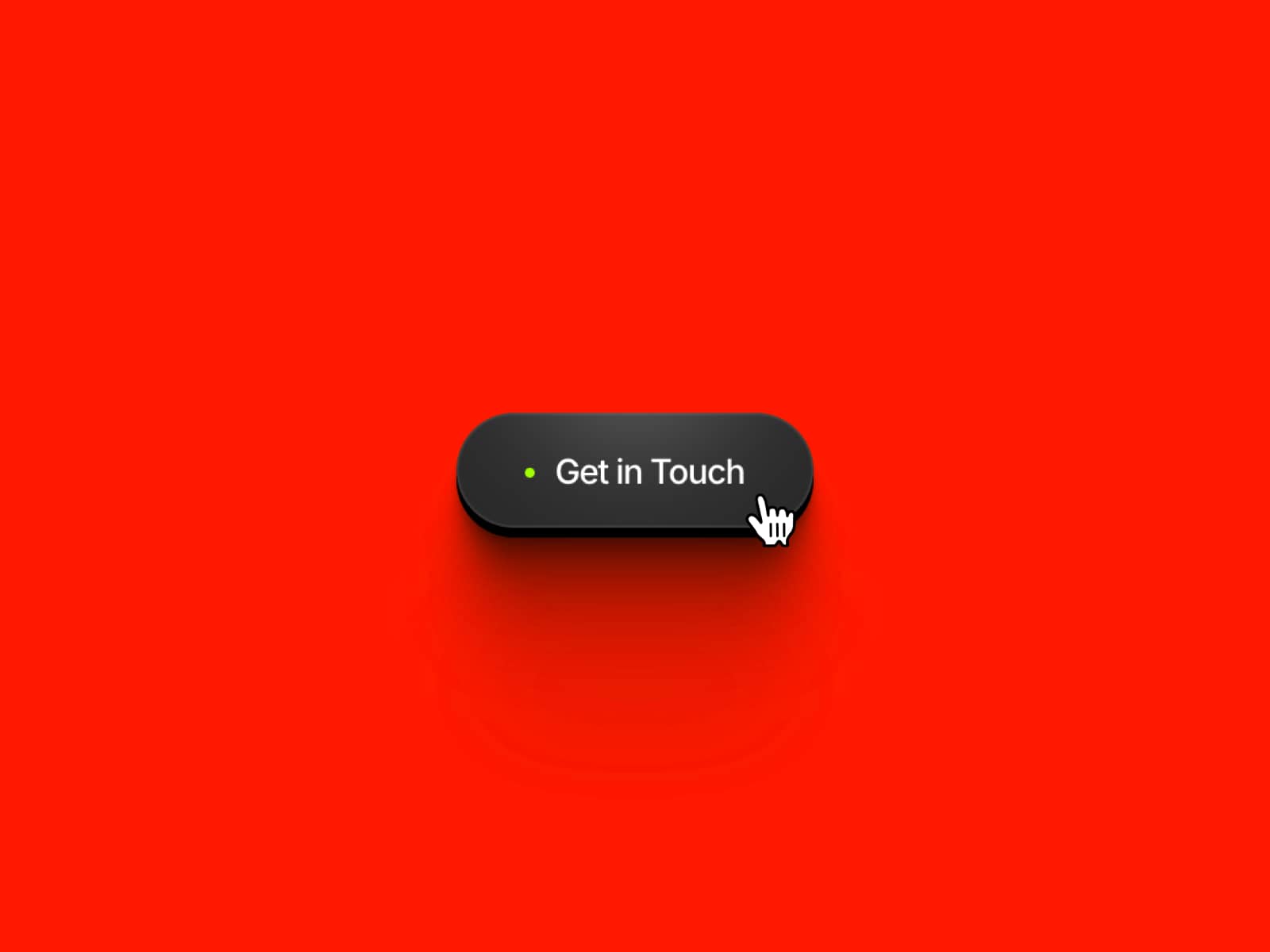
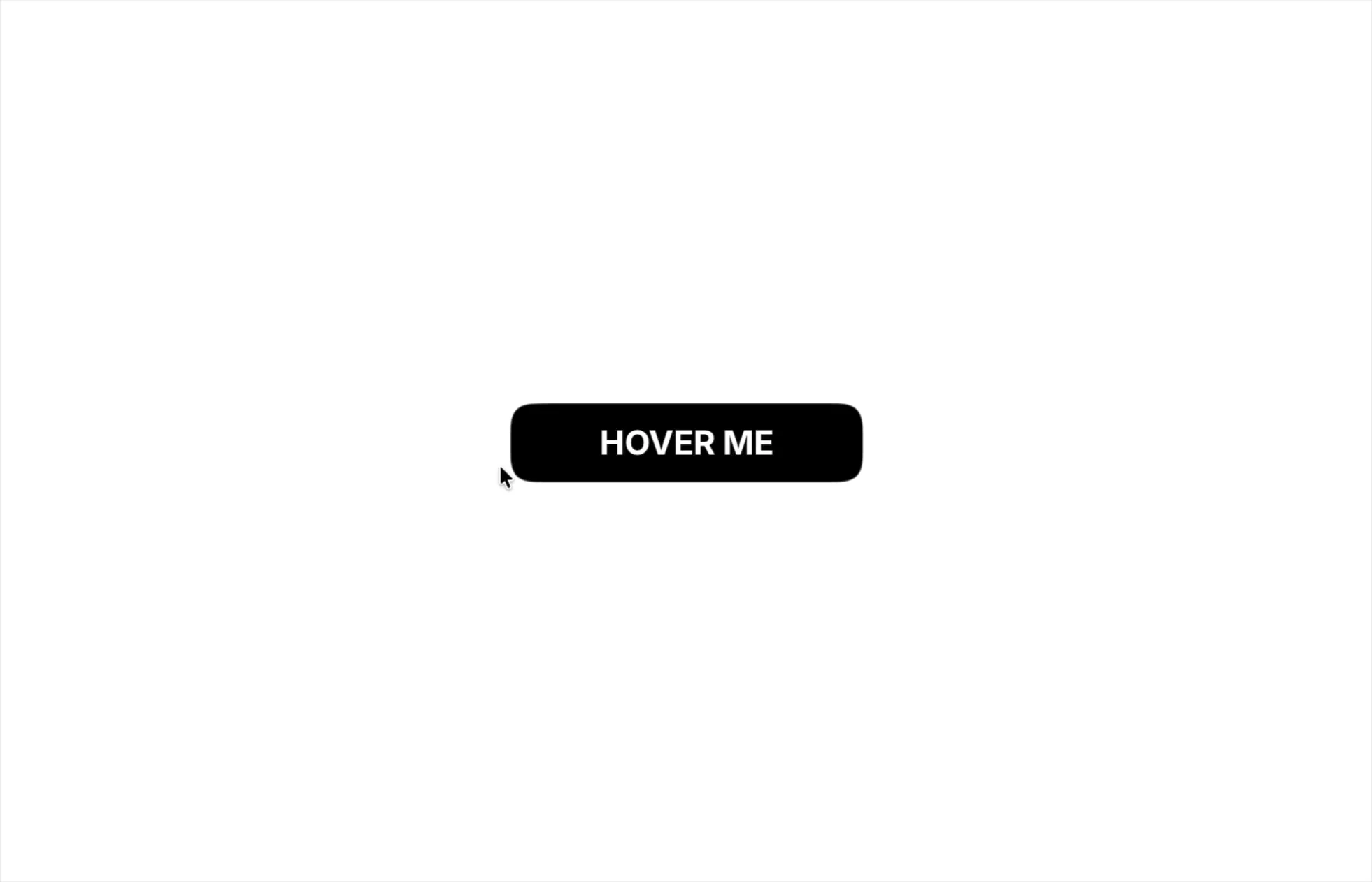
Add a playful touch to your website with Liquid Blob Button, an interactive Framer component featuring a smooth, gooey animation that follows your cursor. As you move your pointer across the button, connected liquid blobs create a fluid effect, bringing a simple button to life.
Customize the button shape, colors, typography, and blob size to match your design. With multiple shape presets and optional link support, it is a flexible way to create eye-catching calls to action.
Features & Customization
Liquid Blob Animation: Create a smooth, connected gooey effect that follows the cursor.
Interactive Movement: Blobs respond to mouse and touch movement.
Shape Presets: Choose from Pill, Rounded, Square, Leaf, Tab, and Ticket.
Custom Corner Radius: Fine-tune corners for supported shapes.
Blob Size Control: Adjust the maximum radius of the animated blobs.
Custom Colors: Set button background and text colors.
Typography Controls: Customize font, weight, size, and spacing.
Custom Label: Change the button text to suit your CTA.
Link Support: Connect the button to an external URL.
Flexible Styling: Adjust the component dimensions and layout in Framer.
Where to Use
Perfect for landing pages, portfolios, agency websites, SaaS websites, and creative projects. Use it for primary calls to action, navigation links, or interactive buttons that deserve extra attention.
I hope you enjoy using Liquid Blob Button! For custom components or other Framer-related projects, contact oddframeworks@gmail.com.