About Liquid Chrome Button
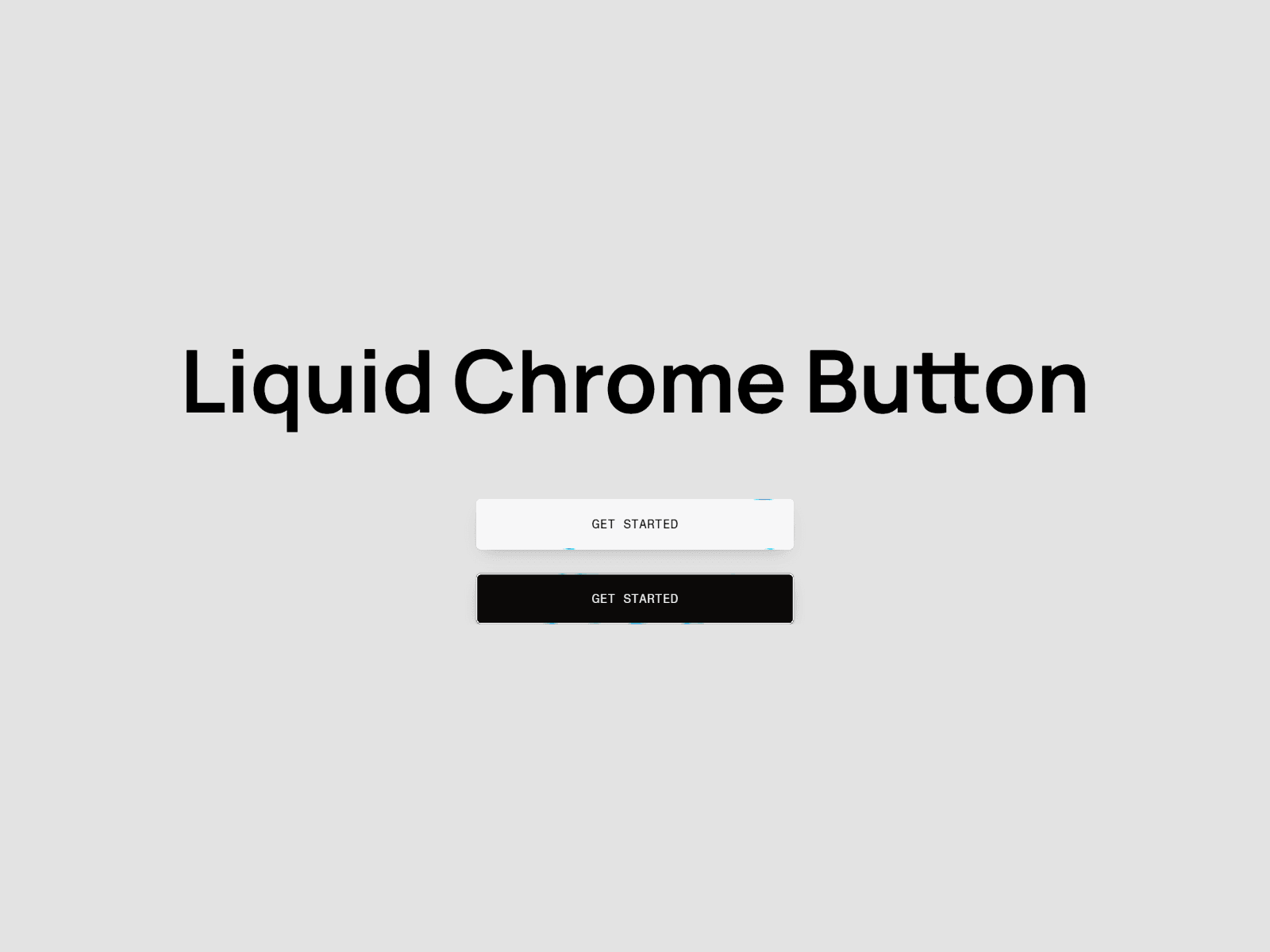
Liquid Chrome Button is a premium Framer button component. Its border carries a silvery chrome light that drifts around the edge all the time, with small blue and orange fringes on the white glints. On hover, the border speeds up and the label rolls letter by letter.
What’s inside
Dark and Light variants
Chrome border that moves continuously and speeds up on hover
Letter-roll text animation on hover
Responsive at any size, with the label and border adapting
Animation pauses when the button is off-screen, so pages stay light
Shows a static frame in the Framer canvas, so the editor stays light
User manual: using it in Framer
Create a new code component in Framer and paste in the full code.
Drag it onto the canvas and set your width and height.
Customize it from the Properties panel.
Tip: Open Framer Preview to see the border animate. The canvas shows a single still frame.