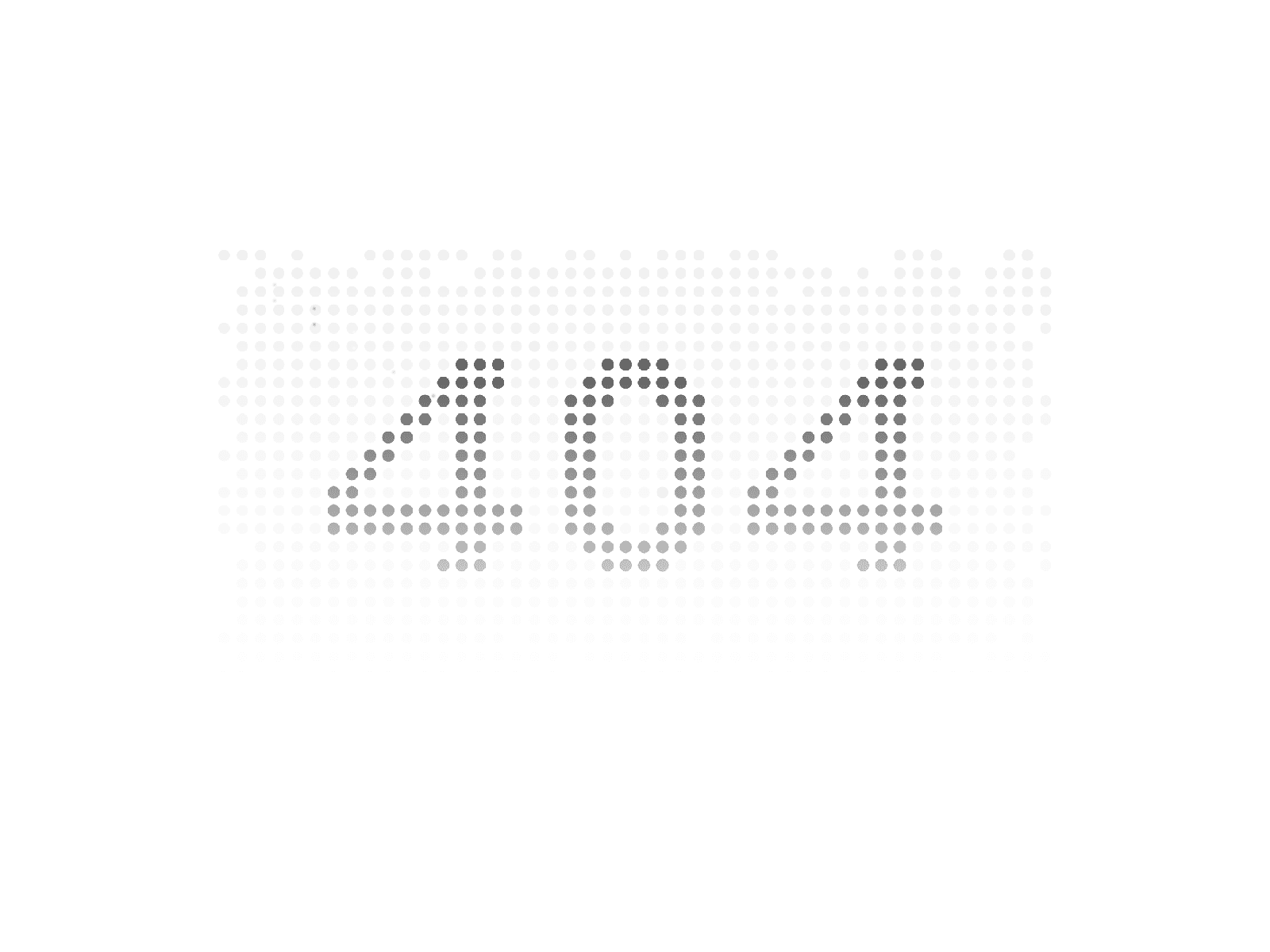
About Magnetic Dots Grid
Add a layer of motion to any Framer page. The Magnetic Dots Grid is a lightweight, canvas-rendered background that reacts to the cursor with subtle magnetic pull and a spring-driven settle. Minimal by design, fully customizable, and gracefully static on touch.
Key Features
Magnetic cursor interaction. Dots near the cursor lean toward it on a smooth radial falloff, the closer they are, the more they pull.
Spring physics, not lerp. Motion lingers after the cursor leaves. Dots overshoot, wave back, and settle naturally over ~2 seconds.
Works behind anything. Cursor tracking runs on the window, so the grid stays responsive even when text, cards, or navigation sit on top.
Edge fade mask. A built-in radial mask softens the grid edges so it blends into the page instead of cutting off hard.
Canvas-rendered & idle-aware. One paint per frame. The animation loop pauses entirely when dots are at rest, zero CPU on a static page.
Touch-safe. On coarse pointers (phones, tablets), the grid renders once and stays static. No listeners, no animation, no battery drain.
Fully customizable. Color, size, spacing, effect radius, intensity, and edge fade, every key parameter is in the property panel.
DPR-aware. Sharp on Retina and standard displays. Auto-adjusts on container resize.
Where it works
Page or section backgrounds
Hero textures behind headlines
Footer and CTA accents
Empty-state and 404 page illustrations
Modal and overlay backdrops
Property Panel
Performance & Compatibility
Built on a single HTML5 canvas with one paint per frame. Dots are tracked as plain objects with position and velocity, no DOM nodes per dot, no React re-renders during animation. The render loop pauses automatically when nothing is moving, so the component carries zero ongoing CPU cost on a static page. Tested smooth at 60fps with thousands of dots.
Works in every modern browser (Chrome, Safari, Firefox, Edge). Mobile-safe with automatic touch detection. No external dependencies and no Framer Motion runtime required.
Product Policy
Due to the digital nature of this component and its immediate delivery within Framer, all sales are final. We recommend exploring the live demo and technical documentation to ensure it fits your workflow before purchasing. For any integration assistance, our support team is ready to help.
By completing your purchase, you agree to these terms.