About MagneticStateButton
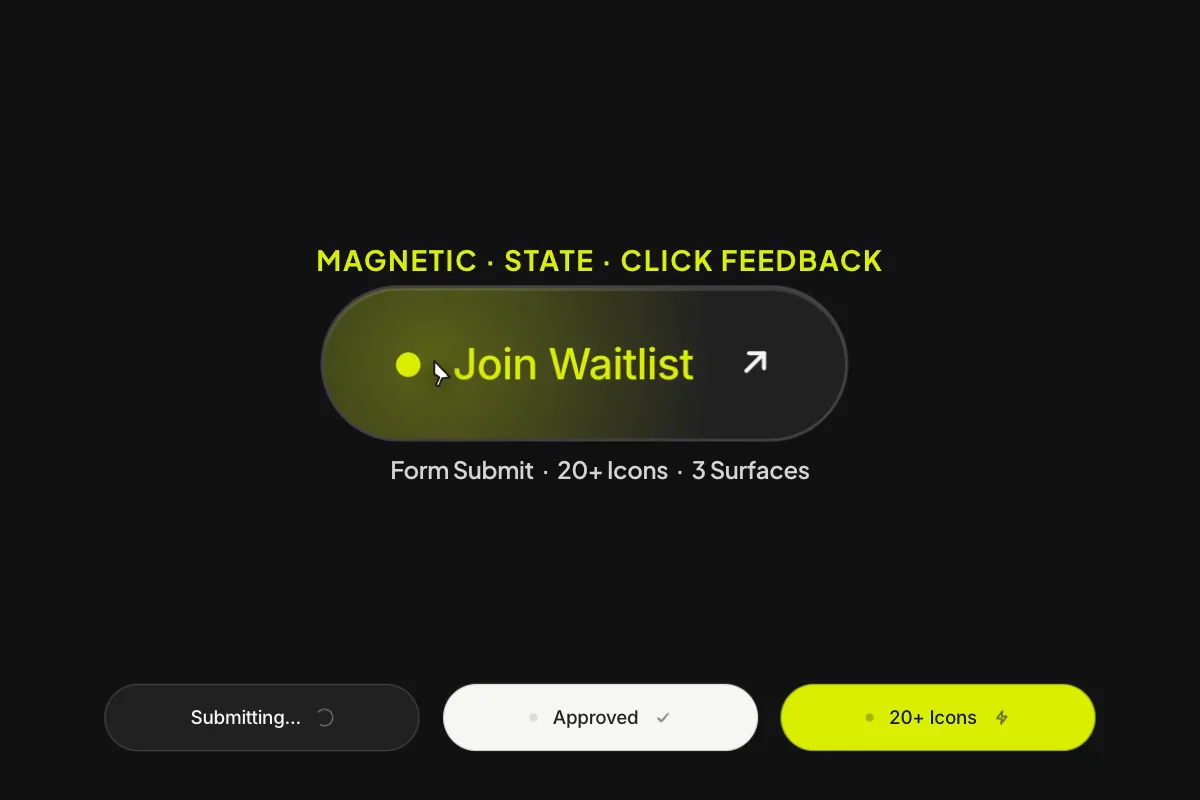
Magnetic State Button brings magnetic cursor physics, 1:1 spotlight tracking, and real click states into a single Framer button—styled and wired from the Property Panel with zero code.
Key Features
• Dual Presets – Switch between Default (Crisp) text roll and Magnetic (Float) cursor pull in one click.
• 1:1 Spotlight – Radial glow (40–320px) tracks your pointer accurately, even inside scaled frames.
• Click States – Run Loading → Done → Auto-Reset sequences, or sync real async calls via onClick & Overrides.
• Native Form Submit – Drop into any Framer Form with automatic validation shake and custom error labels.
• File Downloads & Copy – Attach files in Download File or copy text to clipboard in one click.
• 20+ Icons & Custom SVG – Pick 20+ built-in icons, paste raw SVG, or clear the label for icon-only mode.
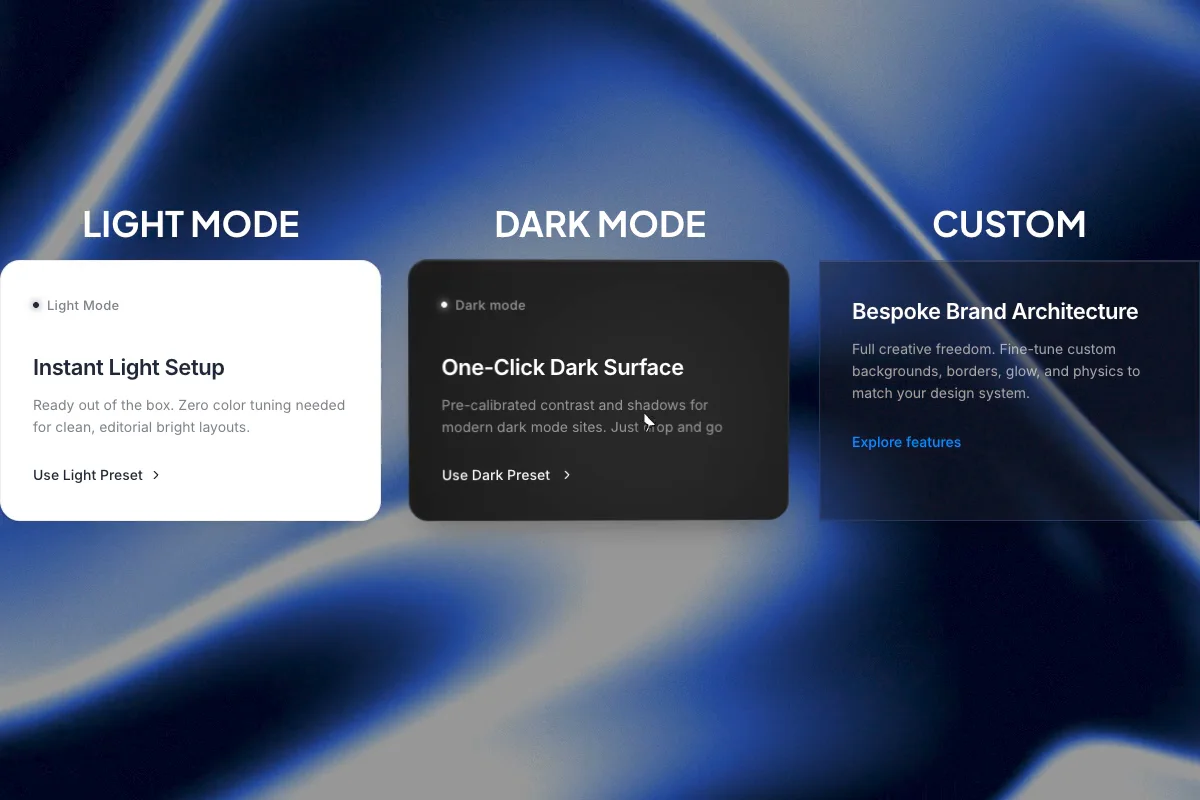
• 3 Themes × 3 Surfaces – Mix Dark, Light, or Custom colors with Solid, Ghost, or blurred Glass styles.
• Mobile & A11y Ready – Pauses hover drift on touch devices, respects reduced motion, and includes focus rings.
7 Folders & 30+ Controls
1. Content: Label, 20+ icons or Custom SVG, side, and status dot.
2. Typography: Native Framer font picker, size, and weight.
3. Appearance: Default/Magnetic, Dark/Light/Custom, Solid/Ghost/Glass, colors, radius, padding, and Auto/Fill width.
4. Motion: Magnet pull (0–16px) and Soft/Snappy/Firm spring feel.
5. Effects: Spotlight toggle and radius (40–320px).
6. Navigation: Link (New Tab), Download File, or Form Submit.
7. State: Disabled, Loading, Error, Click Feedback timing/labels, and Copy Text.
Form, Stack & Grid Ready
Responsive inside any Framer Form, Stack, or Grid with Auto/Fill width and clean static canvas rendering.
Perfect For
SaaS landings, waitlists, hero CTAs, file downloads, copy buttons, and interactive portfolios.
SEO Keywords: Magnetic Button, Framer CTA, Click Feedback, Form Submit, Spotlight.