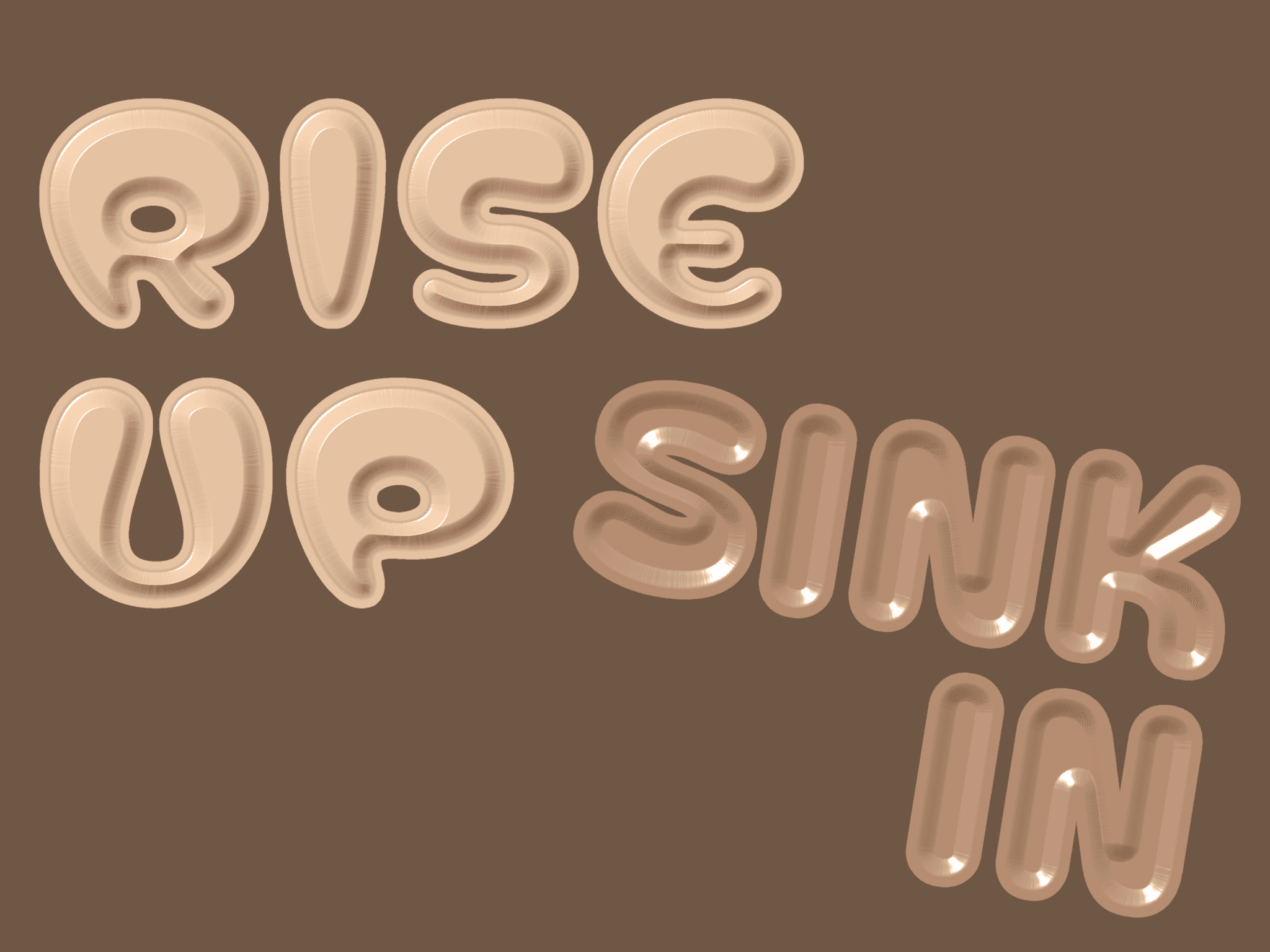
About Animated Text Popout
⏹ ⏹ Features ⏹ ⏹
Image Mask: Fill the extruded body with any image, with zoom and position controls
Fallback Color: Solid color fill when no image is set
Depth and Angle: Control how far the text pops out and in which direction
Face Color: Separate color for the front text surface
Scroll Animation: Letters rise from the ground into position when the component enters view
Per-letter Stagger: Each letter lifts on its own offset timeline
Easing: Choose Linear, Ease Out, Ease In Out, or Spring (with a subtle overshoot)
Delay: Hold before the animation begins after entering view
Manual Line Breaks: Use \n to break text across multiple lines
Full font control: Family, size, weight, style, and tracking via Framer's native Font picker
Text Alignment: Left, center, or right, active when text wraps to multiple lines
Made with ♡ by SOSOTAR. If you have any question, email play@sosotar.com