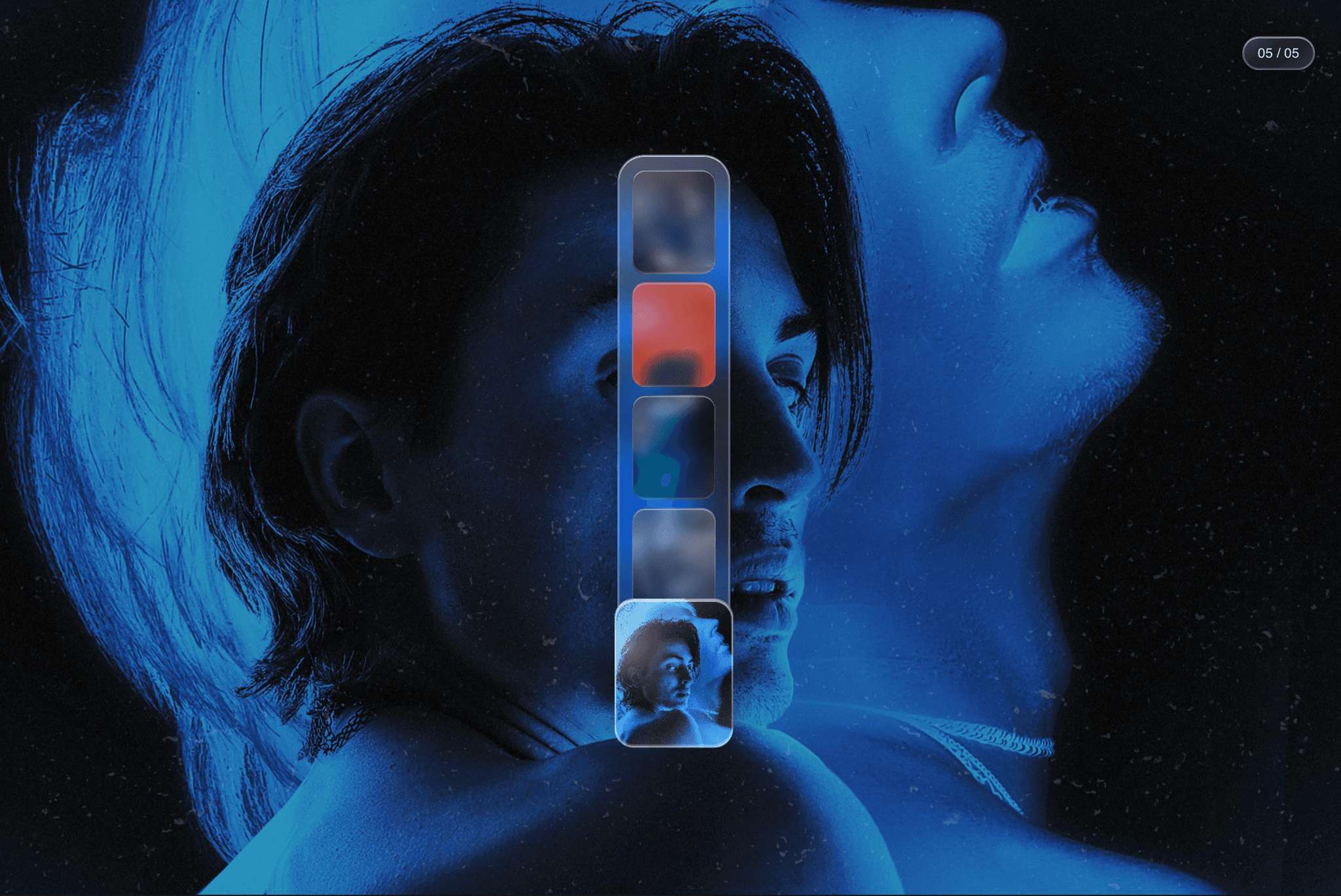
About Masked Video FX
Create video sections with custom SVG masks, pattern effects, blur, color shifts, and full playback controls directly inside Framer.
Use this code WI475I7W to get a gorgeous 50% discount for the first 50 people.
Masked Video FX brings advanced video masking to Framer. Create animated backgrounds, pattern-based video reveals, and high-end visual effects using custom SVG masks. Control the mask source, size, repeat, position, blur, color shift, opacity, and playback settings directly from the Framer interface. Combine SVG Masks with SMIL to create animated masks to apply on your video.
Perfect for designers who want to add motion, depth, and texture to landing pages, portfolios, hero sections, and creative websites without building a custom video masking setup from scratch.
Custom SVG masksUse either an external SVG URL or paste an inline SVG string directly into the component.
Flexible mask controls
Adjust mask size, repeat behavior, and position using standard CSS values.
Video playback options
Enable or disable autoplay, loop, and muted playback from Framer controls.
Creative visual effects
Add blur, change hue rotation, and control opacity to create more atmospheric video treatments.
Responsive by design
The video fills the component area and adapts to any Framer layout size.
No code needed after setup
All key settings are exposed in the Framer property controls panel.
Great for premium visuals
Useful for hero sections, animated textures, background loops, editorial layouts, and portfolio pages.
If you don't know where to start, explore pattern.monster to find some cool pattern, and ask you AI to animate it with SMIL.