About Media Bounce
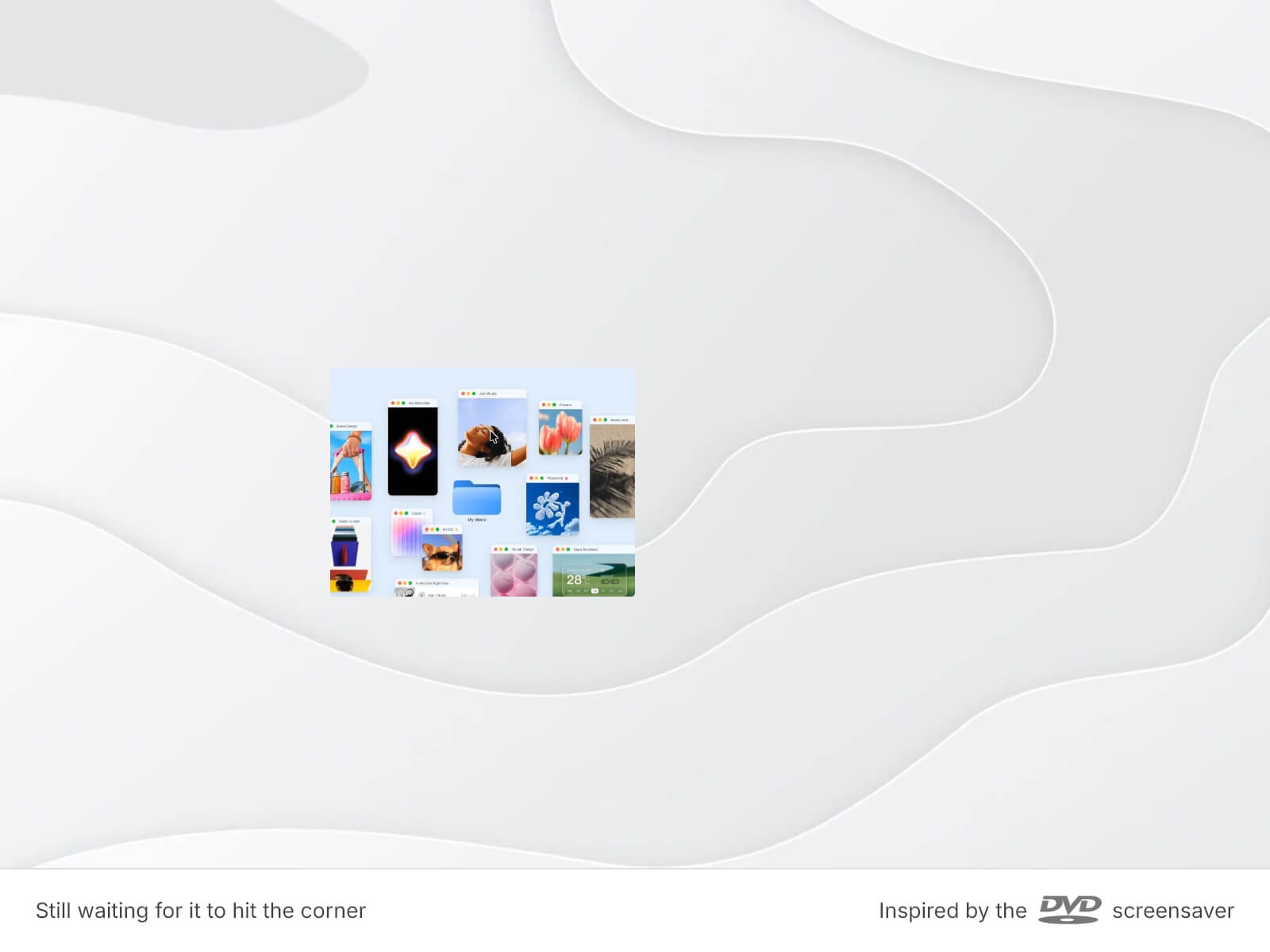
Media Bounce brings the DVD-screensaver bounce to your canvas. An image or video drifts across the frame, bounces off every edge, and swaps to the next item in your list, on a loop.
Three things make it yours:
Choose how often it swaps — every bounce, or every 2 to 10.
Freely mix images and videos in one list; swaps jump from photo to clip.
Size each item your way — uniform, or a Custom Size per item for mixed ratios.
It bends to your look: a solid fill, image, or video background (upload or URL, with poster and opacity), adjustable speed, rounded frame and media corners, an optional border, and pause on hover.
Key Features
Motion
An image or video drifts and bounces edge to edge, DVD-screensaver style
Random start position, direction, and angle on every load
Adjustable speed, optional pause on hover, corner-aware bounce
Media
Upload a file or paste a URL for every image, video, and poster
Global Media Width and Height, with an optional Custom Size per item
Media is clamped to the frame — it never overflows or gets cut
Background & Frame
Solid Fill color, or an Image or Video background, by upload or URL
Fill opacity and an optional poster behind the media
Separate radius for frame and media
Optional border with color, width, and style
Performance
Images and posters preload, and the next video buffers ahead, so swaps never flash
Videos are muted, loop, and pause when scrolled out of view
Plain static preview on the canvas; keep video files light
How to Set Up
Drag Media Bounce onto your canvas and size the frame
Add images and videos under Media, set Media Width/Height
Pick a Background — Color, Image, or Video — and set the Fill
Publish
Refund Policy
All sales of digital products are final and non-refundable. Questions? Contact hellonostromostudio@gmail.com before purchasing. Enjoy!