About Modal Deep Links
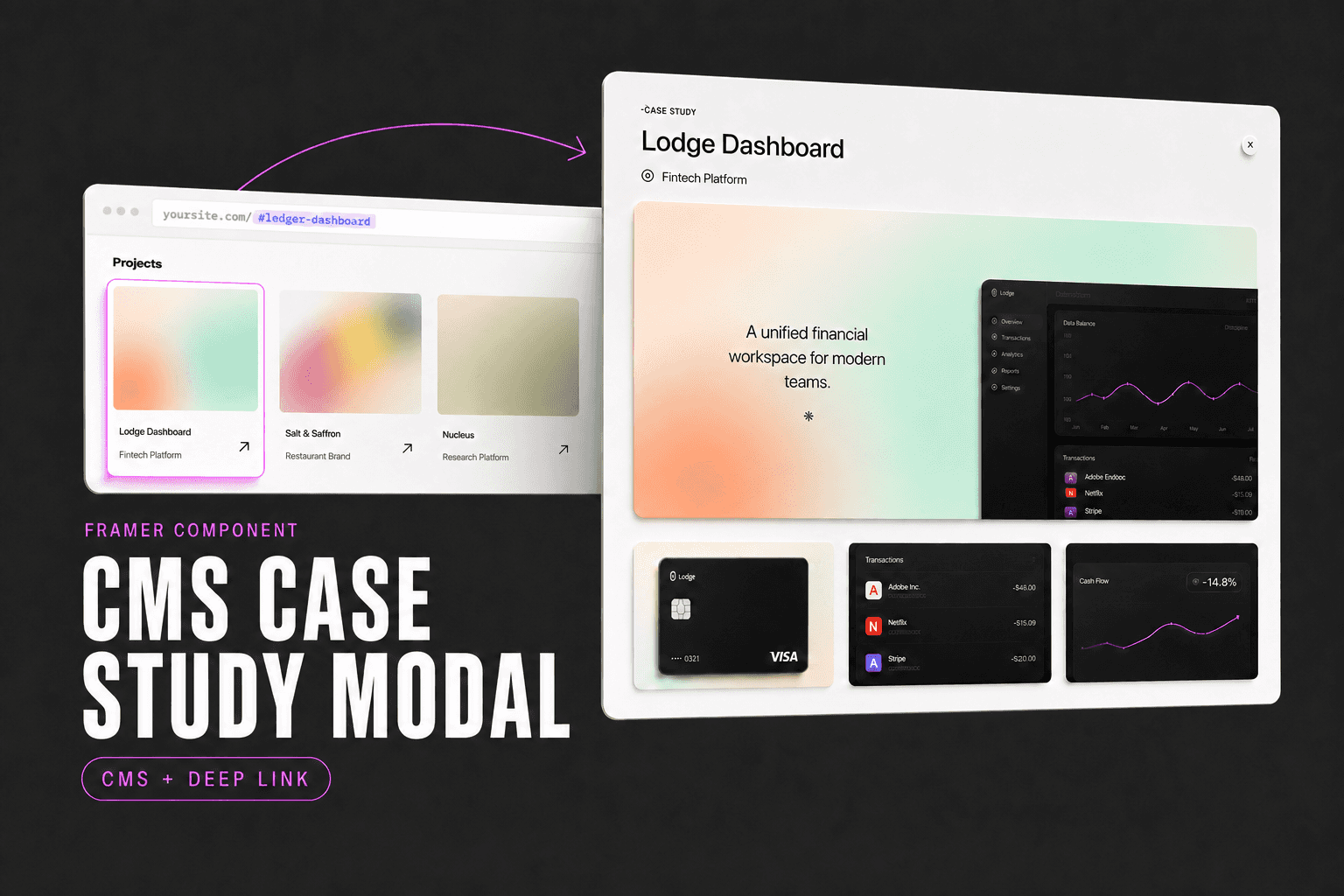
Case studies inside modals don’t normally have individual URLs. When someone asks to see a project, you can only send your homepage and tell them where to click.
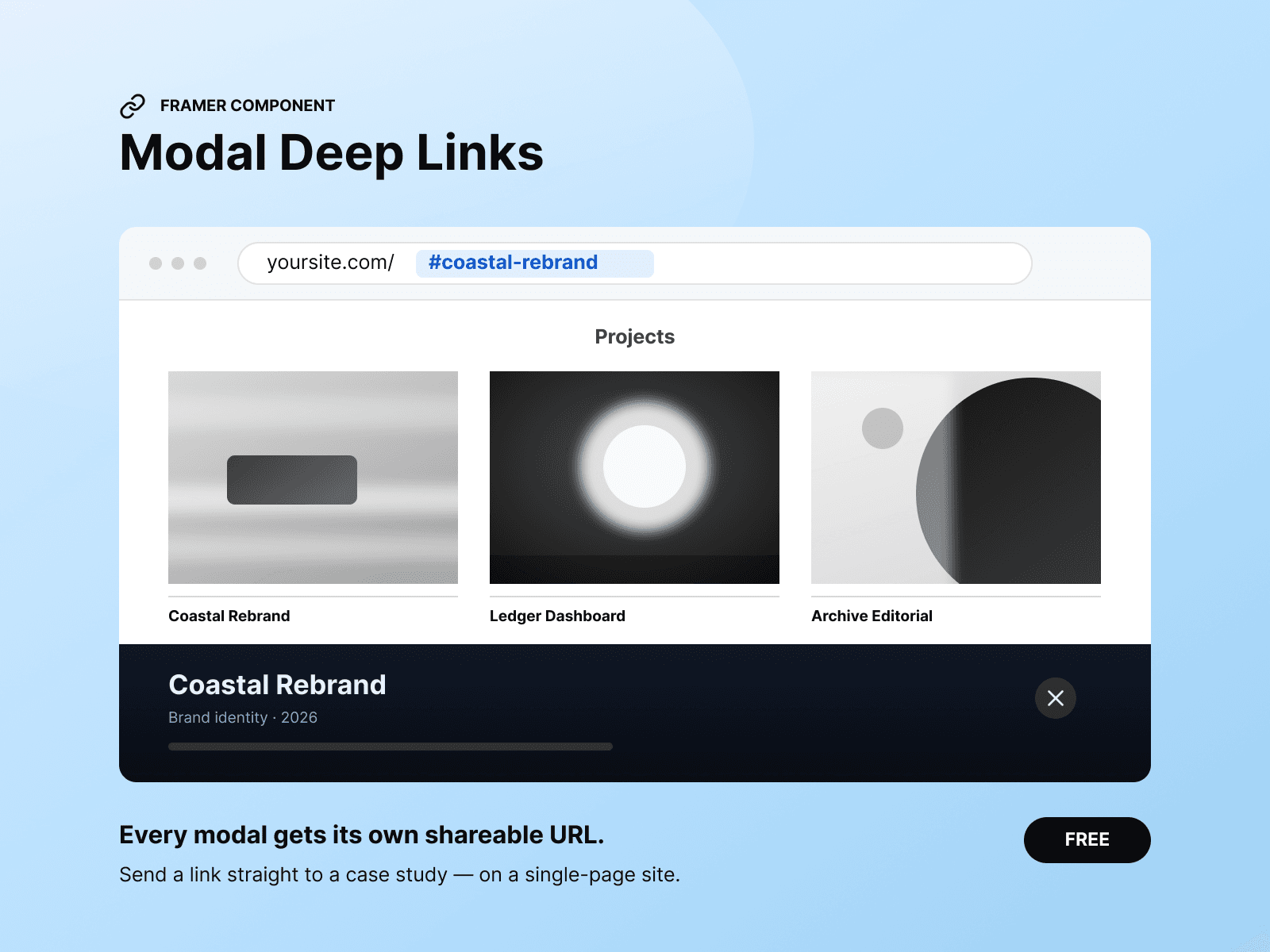
Modal Deep Links gives every project a shareable address:
yoursite.com/#coastal-rebrand
Open a project and the URL updates
Share the link and its modal opens automatically
Browser Back and Forward stay synchronized
Escape and your existing close button are detected after closing
Setup
Place one instance anywhere on the page.
For reliable CMS URLs:
Add a text layer inside each project card
Bind it to the CMS Slug field
Name it
ProjectSlugSet it to
1 × 1and0%opacityDon’t enable Hidden
Your project card and modal interaction should already work normally. This component adds URL synchronization; it doesn’t create the modal.
Controls
Slug Layer — Layer bound to your CMS Slug field.
Title Layer — Optional fallback for identifying projects by title.
Close Text — Exact text used by your modal’s close control.
Closed URL — Hash displayed after closing. Defaults to #projects.
Ignore — Titles or slugs that shouldn’t receive links, such as Coming Soon cards.
Automatic fallback
Without a slug layer, the component attempts to identify large linked image cards and creates URLs from their headings. A CMS slug layer is recommended because its URLs remain stable when titles change.
Good to know
Shows only a small marker on the Framer Canvas
Renders no visible interface on the published site
Works with existing Framer overlays and modal interactions
Designed for one-page portfolios with modal case studies
Dedicated CMS pages are recommended when per-project SEO matters