About Mono Pixel Reveal
The Details
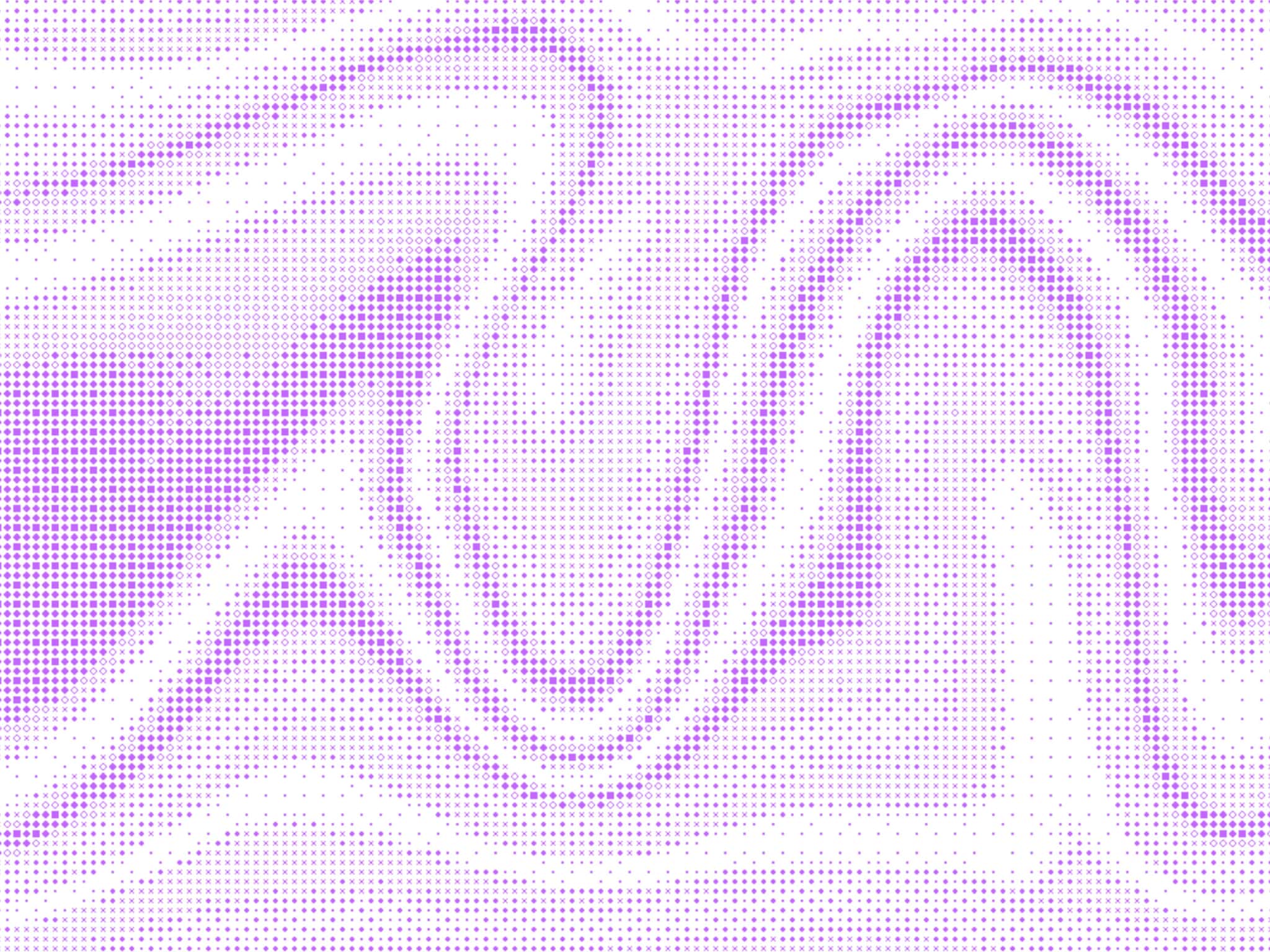
Pick your pattern: Set the reveal to start from the center, the edges, or a random scatter.
Sizing: Go from bold, chunky blocks to a fine mesh with controls.
Auto-Invert: Toggle "Auto-Invert" to let pixels react to the colors.
Perfect Fit: The grid automatically resizes to fill any screen size perfectly.
Design Friendly: Hide the effect on your canvas so it doesn’t get in your way while you work.
Component Controls
Origin: Choose where the animation starts (Center, Random, and so on).
Pixel Size: Set the density of your grid.
Reveal Time: Control how fast the entire screen clears.
Smoothness: Tweak how "soft" the pixels feel as they vanish.
Delay: Set a wait time before the animation begins.
Colors: Match the background and pixels to your brand.