About Morph Headline
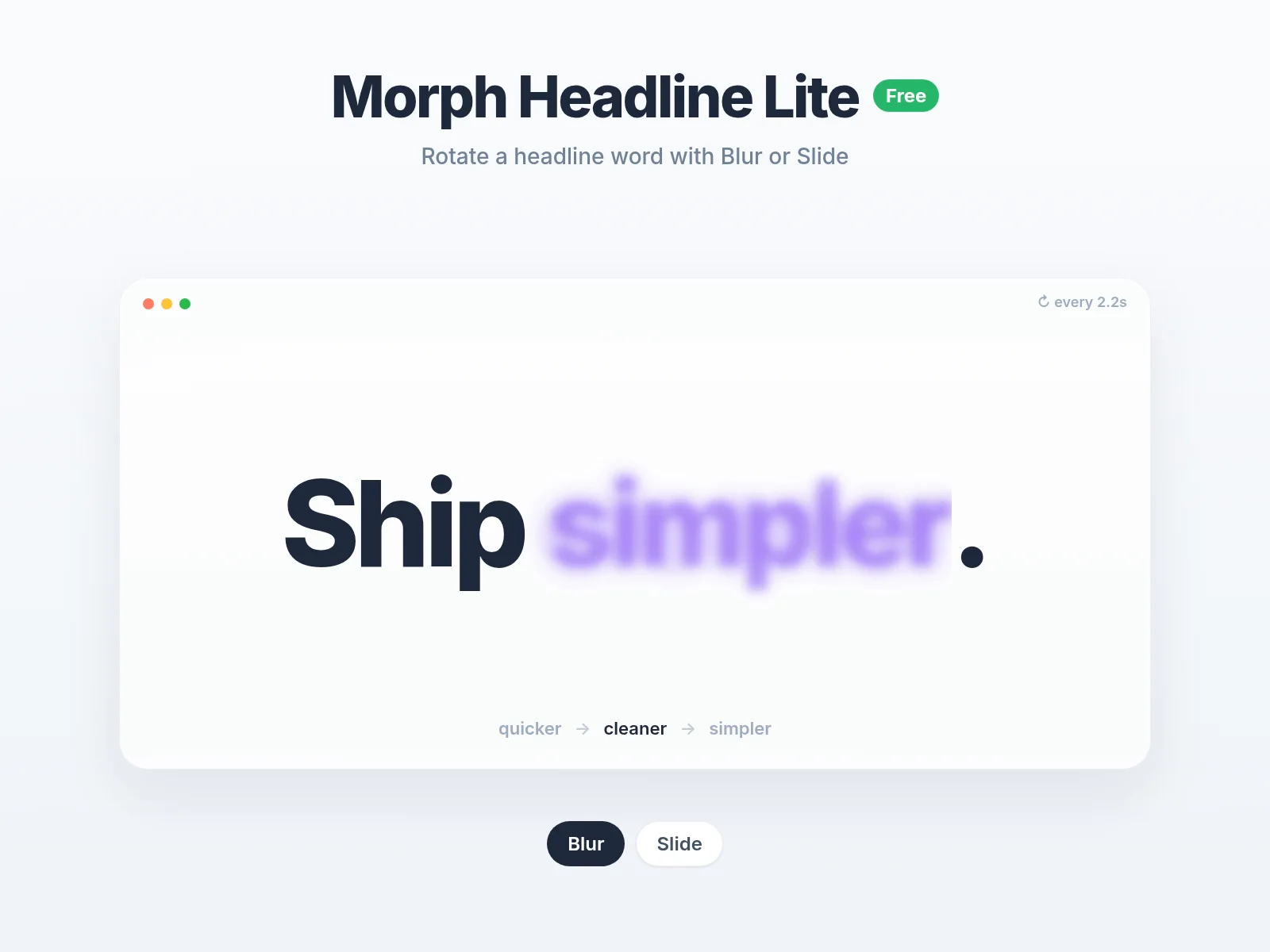
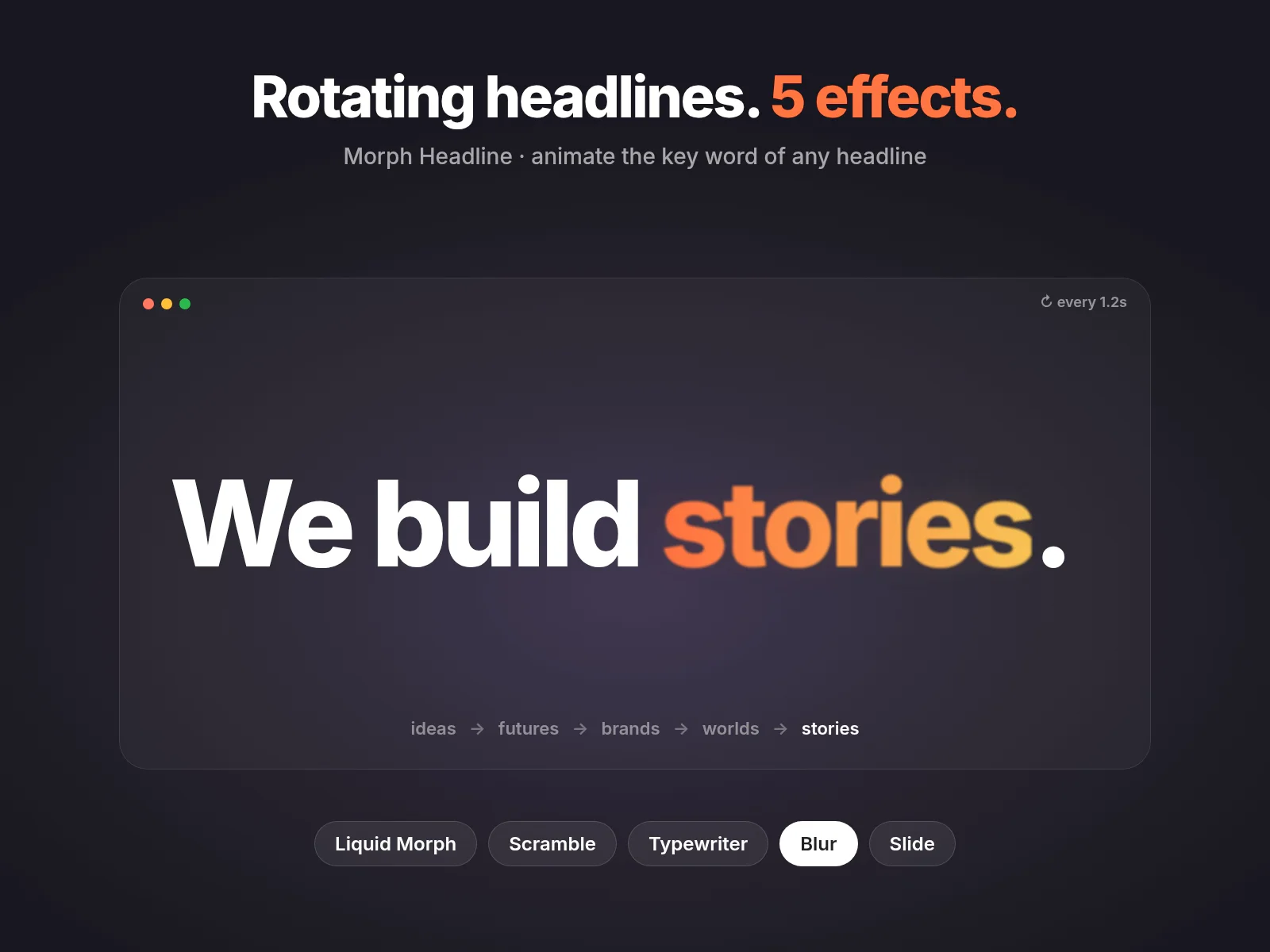
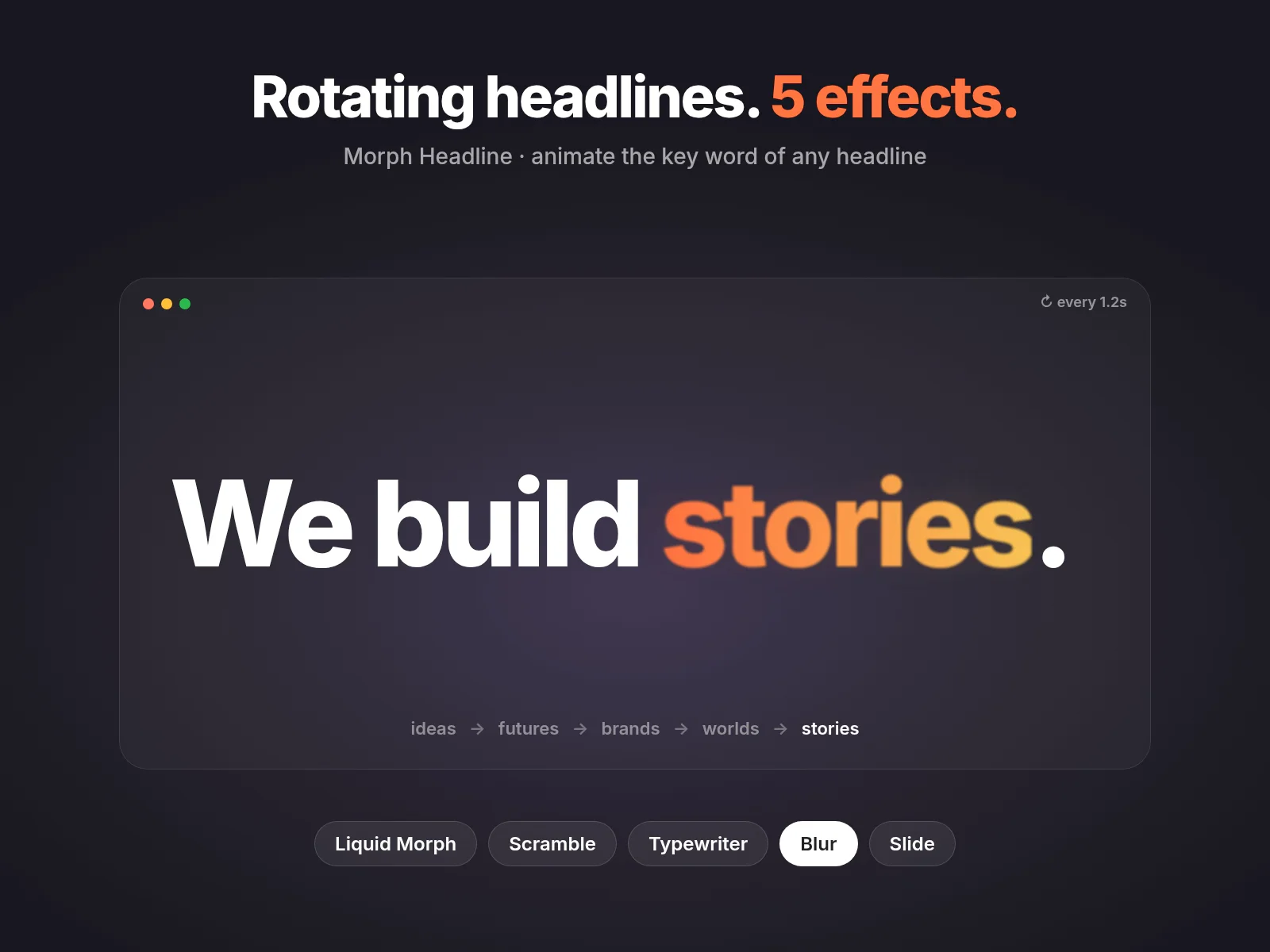
Morph Headline rotates the key word in your headline: "We build websites → brands → products". Type your words in the properties panel and pick one of five transitions.
Five styles
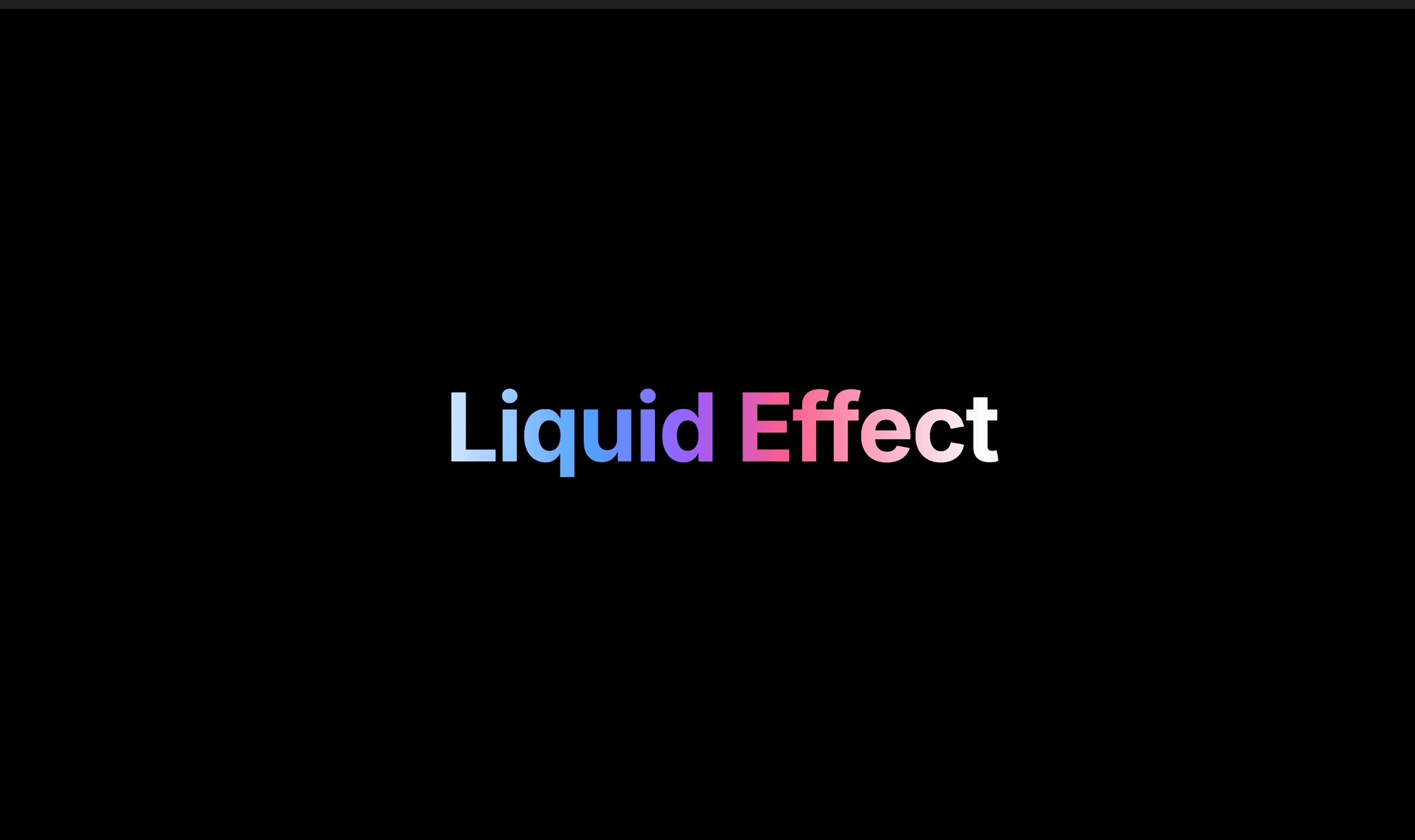
Liquid Morph: letters melt from one word into the next
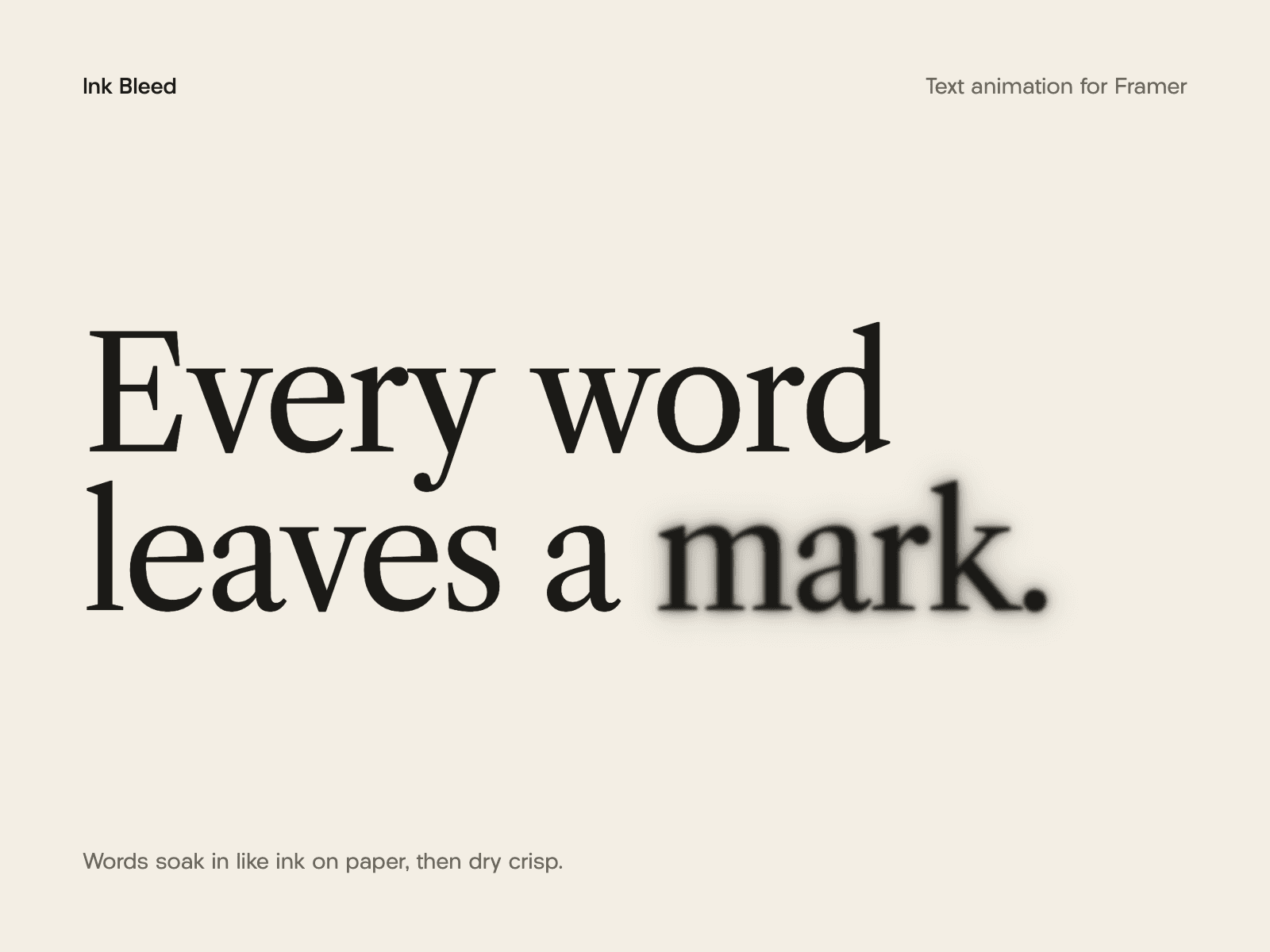
Blur: a soft focus pull between words
Slide: words roll up or down
Scramble: random characters settle into the next word (your own character set)
Typewriter: types and deletes, with an optional blinking cursor
Design
Static prefix and suffix text around the rotating word
Font, color and word weight controls
Word color: inherit, solid accent, gradient (from, to, angle) or a color per word
Width: Smart (no layout jump), Animate (eases between word widths) or Widest
Overflow: wrap, or fit to shrink long words onto one line on mobile
Heading tag h1–h4, p or span for SEO
Timing
Start on load or when scrolled into view, with a delay
Hold time and transition duration
Loop forever, play once, or play a set number of loops
Pauses on hover (optional)
Access
Screen readers hear the whole sentence once (static) or each change (live)
Respects reduced motion: a gentle fade or a static word
Right-to-left text supported
Shows a settled still frame on the Framer canvas
Try it free first with Morph Headline Lite (Blur and Slide): https://pixelsunset.framer.website/morph-text-lite
After purchase you get the install link on the confirmation page. Questions or problems: hello@pixelsunset.com. If it doesn't work as described, email within 14 days for a fix or a full refund.