About Multi Images Reveal
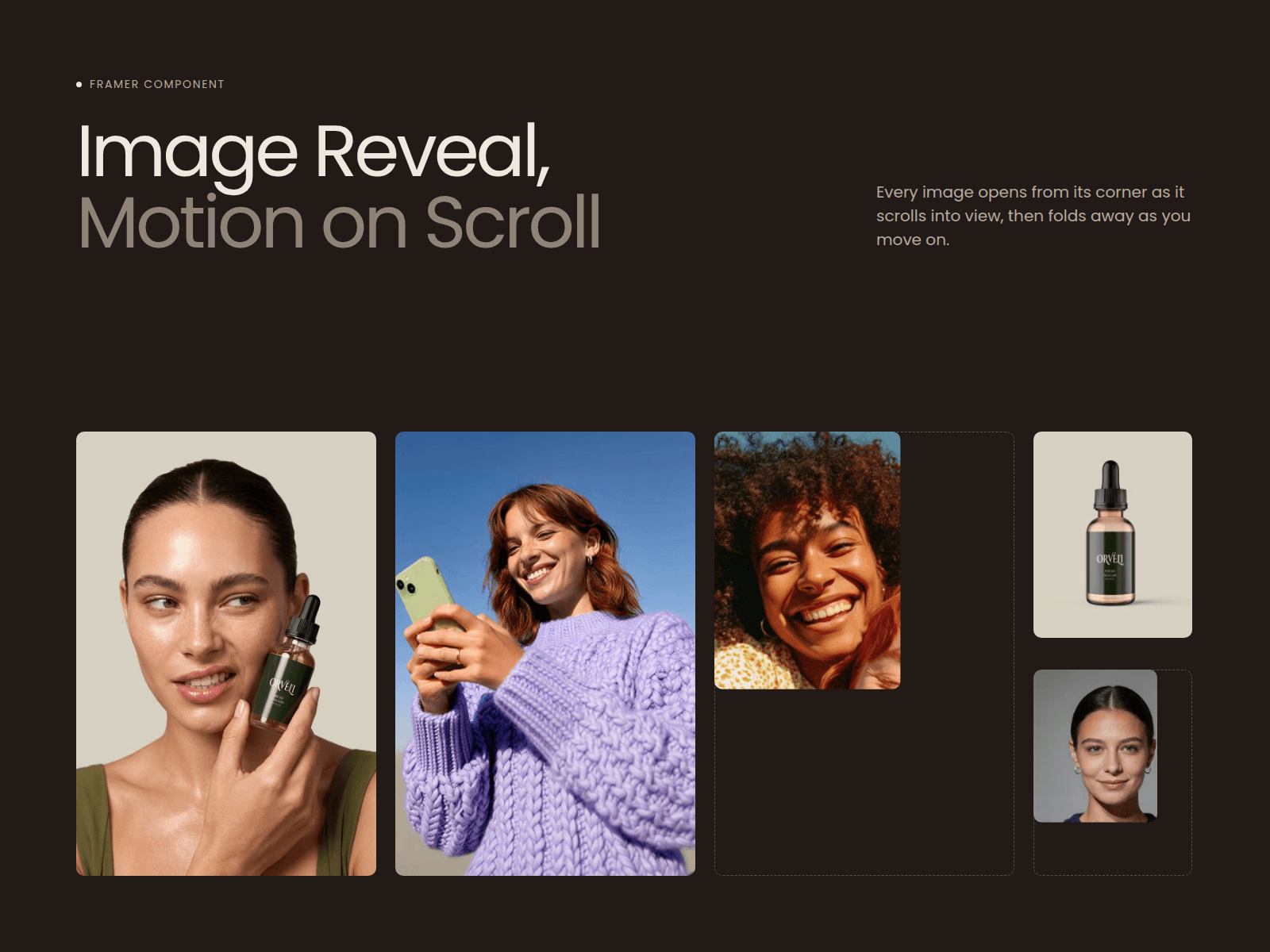
Images shouldn't just appear. They should arrive. Image Reveal opens any image, video or card from a corner or edge as it scrolls into view, then folds it away as you move past. It's clean, smooth and hard to scroll past without noticing.
How to use
Drop Image Reveal onto your page and size it like any frame.
Pick an image, or connect any layer (a video, a card or a whole block) to Content.
Choose where it opens from, then set the timing and easing.
Place a few side by side with different delays for a staggered reveal.
Key features
- 9 directions: 4 corners, 4 edges, or from the center.
- Scroll-triggered: you set how far down the screen it opens.
- Replay: folds away on exit and opens again on return, or plays once.
- Any content: images, videos, cards or text blocks.
- Easing presets: Soft, Medium, Snappy, Dramatic, Linear.
- Rounded corners, with an optional radius change on hover.
- Video-aware: videos wait for the reveal, then pause when hidden.
- Mobile-friendly: switches to a light fade on small screens.
- Accessible: respects reduced-motion settings.
Why Image Reveal
A gallery is easy to scroll past. A reveal makes people slow down. One small component gives your images the timing and polish of a custom-coded site, with no code and no setup, and it works with anything you put inside.