About MultiStepFormnew
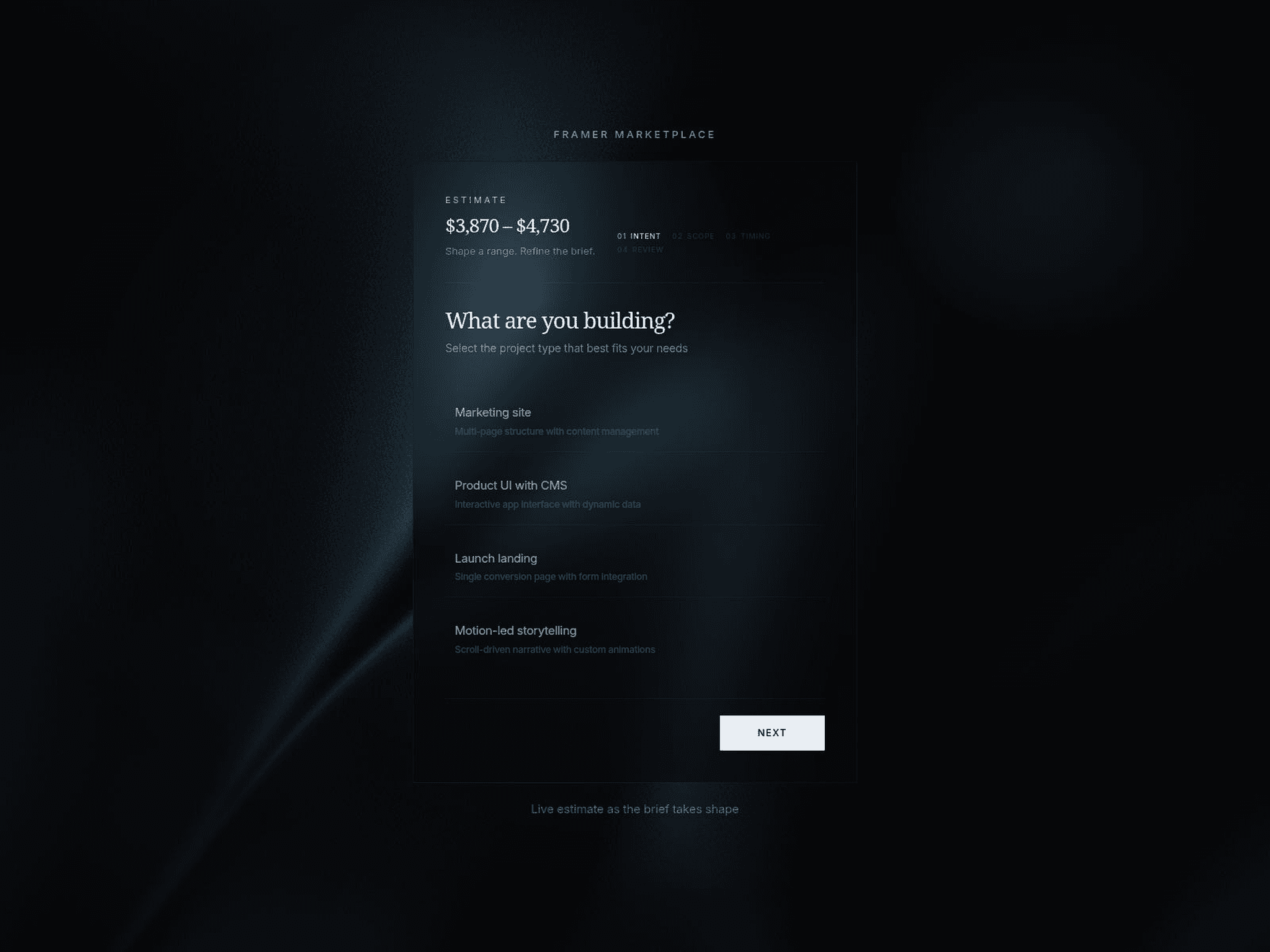
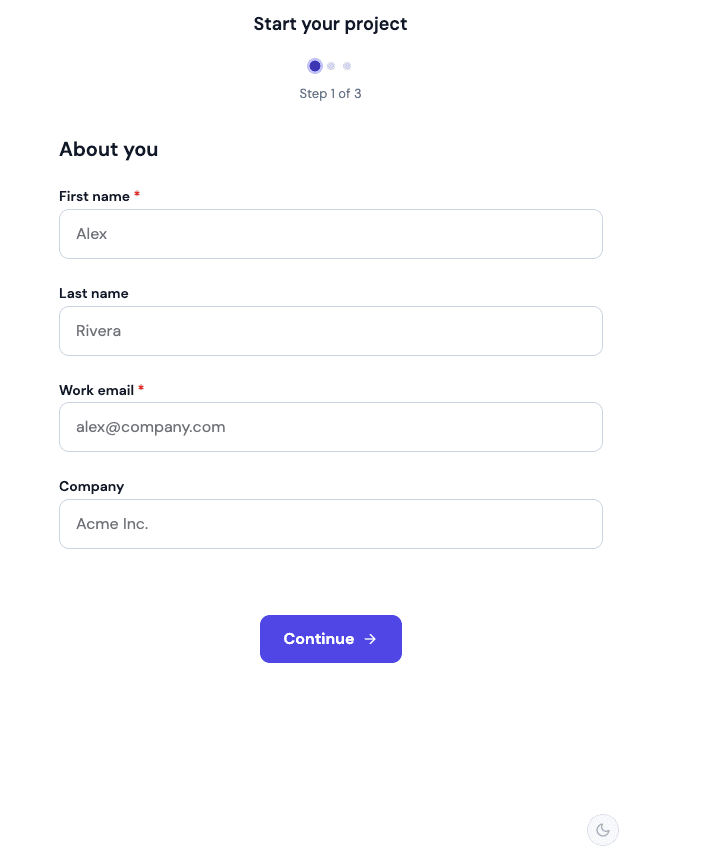
AboutMultiStepForm is a versatile, ready-to-use component that brings professional multi-step layouts to your Framer projects. Instead of overwhelming visitors with one long form, this component breaks the process into manageable steps, making it perfect for lead generation, onboarding, or detailed surveys. It’s designed to look great out of the box while giving you total control over the data flow and design.
What it doesIt organizes form inputs into a sequenced flow with animated transitions like sliding, fading, or flipping. The component handles real-time validation to ensure you get clean data, offers a "Review" step so users can check their answers, and sends every submission directly to a connected Google Sheet. It also features a progress tracker to keep users engaged from start to finish.
What you can customize
Form Logic: Set up to 4 custom steps, toggle separate props for each, and enable or disable manual navigation between steps.
Data & Validation: Add your Google Sheet URL for instant collection and choose whether to validate fields as users type
Visual Style: Full control over primary, success, and error colors to match your brand. You can also pick your preferred progress style (like Circles) and choose from several animation transitions.
Typography & Buttons: Customize the fonts for titles, labels, and inputs, and edit the text for every button from "Next" and "Back" to the final "Submit."
Great for
Lead generation and contact pages
User registration and onboarding flows
Detailed customer surveys or feedback forms
Event signups and newsletter subscriptions
Service quote requests
Share your buildIf you ship something cool with it, post it on X and tag me @Dulajweb, or send it over. I’d love to see what you create.
Need help?Questions or feedback? Reach me anytime: dulajdilshan766@gmail.com or on X @Dulajweb