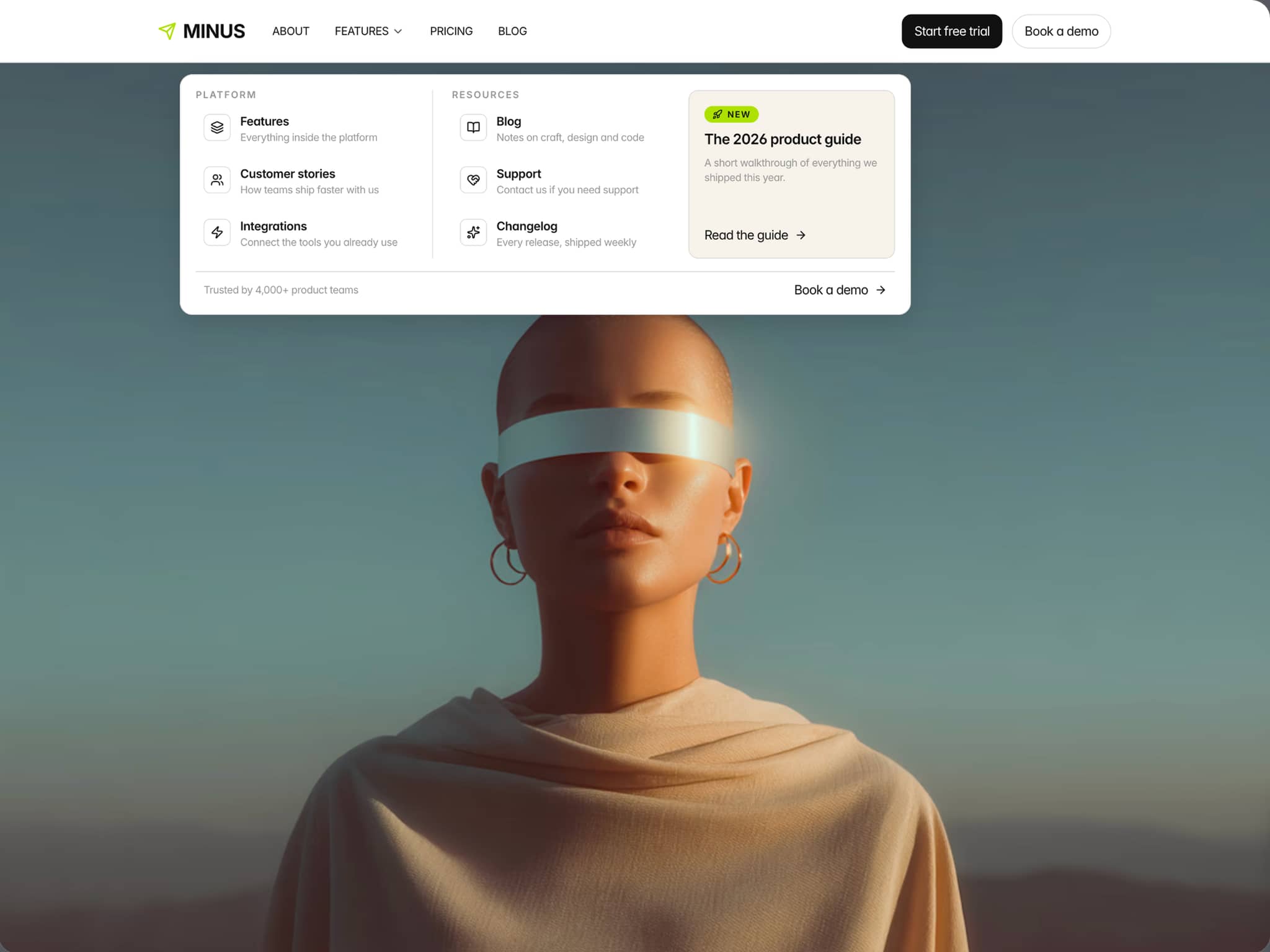
About Notch Menu
Notch Menu — Fluid & Adaptive Navigation
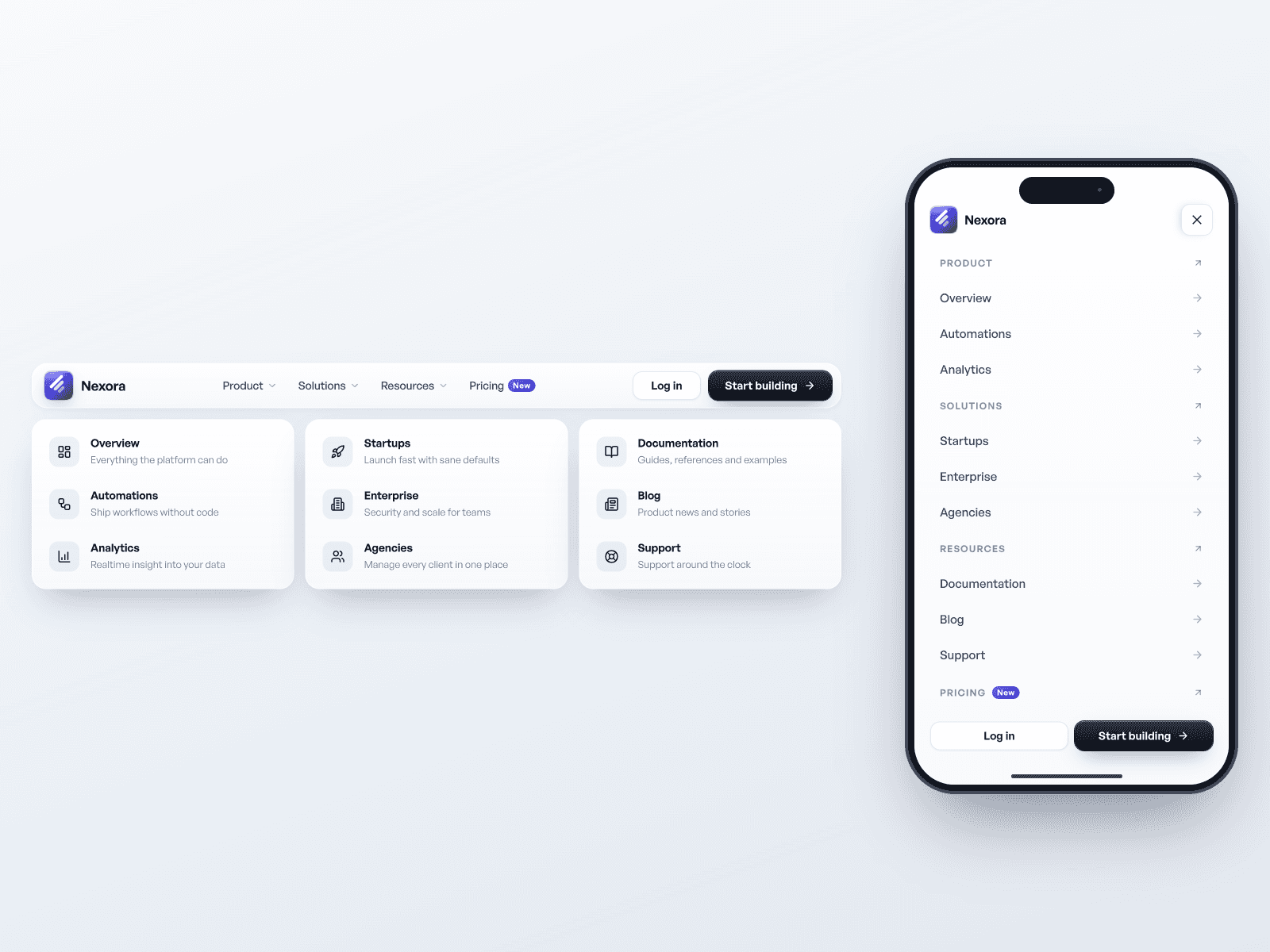
Notch Menu is a fully customizable navigation component for Framer that transforms a compact floating bar into an immersive, full-screen menu with smooth, fluid animations.
Designed for creative portfolios, design studios, architecture websites, and modern digital experiences, Notch Menu brings a refined and interactive touch to your website without compromising usability.
Features
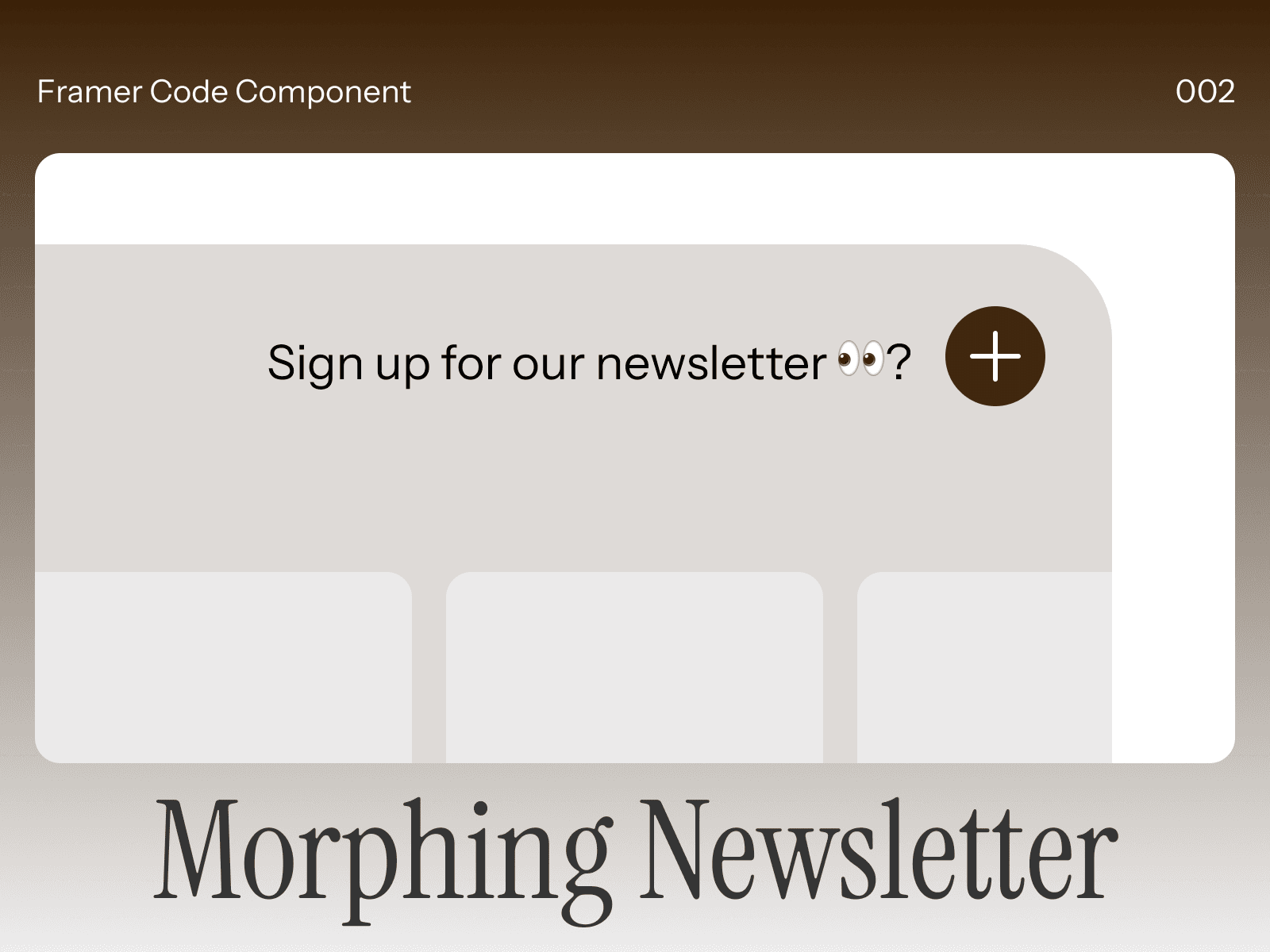
Fluid Morphing Animation — Seamlessly transforms from a compact navigation bar into an expanded menu with smooth spring-based motion.
3 Appearance Modes — Choose between Solid, Glass, and Adaptive. Adaptive mode transitions from frosted glass when closed to a solid background when expanded.
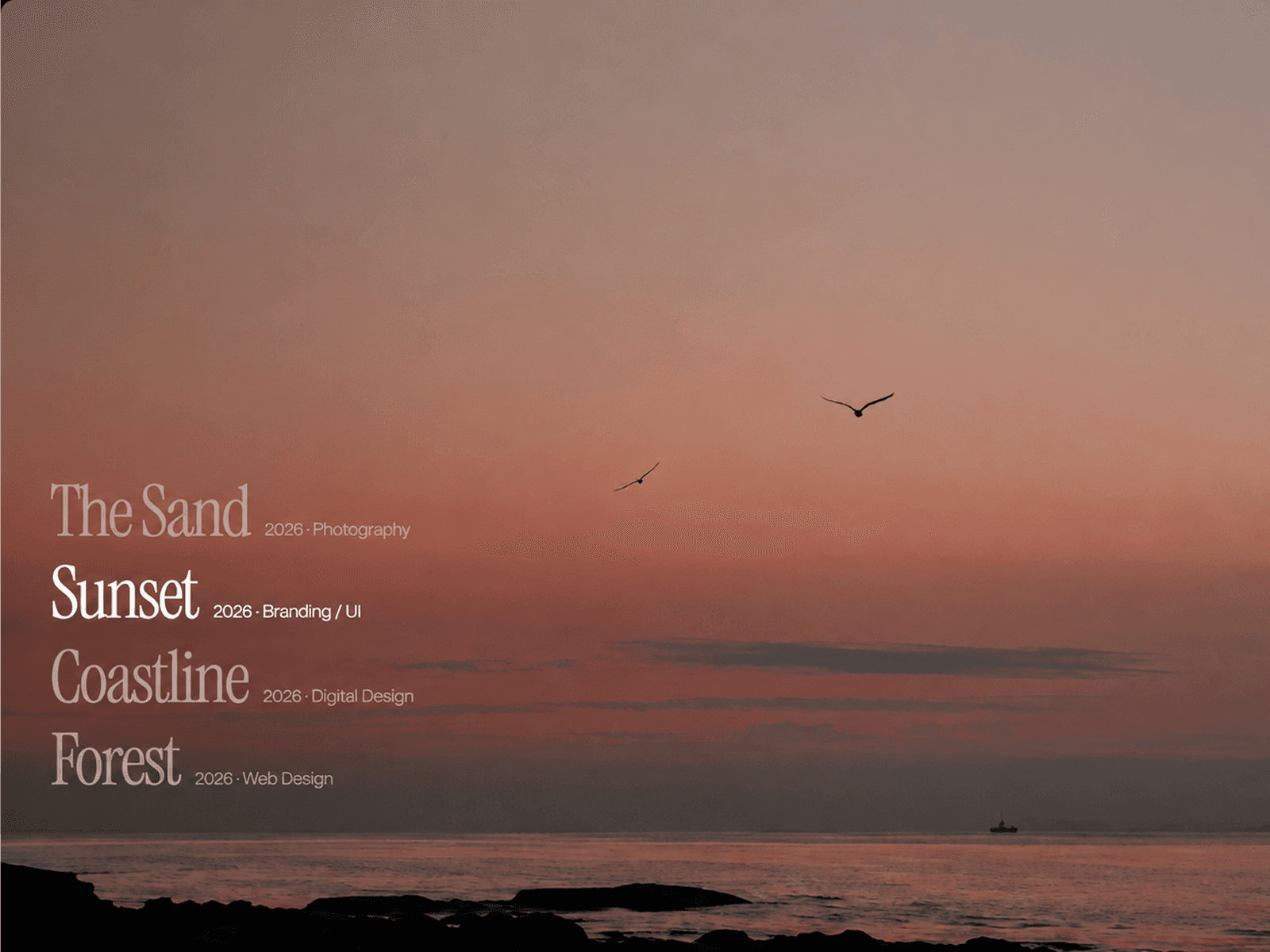
Interactive Image Previews — Showcase images that transition smoothly as visitors hover over navigation links.
Fully Customizable — Adjust colors, typography, dimensions, corner radii, glass opacity, blur, borders, and more directly in Framer.
Responsive Design — Automatically adapts to desktop, tablet, and mobile screens.
Flexible Navigation — Customize menu items, links, preview images, branding, and toggle icons.
Accessible Navigation — Supports keyboard navigation, focus management, and Escape-to-close interactions.
How to Use
Copy Notch Menu into your Framer project.
Add the component to your page.
Customize its appearance, navigation links, and preview images using the Properties panel.
Preview your website to experience the interactions.
No coding required.
Support
Have questions, need help setting up Notch Menu, or run into any issues?
Feel free to reach out at bbalinh.work@gmail.com. I'll be happy to help!