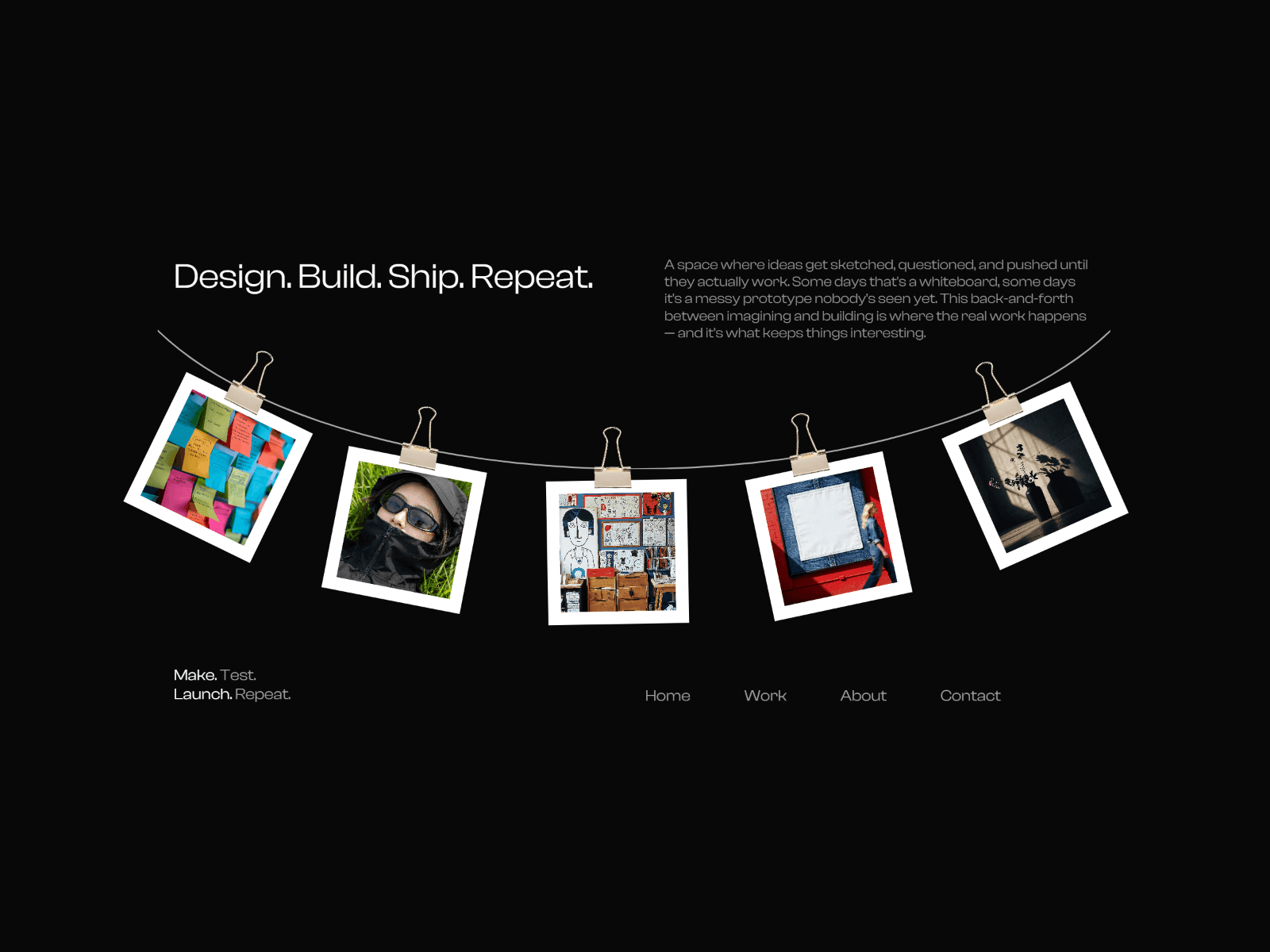
About OK Gallery Lite
OK Gallery is a modern, fully customizable masonry gallery built for designers who want their images to look intentional, interactive, and beautifully presented.
Arrange images in a clean Pinterest-style grid with configurable columns, uniform spacing, and smooth fade-in animations. Click any image to open a fullscreen lightbox with keyboard navigation. Supports both manual image arrays and CMS collections, all controllable from the property panel.
Perfect for portfolios, image-based storytelling, lookbooks, photography, and polished visual presentations.
If you have any questions or suggestions, don't hesitate to reach out! :)
Features
Masonry grid layout with 1–6 configurable columns
Responsive breakpoints: auto-collapses to 2 columns on tablet, 1 on mobile
Gap control
Staggered fade-in animation on load
Fullscreen customizable lightbox
Keyboard navigation in lightbox (← → arrows, Esc to close)
CMS collection support — connect any Framer CMS collection with custom field mapping
How to use
Add the component to your page
In the property panel, either add images manually under Images, or toggle Use CMS and connect a collection
Adjust Columns and Gap under Layout to fit your grid
Customize hover and lightbox behaviour from their respective sections
CMS Setup
Enable "Use CMS" in the property panel, connect your CMS collection to the Collection field, then set Image Field and Alt Field to match your collection's field names (defaults: image and alt).
Changelog
v2.0.0 — Dec 31, 2024
Lightbox with fullscreen portal rendering fixed
Added keyboard navigation: ← → to cycle images, Esc to close
CMS collection support with custom field mapping
v1.0.0 — Dec 31, 2024
Initial release
Masonry grid with configurable columns and uniform gap
Manual image array mode with demo image fallback
Responsive column breakpoints (desktop / tablet / mobile)
Staggered fade-in animation on image load
Hover effects: zoom, 3D tilt, color overlay