About Optimized Black Hole
Introduction
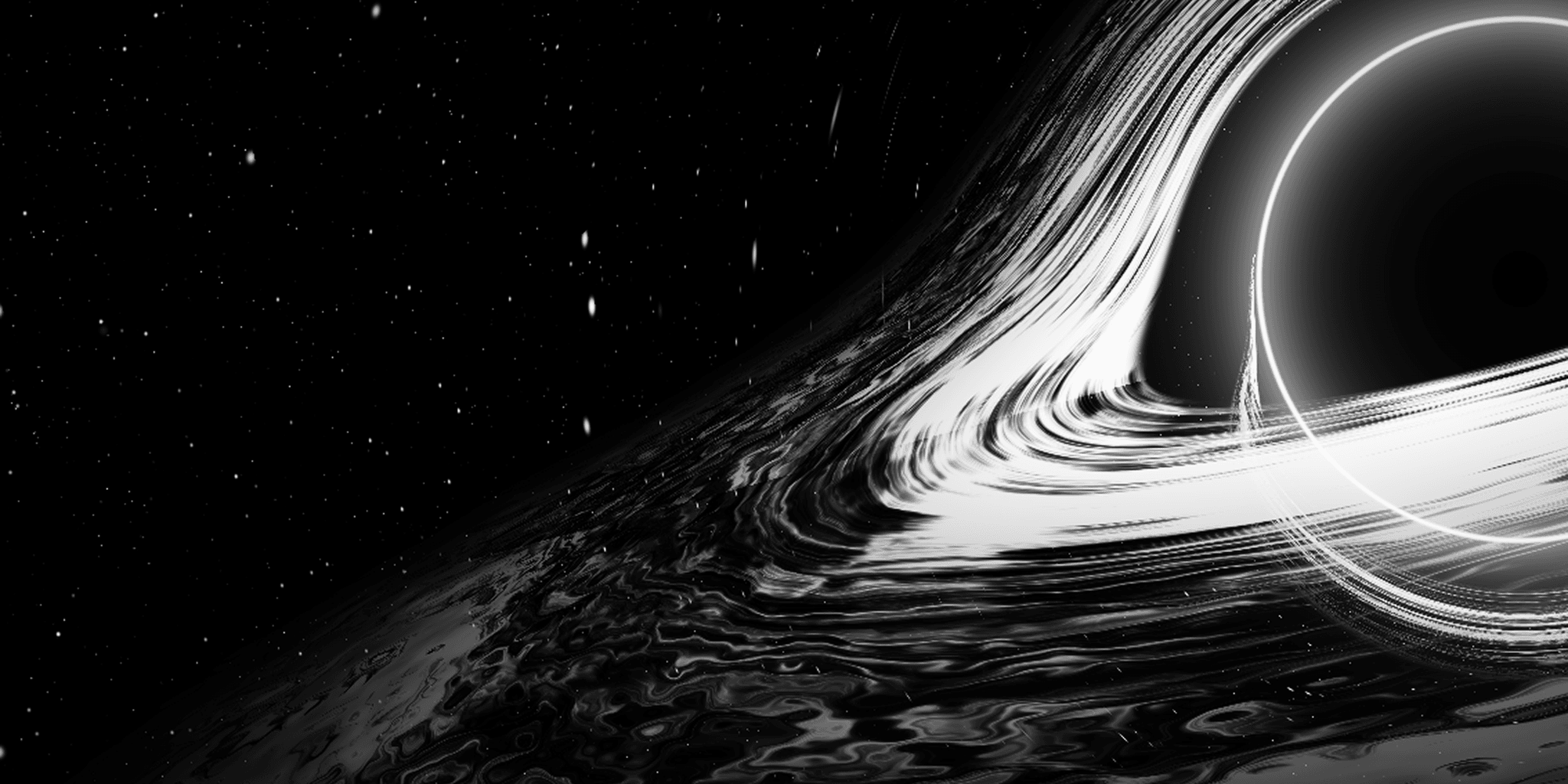
Optimized Black Hole is a cinematic, interactive space visual for Framer, featuring a realistic black hole surrounded by a glowing, rotating accretion disk. Powered by a custom WebGL 2.0 shader and relativistic raymarching, it recreates gravitational lensing, photon rings, Doppler beaming, and atmospheric cosmic effects.
Customize the visual with five color themes, adjust the camera and accretion disk, and enable mouse parallax or automatic orbital movement to create an immersive experience for your website.
About the Component
Bring a cinematic cosmic atmosphere to your Framer projects with Optimized Black Hole. The component renders a detailed black hole simulation using GPU-powered WebGL shaders, creating a luminous accretion disk, a dark event horizon, a sharp photon ring, and a surrounding starfield.
Its flexible controls let you adjust the composition, camera angle, disk appearance, lighting, and rendering quality. Mouse parallax adds subtle interactive movement, while Auto Orbit creates continuous camera motion without user interaction.
The responsive offset option automatically centers the composition on mobile screens, making it suitable for both desktop hero sections and smaller layouts.
Key Features
WebGL 2.0 GPU-powered rendering
Realistic black hole and event horizon
Detailed accretion disk with animated rotation
Gravitational lensing and relativistic raymarching
Sharp Einstein photon ring effect
Relativistic Doppler beaming
Atmospheric corona glow
Multi-layer procedural starfield
Five cinematic color themes
Interactive mouse parallax
Automatic orbital camera movement
Responsive mobile auto-centering
Adjustable camera pitch, roll, and position
Customizable disk radius, brightness, speed, and turbulence
Adjustable star density and vignette
High, Balanced, and Performance quality presets
Automatic offscreen rendering pause
2D fallback for browsers without WebGL 2.0 support