About Orbit Arc Carousel
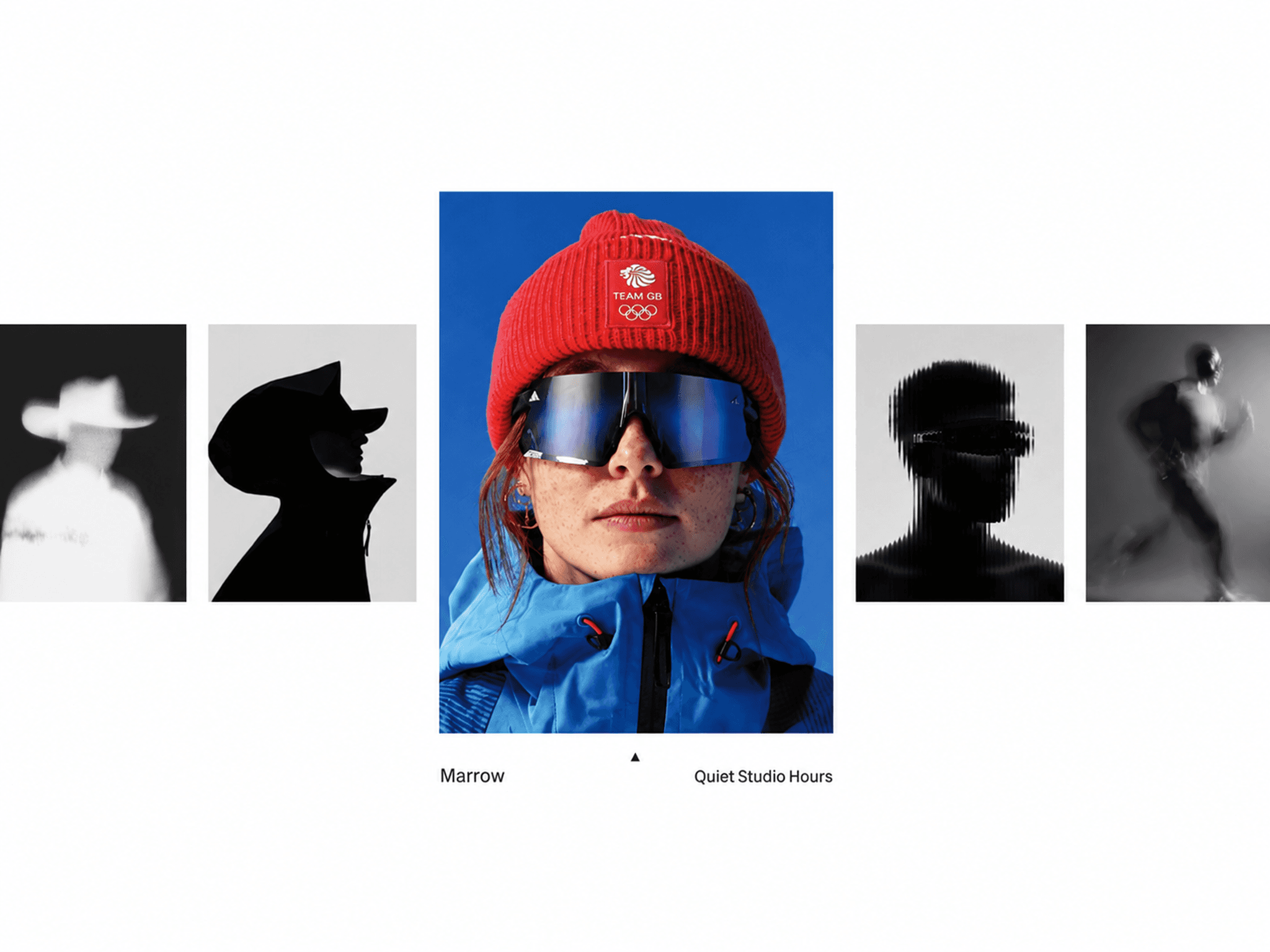
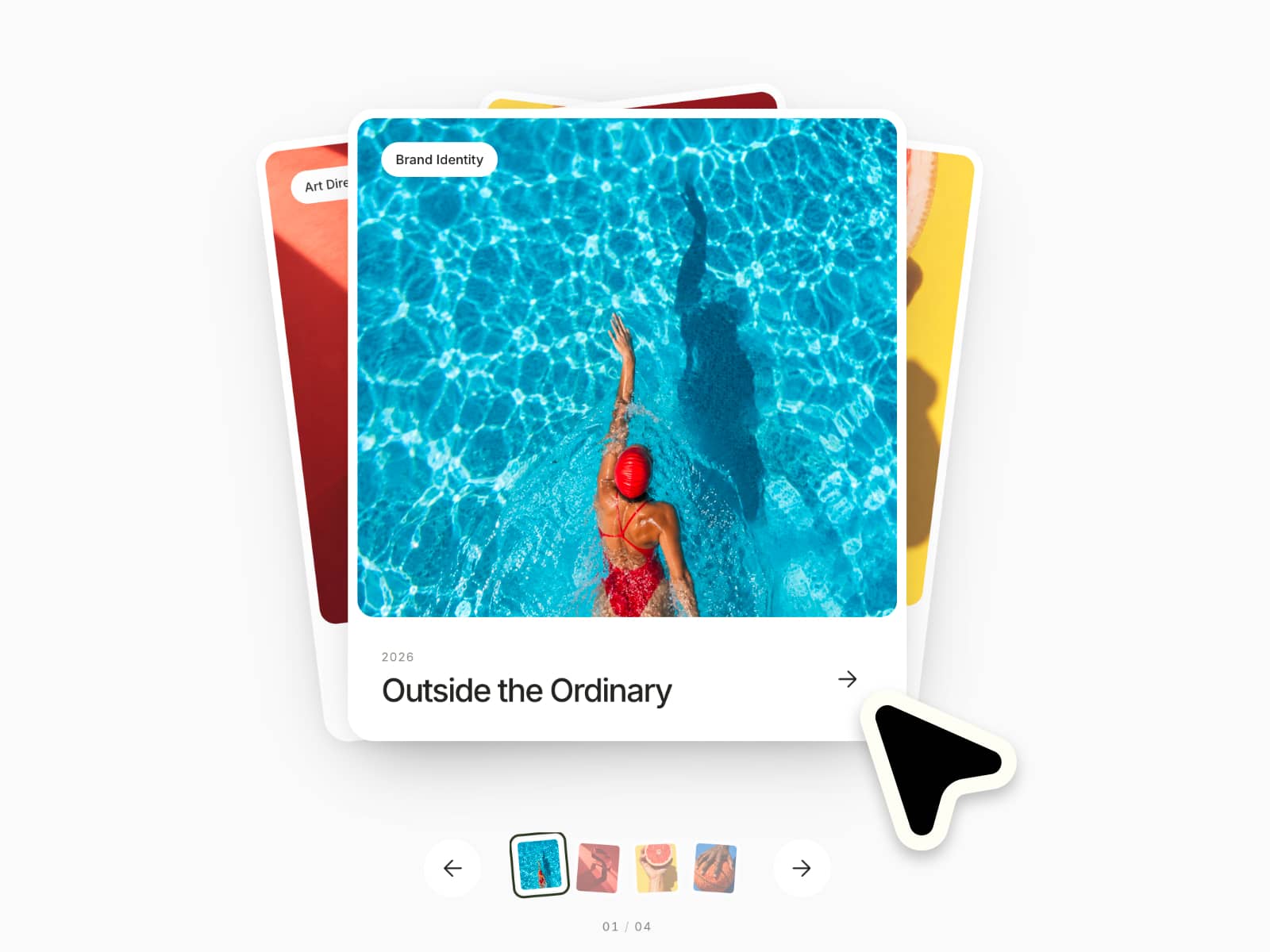
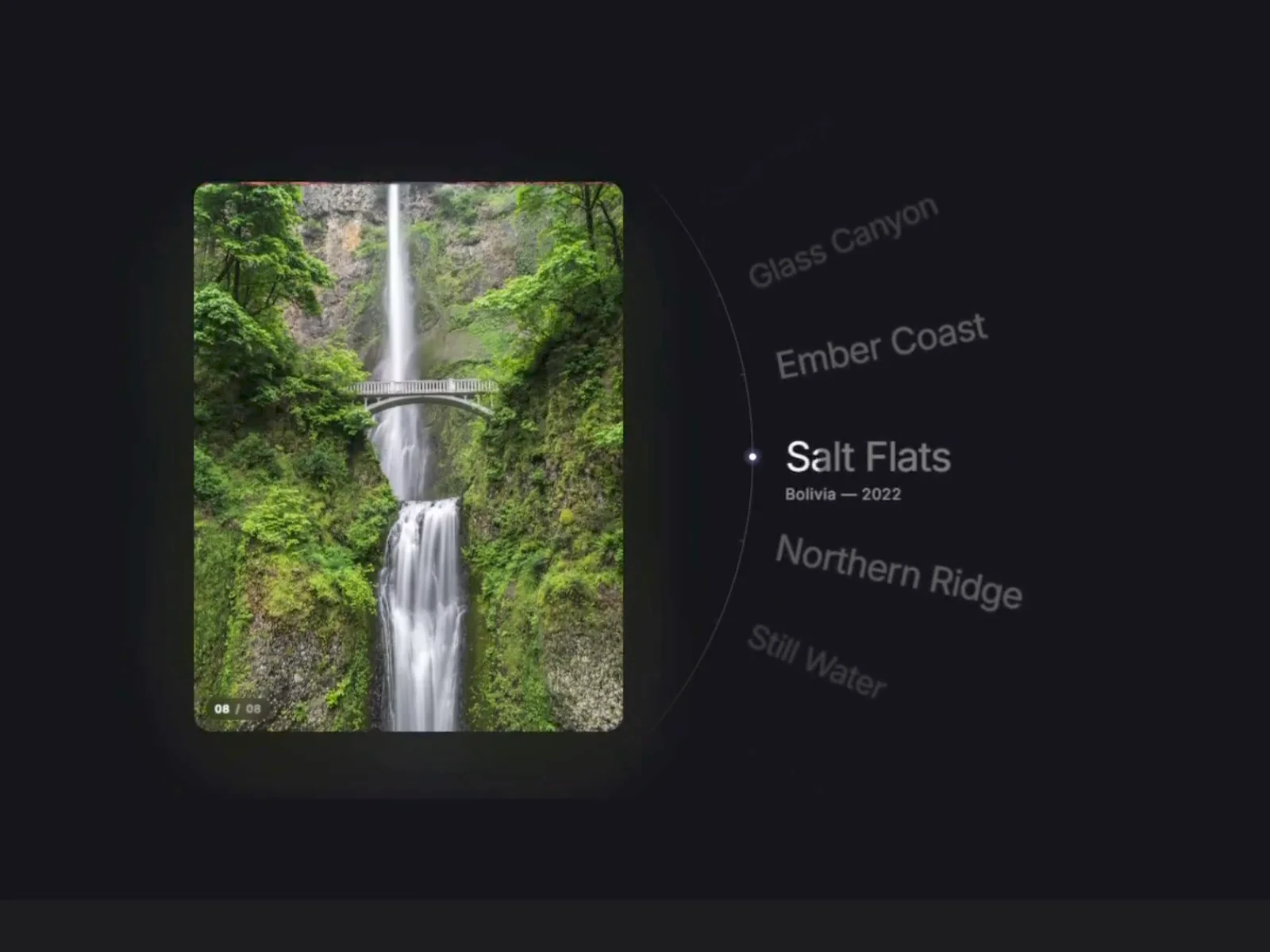
Orbit Arc Carousel sends your project titles orbiting along a curved arc while a large image preview morphs to match. Drag slowly and it blends between two images. Built for portfolios, case studies, collections, services and team pages.
Move it any way
Drag with momentum, swipe on mobile, click a title or use the arrow keys
Autoplay with a gradient fill that counts down to the next title
Hover the image to pause autoplay
Click the active title to open its link
Never traps the page
The mouse wheel and vertical swipes always scroll the page
Wheel control is one switch away if you want it
Make it yours
5 image transitions: Blur, Fade, Zoom, Parallax Slide, Wipe
Bend the orbit either way, and set spacing, fade, shrink and depth blur
Curved guide line with ticks, a dot or arrow marker, and a 01 / 08 counter
Hover tilt and a soft glow in the image's own colours
Image on the left, on the right, or no image at all
45+ settings: fonts, colours, gradient, radius, aspect ratio, padding and more
Ready out of the box
Full-width section with sample content, so it never looks empty
Switches to a horizontal arc under the image on mobile
Pauses off-screen, respects reduced motion, keyboard and screen-reader friendly