About Panning Slideshow
A little motion. A softer moment.
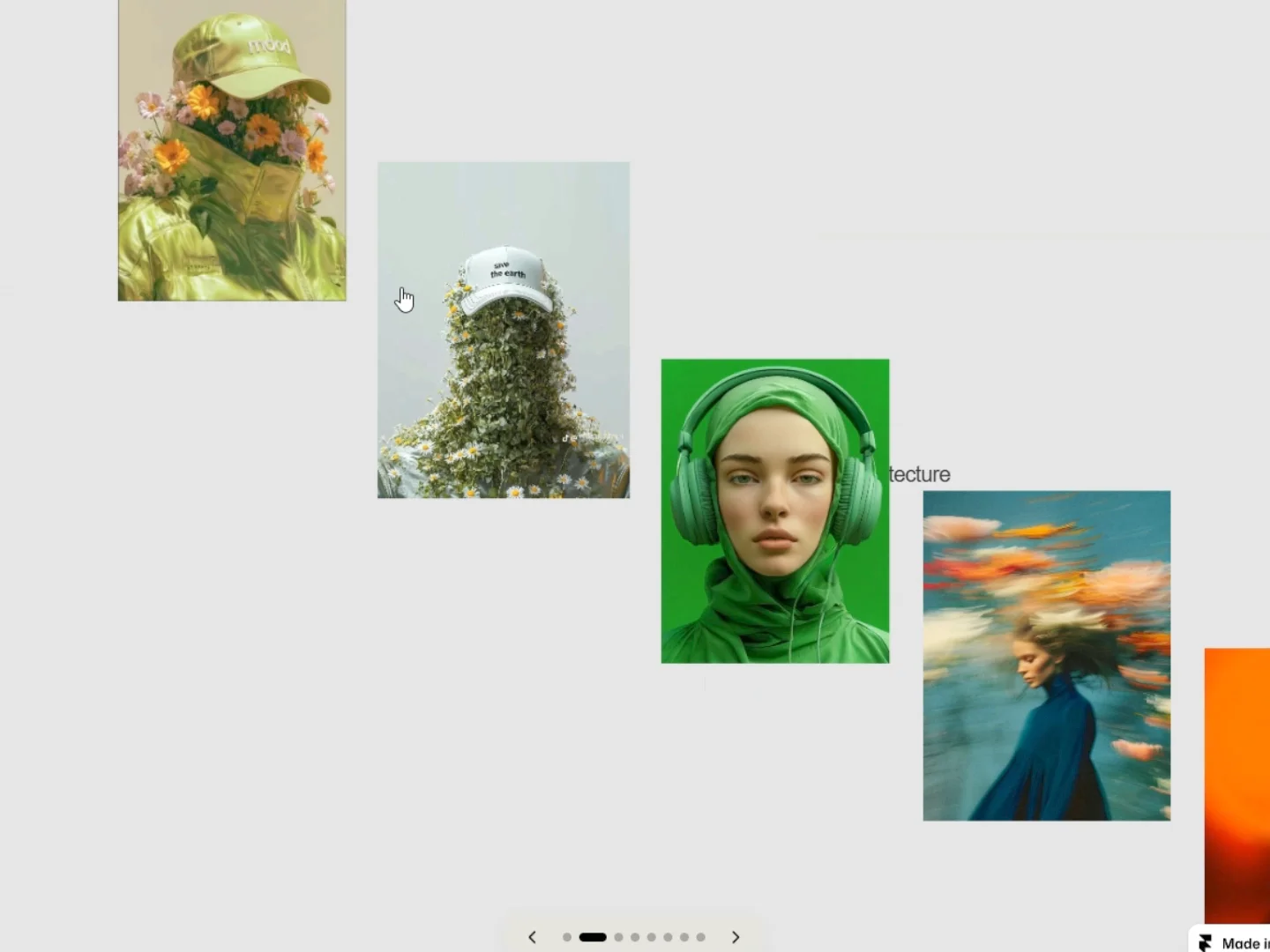
A sleepy smile, a favourite friend, a little scene worth staying with. Panning Slideshow lets each photograph drift gently across the frame before the next arrives from below or from the side. Titles and captions fade in at their own quiet pace.
Add up to eight scenes with separate landscape and portrait photographs, alternative text and crop focus. Change four fonts, colours, the overlay, slide timing and pan width directly in Framer. Use a full-screen introduction or a section with its own height.
Choose a photograph with the numbered buttons, arrow keys or a swipe. Pause and resume with a visible control. Reduced motion removes the pans and sliding transitions; hidden tabs and offscreen instances rest. Changes to fonts and text preserve your chosen scene and pause. Each instance works independently, and the editor shows a still preview.
Includes this single Framer code component, matching editable source, a setup guide, two customisation prompts and a commercial licence for one project. No shared development project, other components, image files or font files are included. Replace the AI-generated demo photographs with your own properly licensed media before publishing or marketing.
By AL Webdesign Studio.