Live Preview: https://particletextprofx.framer.website/
About Component
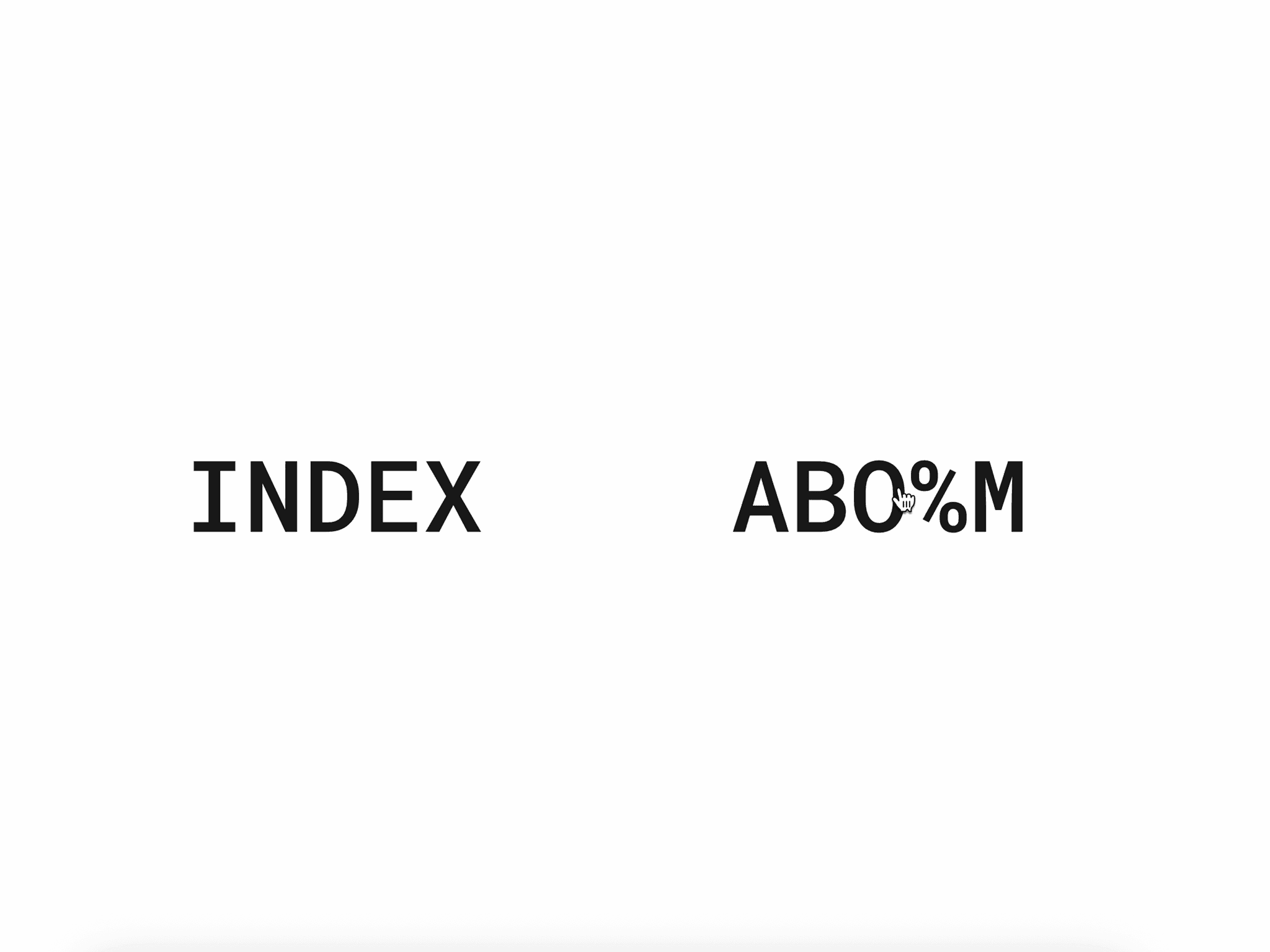
Particle Text Pro FX is an interactive canvas text component for Framer. Move your cursor over the text to scatter particles and watch them spring back into shape. Includes 4 interaction modes, 3 intro styles and a live demo panel. Perfect for hero sections, agency sites and portfolio pages.
Particle text canvas — text is sampled pixel-by-pixel and rendered as thousands of animated dots at 60fps
4 interaction modes — Repel, Attract, Vortex and None; switch live from the properties panel or demo overlay
3 intro animations — Scatter, Fall or Rise on page load; particles fly from random positions to form your text
Idle oscillation — each particle breathes with a unique sin-wave offset, keeping text alive without interaction
Gradient color fill — paint particles with Horizontal, Vertical or Radial gradients between two custom colors
Velocity color shift — particles shift toward a second color as they speed up, giving vivid motion feedback
Click burst — click or tap to trigger an explosive scatter; all particles snap back to form automatically
Auto Fit — font size scales to fill the container width; disable for a fixed size with full manual control
Full font controls — family, size, weight and letter spacing all adjustable directly from the properties panel
Demo mode — a floating glass panel toggles interaction modes and features in real time, great for presentations
Touch & responsive — pointer events with touch-action none ensure smooth behaviour on any screen size
60fps, no dependencies — pure Canvas 2D with smart caching; gradients and colors recomputed only when changed
What’s Included
1 production-ready Framer component — drop in, type your text and go
Canvas particle engine — zero external dependencies, all physics written from scratch
25+ property controls — every visual and physics parameter exposed in the Framer panel
4 interaction modes — Repel, Attract, Vortex and None, all switchable without code
3 intro animation styles — Scatter, Fall and Rise for first-load entrance effects
Idle oscillation — sin-wave breathing animation for always-alive resting state
Gradient fills — Horizontal, Vertical and Radial gradient modes between two colors
Velocity color shift — particles change color based on movement speed
Click burst — explosive scatter on tap or click with automatic spring return
Auto Fit — font scales to container width automatically for any frame size
Demo mode — floating glass panel for live feature toggling during presentations
Full font controls — family, size, weight and letter spacing in one place
Touch & mobile support — pointer events with touch-action none across all devices
How It Works
1. Drop ParticleTextPro into your Framer canvas — no setup or imports needed
2. Type your text and choose a font family, weight and size (or enable Auto Fit)
3. The component renders your text to an offscreen canvas and samples every pixel
4. A particle is placed at each lit pixel — thousands of dots form your exact letterforms
5. Move your cursor over the canvas to trigger repulsion, attraction or vortex physics
6. Each particle runs spring physics back toward its home position every frame
7. Adjust density, particle size, dispersion radius and return speed from the panel
8. Enable Demo Mode to toggle interaction modes and features live during a presentation
Use Cases
Hero sections — make your headline the first thing visitors interact with
Agency portfolios — demonstrate creative capability on the landing page
SaaS landing pages — animate a product name or tagline with physics-based motion
Startup launches — build anticipation with a scatter intro and particle reveal
Coming soon pages — an animated title that works even with no other content
Digital advertising — eye-catching banner animations that respond to cursor
Presentation decks — Demo Mode lets you switch effects live in front of an audience
Conference screens — looping oscillation keeps the display alive between sessions
Dashboard headers — add subtle idle animation to an otherwise static interface
Mobile hero banners — touch interaction works out of the box, no extra config needed
Keywords
particle text, interactive text animation, cursor particle effect, canvas text animation, framer particle component, hover text effect, text dispersion animation, particle physics, animated hero text, cursor interaction, particle text generator, touch particle effect, framer no code animation, interactive typography, scatter text animation, text particle reveal, spring physics animation, framer creative component, particle hover
Refund Policy
Due to the digital nature of this product, refunds are not available. Please review the product details before purchasing. If you have any questions, feel free to contact me before placing your order.
Support
If you experience any issues or need help customizing the component, feel free to contact me. Email: locaahmet@gmail.com